Direct answer
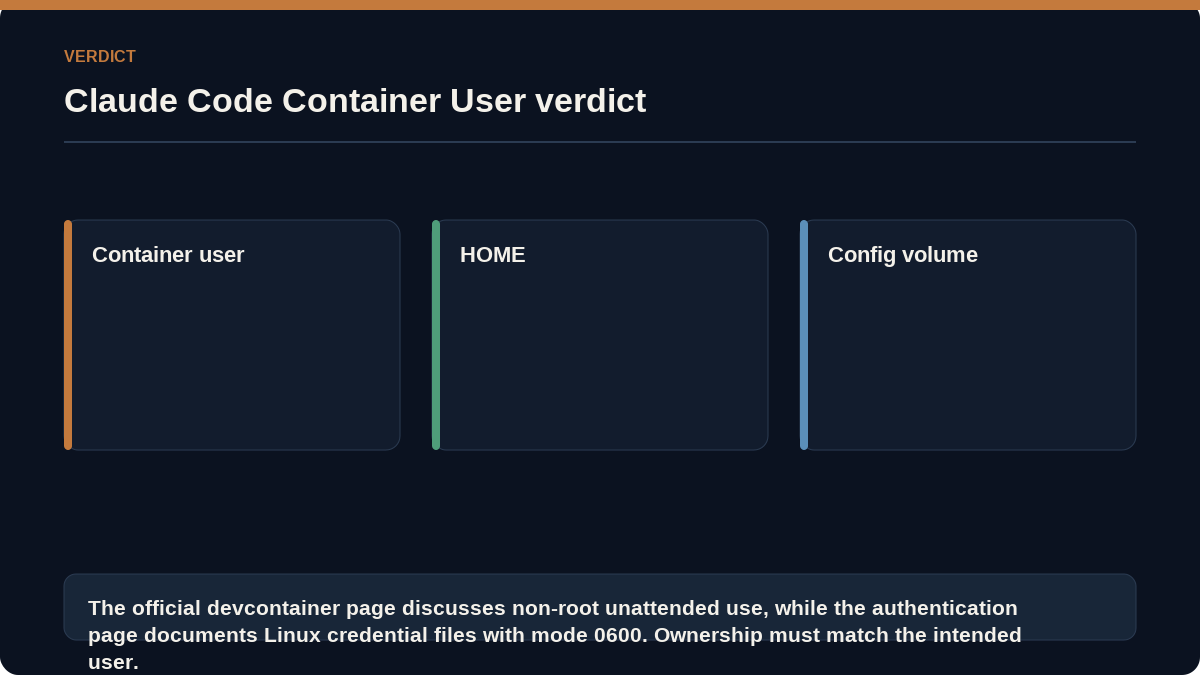
Choose the container user deliberately, identify that user’s home, mount the Claude configuration volume under the intended home and set CLAUDE_CONFIG_DIR to the same absolute path. Align workspace ownership so that user can perform the intended interactive work. On Linux, Claude Code credentials use mode 0600 under the configured directory, but that mode does not establish a universal host-to-container UID or GID mapping. Verify the actual user, paths and access instead of assuming a default.
Why user context changes every path
A container path is not self-explanatory. ~/.claude depends on the user whose process expands or interprets it. A config volume mounted under one home can be invisible to another user’s expected configuration location. A workspace can also be readable while preventing the intended user from creating or updating files.
Those conditions can look like authentication or agent failures. A login prompt may follow a path mismatch. A failed edit may follow workspace ownership rather than model behavior. Reinstalling Claude Code does not align users, homes or mounts.
The VS Code Dev Containers alignment guide focuses on the editor-specific three-way comparison. This article covers the broader container decision: which user should run the session and how HOME, configuration and workspace ownership support that choice.
A deliberate user also makes records clearer. When a definition names the intended runtime context, another developer can compare a working setup with a failing one without guessing which identity launched Claude Code. The container authentication persistence guide then supplies the rebuild test for the configuration volume.
Evidence boundaries
Official, F092: the development-container documentation documents mounting the configuration volume at ~/.claude and setting CLAUDE_CONFIG_DIR to that path. The effective ~/.claude path depends on the user context in which Claude Code runs.
Official, F093: the authentication reference says Linux credentials are stored with mode 0600 under the configured Claude directory. This documents the file mode, not a universal UID mapping for host and container users.
Community, F094: a participant in issue #1736 described copying settings and credentials into a container at startup and adjusting file permissions. That is an individual workaround, not an official recommendation or universal solution.
Unknown: the supplied evidence does not establish one default container user, one UID or GID mapping, or a measured ownership success rate.
Choose the container user deliberately
Decide which user should run Claude Code before copying paths from an example. A non-root choice can be intentional, but the evidence does not say every container runs as root by default or that one user name fits every project.
Record the selected user in the development-container definition or operating procedure. Keep that record aligned with the process that actually starts Claude Code. A different launch route can produce a different user context even inside a similarly named environment.
| Container path | User context that owns it | Verification question |
|---|---|---|
| User’s home | Selected runtime user | Does the launched process use this home? |
~/.claude mount target |
Same runtime user | Does the mount land under that home? |
CLAUDE_CONFIG_DIR |
Process reading the variable | Does it name the absolute mount target? |
| Credential file | Owner determined by the actual environment | Is access appropriate for the intended user? |
| Workspace mount | User performing interactive work | Can that user create and update intended files? |
| Disposable container layer | Recreated runtime context | Which state must instead persist in a volume? |
The Docker config mount permissions guide covers the inspection sequence when ownership or write access is wrong. Do not use this user-choice step as permission to broaden access across the host.
Identify that user’s home directory
Record the effective home of the selected user in the launched session. A path in a definition is an intention; the process context shows what the session actually uses. Compare both before placing the config volume.
For a hypothetical user named container-user, an illustrative home could be /home/container-user. That path is an example input, not a recommended account name or numeric mapping. The important property is that the mount and variable belong to the same intended user context.
The absolute CLAUDE_CONFIG_DIR guide explains why shorthand stays as typed. Write the literal absolute path rather than relying on ~ or $HOME in the variable value.
A home mismatch can also affect workspace expectations. Files created during an interactive session may land outside the directory a developer expected. Record the working directory and user together so a later comparison does not confuse path placement with an application failure.
Place the config volume under the intended home
Mount the persistent configuration volume at the selected user’s ~/.claude location. Under F092, that location depends on the user context. A volume mounted at another user’s home does not become correct merely because its directory is named .claude.
Keep the volume scoped to Claude Code configuration. Do not mount an entire home or unrelated host secret directory as a shortcut. The persistent authentication volume guide explains the official pattern and the separate access checks.
| Configuration location | Documented access rule | Verification step |
|---|---|---|
| Mounted Claude directory | Must be accessible to the runtime user | Inspect read and update access as that user |
CLAUDE_CONFIG_DIR |
Absolute path to the mounted directory | Compare literal values in the launch context |
| Linux credential file | Stored with mode 0600 under the configured directory |
Verify the actual owner and effective access |
| Host source of a bind mount | No universal UID mapping is established | Record real host and container identities |
| Startup copy workaround | Community-reported, not official | Avoid treating it as the default design |
Mode 0600 describes owner read and write permission bits without group or other permission bits. It does not decide which numeric identity should own the file on every host. That distinction prevents a documented protection mode from turning into an invented mapping rule.
Set an absolute CLAUDE_CONFIG_DIR
Point CLAUDE_CONFIG_DIR at the mounted configuration directory using its literal absolute container path. Keep it equal to the mount target for the selected user.
For the hypothetical container-user example:
Runtime user: container-user
HOME: /home/container-user
Config mount target: /home/container-user/.claude
CLAUDE_CONFIG_DIR: /home/container-user/.claude
Workspace mount: /workspace/project
Derived example: these values illustrate alignment, not a required account, home or workspace path. Replace them with the actual environment’s recorded values. The workspace path is included to keep project ownership visible alongside configuration ownership.
The settings environment and process replacement guide explains launch timing. Relaunch Claude Code when the feature reads the variable only at startup, then verify the new process context.
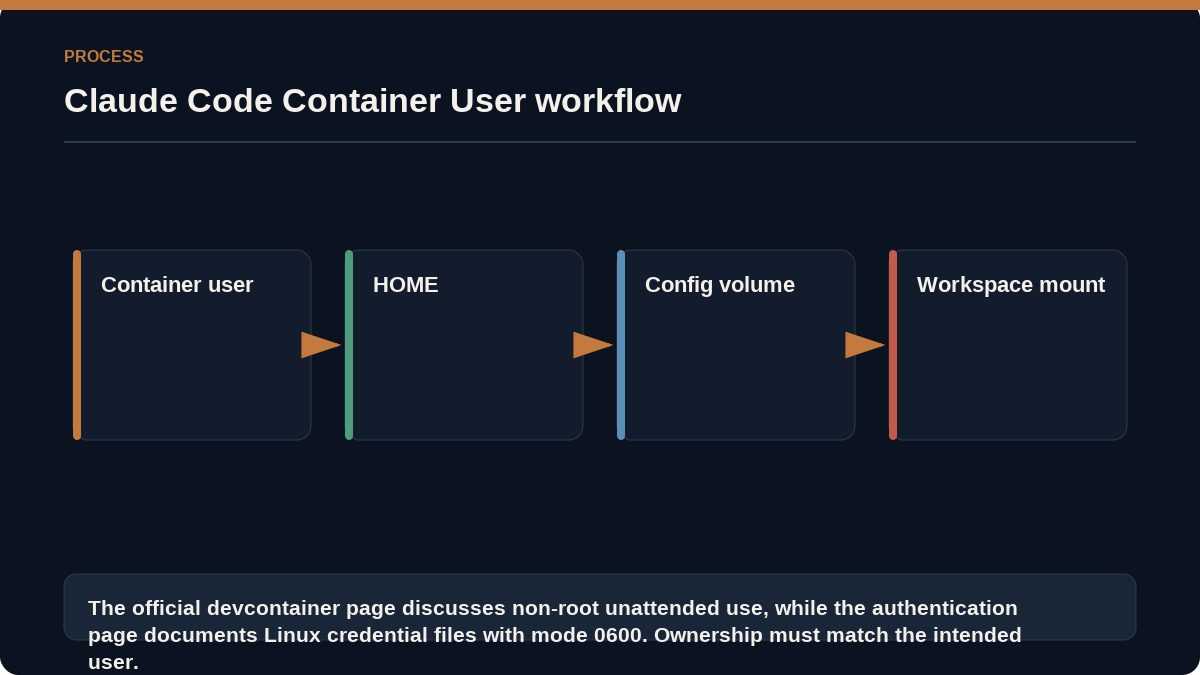
Align workspace mount ownership
Check the workspace as the same user that runs Claude Code. The user should be able to perform the project’s intended interactive file operations. A readable workspace with no update path can block work even when authentication is healthy.
Do not assume that matching config ownership also aligns the workspace. They are separate mounts with separate purposes. A broad permission change to fix one can expose the other or affect unrelated host files.
The proof-of-work verification guide provides a useful pattern for a harmless workspace check. Use a small, reversible file operation in an appropriate test location rather than modifying production work to diagnose ownership.
| Mount decision | Behavior to verify | Narrow next action |
|---|---|---|
| Config volume under selected home | Runtime user loads and updates Claude state | Correct target or intended user access |
| Absolute config variable | Value names the mounted directory | Correct the literal path and relaunch |
| Workspace readable | Intended project files are visible | Inspect mount target and path traversal |
| Workspace writable | Intended user can create and update files | Repair ownership through the environment owner |
| Host and container identities | Actual identities are recorded | Do not invent a universal numeric mapping |
| Container recreation | Persistent mounts remain aligned | Recheck after rebuild |
The credential precedence runbook applies when configuration is accessible but another credential source is active. Workspace ownership cannot change credential precedence.
Check credential-file permissions
On Linux, F093 documents credential storage with mode 0600 under the configured Claude directory. Verify the actual file owner and the runtime user’s effective access without displaying the file contents.
A file can carry the documented mode while still being owned by an identity the container user cannot use. Conversely, changing ownership broadly can create access for the wrong processes. Keep the repair scoped to the intended configuration directory and involve the host or container owner.
The credential storage path reference explains documented locations across operating systems. Do not copy a credential file between operating systems or into a startup script as a universal fix.
The secret handling and transcript guide explains what to remove from support evidence. Record owner, mode and access result when appropriate, but never paste credential values into an issue or project file.
Read the startup-copy workaround as community evidence
F094 describes one participant’s approach: copying settings and credentials into a container at startup and adjusting permissions. That report shows the problem can involve identity and file access. It does not make copying the official persistence pattern.
A startup copy adds another lifecycle. The copied state can become stale, appear in logs or be recreated with different permissions after a base-image change. It also leaves two possible sources of truth: the persistent configuration and the copied container state.
| Community workaround | Potential appeal | Honest loss | Official baseline |
|---|---|---|---|
| Copy settings and credentials at startup | Can populate a new container quickly | Duplicates sensitive state and adds a failure point | Persistent ~/.claude volume with CLAUDE_CONFIG_DIR |
| Adjust copied file permissions | Can address one observed access failure | Does not establish correct ownership for every environment | Verify actual user access and Linux credential mode |
| Repeat after each rebuild | Appears self-contained | Maintenance grows with every definition change | Rebuild and verify the persistent mount |
The settings-file secret exposure guide explains why configuration copies deserve care. A workaround that solves startup can still create a new exposure path.
Worked example: align three locations without inventing IDs
Assume a project chooses a non-root user, gives that user a home at /home/container-user, mounts configuration at /home/container-user/.claude and mounts the workspace at /workspace/project. These are illustrative paths, not universal defaults.
Set CLAUDE_CONFIG_DIR to /home/container-user/.claude. Check that the user can load and update the mounted configuration. Then check that the same user can perform the intended workspace operation. Finally, rebuild the container and repeat both checks.
Derived checkpoint arithmetic: the example has three locations to align: home, config volume and workspace. 3 locations do not imply a success rate. They identify where a failure can occur even when the other two are correct.
Now suppose configuration works but the workspace update fails. Derived diagnostic classification: home and config alignment can remain recorded as passing while workspace ownership needs investigation. Do not move the config volume or copy credentials to solve a project-directory problem.
A second outcome has a writable workspace but login disappears after rebuild. Unknown: the supplied evidence does not identify the cause. Inspect config mount lifecycle, absolute path, runtime user and credential source. The individual startup-copy report does not establish the answer.
User-and-mount decision matrix
| Observation | Layer implicated | Next action | Avoid |
|---|---|---|---|
| Config mount under another home | User-home alignment | Revisit selected user and target | Guessing a UID mapping |
| Absolute path matches but access fails | Ownership or mode | Repair intended user access | Broad permission bypass |
| Config works, workspace edit fails | Workspace ownership | Inspect workspace as runtime user | Changing credential storage |
| Workspace works, login disappears | Config persistence | Recheck mount and rebuild evidence | Copying credentials by default |
| Different launch route uses another user | Process context | Record and align the actual route | Assuming one default user |
| Credential source differs despite access | Credential precedence | Inspect higher-priority sources | Rewriting workspace permissions |
The five-scope settings precedence guide applies when settings differ after user and path alignment. Keep it separate from filesystem ownership.
Verify an interactive container session
Use a small interactive check inside the rebuilt container. Confirm the runtime user, effective home, absolute config path and workspace location. Then verify that Claude Code starts, authentication remains available and an intended workspace operation succeeds.
| Verification | Passing evidence | Failure branch |
|---|---|---|
| Runtime identity | Launched session uses the selected user | Revisit launch route and user definition |
| HOME | Effective home matches the recorded path | Correct user-home alignment |
| Config path | Variable names the absolute mounted directory | Correct value and relaunch |
| Credential access | Intended user can load and update state | Inspect owner, mode and access |
| Workspace access | Intended user can perform the test operation | Inspect workspace mount ownership |
| Rebuild persistence | Same arrangement works after recreation | Compare mount lifecycle and definition changes |
The settings validation and doctor guide can identify rejected settings entries after access is established. It does not choose the container user or repair workspace ownership.
Record the user and path decisions
Keep the selected user, home, config target, absolute variable, workspace target and verification result together. Exclude credential contents and unrelated host details.
Selected runtime user: record the intended user
Effective HOME: record the observed absolute home
Config mount target: record the mounted ~/.claude path
CLAUDE_CONFIG_DIR: record the same absolute target
Credential access: record owner and access result without contents
Workspace mount: record the project target
Workspace access: record the intended user's result
Rebuild verification: record whether all checks still pass
This record is deliberately tool-neutral. Apply it through the current development-container documentation for the environment in use, rather than assuming identical configuration syntax everywhere.
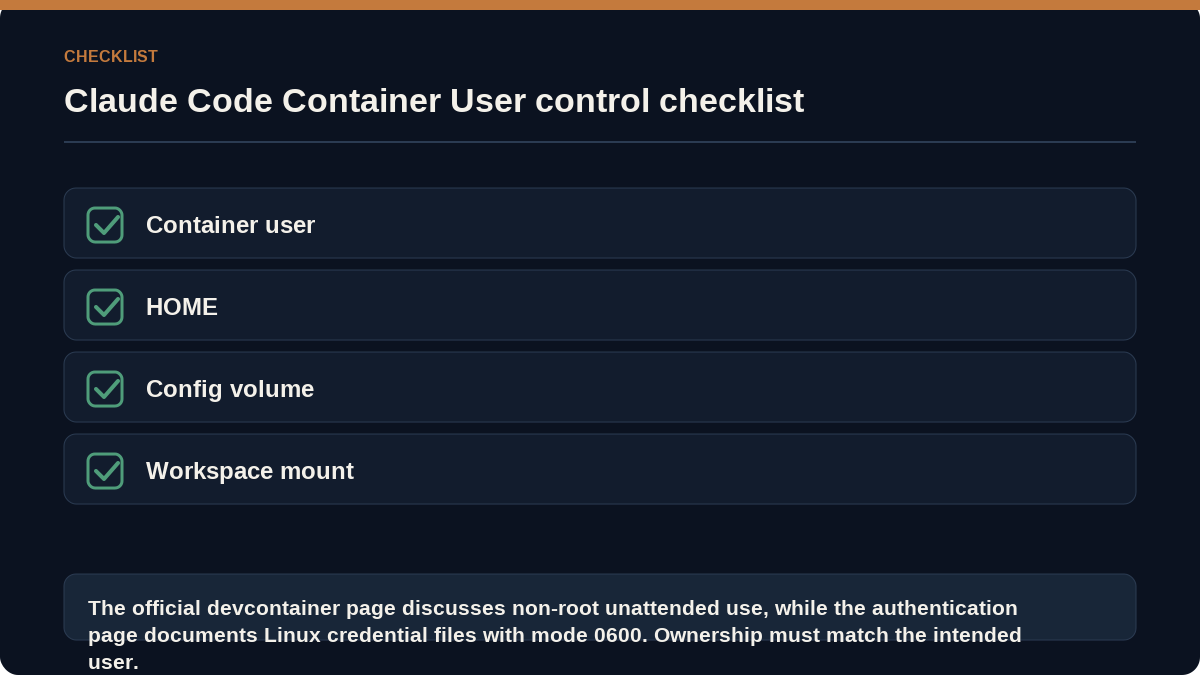
Practical user-alignment checklist
- Select the intended container user deliberately.
- Record that user’s effective home in the launch context.
- Mount the persistent config volume under that home’s
~/.claude. - Set
CLAUDE_CONFIG_DIRto the literal absolute mount target. - Verify config read and update access as the selected user.
- Check Linux credential ownership and documented mode without exposing contents.
- Verify workspace access as the same user.
- Avoid startup credential copying as the default persistence method.
- Rebuild or recreate the container.
- Repeat identity, config and workspace checks.
The persistent dev container authentication runbook supplies the authentication-specific rebuild sequence. The VS Code Dev Containers guide adds editor-surface comparison when needed.
Concrete win, loss and implication
Win: a deliberate user and aligned home, config volume and workspace produce a setup where authentication and interactive file operations can be verified under one identity. Failures then point to a specific mount or path.
Loss: mode 0600 does not solve ownership by itself, and no universal UID or GID mapping is established. Copying credentials at startup can hide one mismatch while creating duplicated sensitive state and another maintenance path.
Implication: store the selected user and all absolute paths with the container definition. Make rebuild verification part of acceptance so a working interactive session is not confused with a persistent one.
Data gap and future update
The sources do not establish a universal host-to-container UID or GID mapping, a default user for every container or a measured ownership success rate. The startup-copy approach remains an individual community workaround.
Recheck current official guidance when the base image, development-container tool or host platform changes. Add numeric mapping advice only if a primary source or reproducible environment-specific procedure supports it. Until then, report actual identities and access results rather than generalizing.
One AI option for OpenAI-format agents
For separate OpenAI-format agents, One AI offers one key for https://api.oneaiapikey.com/v1 and 46 live free IDs listed at the free model catalogue. This is not a Claude Code model source, and the free IDs are not claimed to function as Claude Code credentials.
Related batch runbooks
- Persistent dev container authentication volume
- VS Code Dev Containers user and config path alignment
- Docker bind-mount ownership and write access
- Absolute CLAUDE_CONFIG_DIR paths across shells and IDEs
- Official dev container feature and conditional Node fallback
- Credential storage paths and protection by operating system
- Credential precedence and higher-priority overrides
- Settings environment replacement and relaunch timing
- Five settings scopes and key-specific rules
- Settings validation with status and doctor
- Browser sign-in, copy-URL fallback and logout
- JetBrains external-terminal host placement and /ide
For evidence boundaries, the WSL IDE environment guide covers a different launch-context problem. The agent harness security boundary explains why broad permission changes deserve separate review. The verification proof guide helps record a narrow session test. More container and installation articles appear in the Claude Code blog, with official entry points in the documentation hub.
FAQ
Does mode 0600 tell me which UID should own the file?
No. It documents the Linux credential file’s permission mode under the configured Claude directory. The actual owner and effective access still depend on the host and container environment.
Should every container run as root or use one standard non-root user?
The supplied evidence establishes neither. Choose the user deliberately and record the actual launch context. Do not assume a default user across images and development-container tools.
Why align workspace ownership with the config volume?
They serve different purposes but are used by the same interactive process. A healthy config mount does not prove the user can edit project files, and a writable workspace does not prove authentication will persist.
Is copying credentials at startup the official persistence method?
No. Official guidance documents a ~/.claude volume with CLAUDE_CONFIG_DIR. Copying settings and credentials at startup appears only as an individual community workaround in issue #1736.
More Claude Code troubleshooting
- Claude Code Native Install: Verify PATH and Binary Ownership
- Claude Code Homebrew Install: Manage Cask Updates Manually
- Claude Code WinGet Install: Locate the Binary and Maintain PATH
- Claude Code npm Install: Node 22, Global Prefix and PATH
- Claude Code Linux Packages: Compare apt, dnf and apk Updates
- Claude Code Update Channels: Stable, Latest and Minimum Version
- Claude Code Uninstall: Remove Binaries and Preserve Configuration
- Claude Code SSO Login: Restrict Organization and Login Method
- Claude Code apiKeyHelper: Dynamic Keys and Refresh Timing
- Claude Code Settings Merge: Project Local Versus User Values
- Claude Code Global Config: ~/.claude.json Versus settings.json
- Claude Code Terminal Keybindings: Shift+Enter Compatibility Guide
- Claude Code tmux Setup: Passthrough Keys and Notification Bells
- Claude Code Terminal Theme: Light, Dark and Custom JSON
- Claude Code VS Code Install: Extension Panel and Standalone CLI
- Claude Code VS Code Settings: Preferences, Auto-Connect and Relaunch
- Claude Code JetBrains Install: CLI Plus Marketplace Plugin