Direct answer
If the Linux command starts but the Windows IDE cannot attach, inspect the environment boundary before reinstalling anything. Community issue #67502 reports that ENABLE_IDE_INTEGRATION and CLAUDE_CODE_SSE_PORT were absent inside a classic wsl.exe terminal because they were not listed in WSLENV. The CLI could still work through lockfile discovery, which makes a successful command an incomplete connection test.
Check those variables inside the exact shell that launches Claude Code, compare that shell with a terminal opened by the IDE, then inspect the local connection evidence. Official: Anthropic’s troubleshooting guidance recommends Linux filesystem paths, system ripgrep for search problems, and /compact or a restart for memory and hang symptoms. Unknown: the supplied public record contains no official fix version for the reported WSL variable gap.
Why this boundary costs real debugging time
A broken IDE attachment looks like a broken agent. The command may answer, edits may appear in the wrong window, and the extension may show no useful error. Reinstalling both sides destroys the comparison you need. It can also replace a working CLI with a new combination before anyone records which part failed.
The practical loss is not only time. Broad environment changes can expose values to processes that did not have them before. A rushed port-forwarding change can collide with another local service. Killing every Node process may take down an unrelated test server or editor helper. Start by identifying the process, shell and boundary that actually failed.
The win is narrow but valuable: a repeatable environment check separates three different problems. A variable can be missing at launch, present in the wrong terminal, or present while the local integration still fails. Only the first case points directly at WSLENV. The Claude Code VS Code WebSocket regression test covers the next layer when both sides appear healthy but cannot connect.
Treat terminal architecture as part of the test setup. A terminal opened inside an IDE may use a different bridge from a classic wsl.exe terminal. The issue report does not establish that every IDE terminal behaves the same way. Record the launch path instead of treating “WSL” as one environment.
What WSL changes
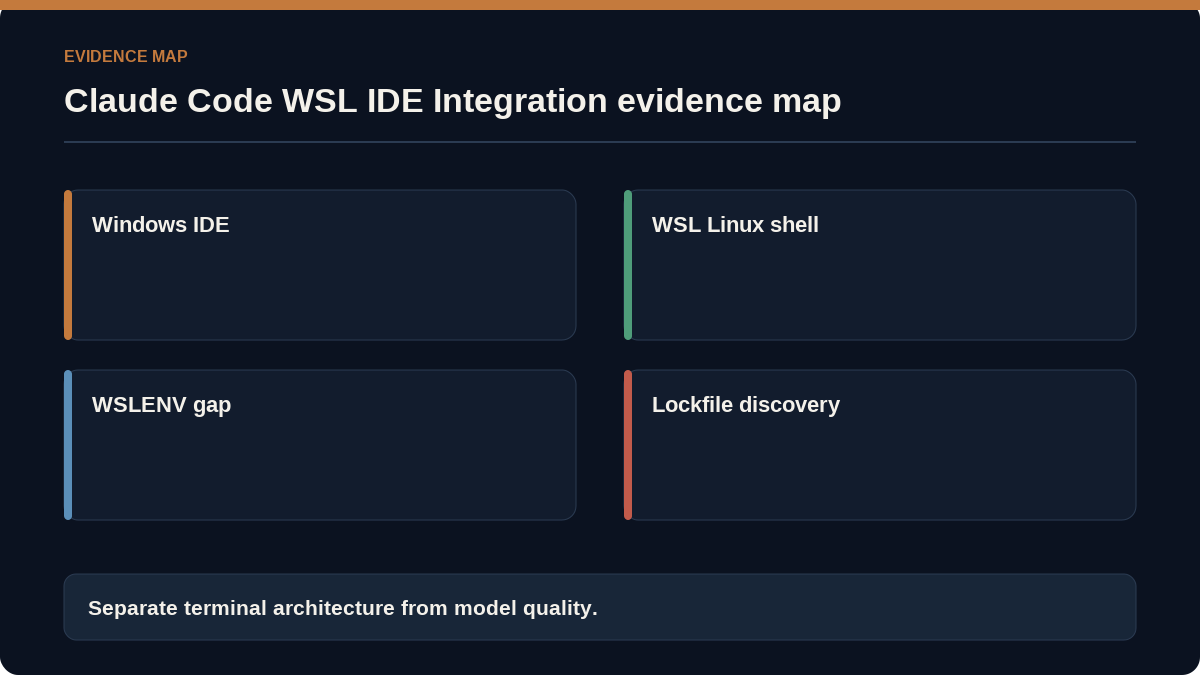
WSL runs a Linux environment alongside Windows. The IDE can live on Windows while the project, shell and Claude CLI live inside Linux. Such a split creates several handoffs: Windows environment configuration, WSL process launch, the IDE’s terminal bridge, the Linux shell environment and the local integration connection.
An environment variable is not a global fact. It belongs to a process and can be inherited from a parent. WSLENV controls which selected environment variables are forwarded between Windows and WSL. A value set in one PowerShell window does not prove that an already running WSL process received it. Values visible in a classic WSL terminal do not prove that an IDE-managed terminal received them.
| Boundary | What crosses | Useful evidence | Common wrong inference |
|---|---|---|---|
| Windows user environment to a new Windows process | Values configured at user or machine scope | Fresh PowerShell reads the intended scope | An old terminal reflects a new setting |
| Windows process to classic WSL launch | Selected variables named in WSLENV |
Variable presence inside wsl.exe |
Every Windows variable crosses automatically |
| IDE-managed terminal to Linux shell | Values supplied by the IDE bridge or inherited environment | Same check inside the IDE terminal | Classic WSL and the IDE terminal are identical |
| Linux shell to Claude CLI | The shell’s effective environment | Presence check immediately before launch | A working CLI proves IDE attachment |
| IDE and CLI discovery | Local connection metadata, potentially including lockfiles | Connection logs and matching process state | Missing variables always prevent discovery |
Official: the troubleshooting page tells WSL users to move projects to the Linux filesystem and install system ripgrep when search fails. Those recommendations address different symptoms from the variable report. Do not apply every WSL troubleshooting step to every IDE attachment problem.
A useful test keeps the project path constant. Use the same repository, the same IDE window and the same CLI launch method while changing only the terminal route. If the project sits under the Windows filesystem, path translation can add another variable. Record the path so a later comparison does not confuse filesystem latency with connection failure.
The Claude Code custom API base URL guide is relevant when a team has also changed the model endpoint. An IDE attachment failure and an API format failure can occur together, but they have different evidence. Separate the local integration test from remote model routing.
Symptom and cause matrix
| Symptom | Candidate cause | Discriminating check | Evidence status |
|---|---|---|---|
| CLI answers, IDE action fails | Discovery or local channel problem | Run a read-only IDE action and capture connection logs | Diagnostic hypothesis |
| Variables missing only in classic WSL | WSLENV forwarding gap |
Compare a fresh classic shell with the IDE terminal | Community-backed hypothesis |
| Variables present, no local listener | Connection-layer failure | Identify the endpoint and owning process in the correct namespace | Unknown until reproduced |
| Attachment works after reload | Stale host or extension state | Repeat the same launch and version pair | Recovery observation |
The missing variables
Issue #67502 names two values: ENABLE_IDE_INTEGRATION and CLAUDE_CODE_SSE_PORT. Community: the author reported that both were missing in a classic wsl.exe terminal because they were not added to WSLENV. The issue closed as NOT_PLANNED, without a human maintainer response or fix version. The closure status is evidence of an unresolved report, not proof that Anthropic confirmed a universal bug.
Check presence without printing unrelated secrets. These commands show only the relevant values and the forwarding list:
printf 'ENABLE_IDE_INTEGRATION=%s\n' "${ENABLE_IDE_INTEGRATION-<unset>}"
printf 'CLAUDE_CODE_SSE_PORT=%s\n' "${CLAUDE_CODE_SSE_PORT-<unset>}"
printf 'WSLENV=%s\n' "${WSLENV-<unset>}"
uname -a
Run the same block in the Linux shell that launches Claude Code. Then inspect the Windows-side user value from a fresh PowerShell window:
[Environment]::GetEnvironmentVariable('WSLENV', 'User')
$env:WSLENV
The first command reads the stored user value. A second read inspects the current process value. They can differ when a terminal predates a configuration change. Save both results with the terminal type and launch time.
Do not dump the full environment into a public issue. It may contain credentials, internal hostnames or tokens. Redact values that are not needed to prove presence. The Claude Code settings-file secret exposure guide explains why configuration evidence deserves the same care as source code.
A controlled forwarding change
If the Windows IDE supplies the variables but the classic WSL shell does not, adding their names to WSLENV is a reasonable diagnostic workaround. It is not an official fix. Preserve existing entries rather than replacing the whole list:
$current = [Environment]::GetEnvironmentVariable('WSLENV', 'User')
$entries = @($current -split ':' | Where-Object { $_ })
$next = (@($entries + 'ENABLE_IDE_INTEGRATION' + 'CLAUDE_CODE_SSE_PORT') | Select-Object -Unique) -join ':'
[Environment]::SetEnvironmentVariable('WSLENV', $next, 'User')
Open a new terminal after the change. Existing processes keep their inherited environment. Repeat the presence check, then test the IDE attachment again.
Two losses matter here. First, forwarding a variable does not create a missing listener or repair a mismatched extension. Second, an IDE-managed bridge may already supply its own values, so a global change can be unnecessary. Revert only the two added entries if the test does not help. Preserve the original list with the diagnostic record.
Lockfile discovery
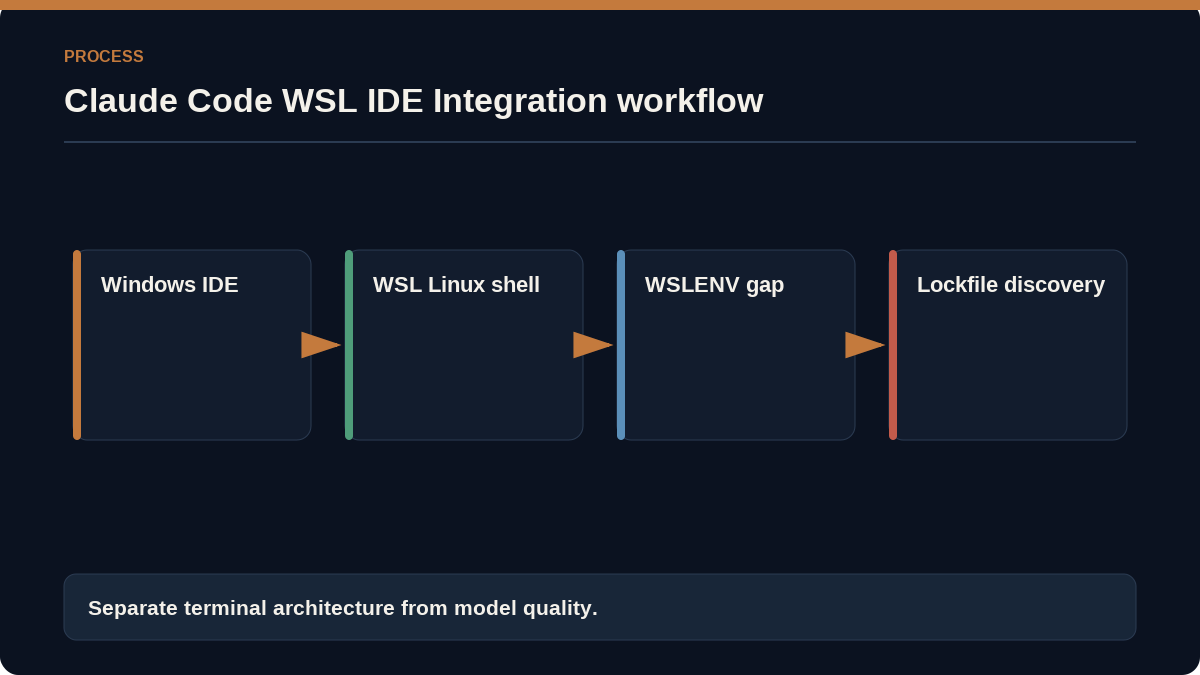
The issue author noted that lockfile discovery could let the CLI work despite missing IDE variables. A lockfile is local metadata that can help one process find another. In this context, the report suggests that the CLI may discover an existing integration through a filesystem artifact instead of relying only on inherited connection variables.
The lockfile explanation is useful because it breaks a tempting assumption. “Claude responds” does not mean “the IDE attachment is healthy.” The CLI can be functional while selection, diff display, permission routing or another IDE feature remains disconnected. Test the feature you need, not merely the presence of a prompt.
The exact discovery order and the conditions that make it succeed are Unknown in the supplied sources. Do not delete lockfiles to force a reconnect. Avoid inferring that every machine has the same file or port. Preserve the files, record their timestamps and compare them with the IDE and CLI logs.
A safe verification asks for a visible IDE-side effect. Select a small piece of text, open a harmless diff, or use the integration’s documented selection feature if it is available. Avoid a write operation during the first check. A read-only success proves more than a CLI banner, while a failure gives you a specific symptom to attach to the environment evidence.
The Claude Code proof-of-work packet is a useful reporting pattern for this test. Record the launch route, variable presence, command result, IDE-side result and any error text. Your packet then lets another developer reproduce the failure without guessing which terminal you used.
A diagnostic checklist
Work from the outside in. Each row should end with evidence, not a theory.
| Check | Pass condition | If it fails | Evidence label |
|---|---|---|---|
| Identify terminal route | Classic wsl.exe and IDE terminal are labeled separately |
Repeat in both routes before changing configuration | Diagnostic method |
Check Windows WSLENV |
Fresh process sees the intended stored list | Repair only the configuration scope you own | Community-backed hypothesis |
| Check Linux variables | Both names have expected presence in the launch shell | Compare inheritance with a fresh shell | Community-backed hypothesis |
| Start the CLI | The intended CLI process starts from the same shell | Separate executable and dependency problems | Official troubleshooting scope |
| Verify IDE attachment | A documented IDE-side read-only action succeeds | Inspect local connection evidence | Diagnostic method |
| Inspect discovery artifacts | Relevant files and timestamps are recorded without deletion | Preserve them for escalation | Unknown mechanism |
| Test local connection | The reported or observed local endpoint is reachable where expected | Compare extension host, listener and firewall evidence | Diagnostic method |
| Capture versions | CLI, IDE and extension versions are recorded together | Avoid mixing builds during comparison | Engineering guidance |
If logs identify a local WebSocket endpoint, inspect it as a separate layer. The VS Code WebSocket regression guide starts from a reported loopback connection failure. A firewall rule, listener ownership or extension-host problem can survive correct environment forwarding.
Do not assume that a port named in one issue is the port on your machine. The reported regression used 127.0.0.1:39280, but the supplied sources do not establish a permanent port contract. Use the endpoint in your own logs. Record whether the listener lives in Windows, WSL or the IDE host, because those processes do not share a network namespace by default.
Decide what evidence would change the branch
Write the expected result before changing WSLENV. If forwarding is the problem, a fresh classic WSL shell should show the names and the same IDE-side action should improve. When only variable presence changes, the inheritance hypothesis is partly supported but the attachment still needs connection-layer work.
A failed experiment is useful when its scope is clear. Restore the original forwarding list, keep the captured outputs and mark the branch as not explanatory. Do not add unrelated variables until something improves. Each additional change makes the next comparison harder to interpret.
This discipline also protects shared machines. A setting that helps one IDE bridge may affect other WSL workflows. Make the change reviewed, reversible and tied to a named symptom rather than a general belief that more environment forwarding is better.
Worked example: a safe comparison
Use a disposable branch or a read-only task. Open the same repository in three places: a classic WSL terminal, an IDE-managed WSL terminal and a fresh Windows terminal. Run the presence checks. Do not edit project files during this pass.
Suppose the Windows process shows both names in WSLENV, while the classic WSL shell shows neither and the IDE terminal shows both. Derived diagnostic classification: the evidence points to a classic-terminal forwarding gap, not a missing IDE configuration. Apply the controlled forwarding change only in the classic route, open a fresh shell and repeat the test.
Now suppose all three shells show both variables but the IDE action still fails. Derived diagnostic classification: WSLENV is not sufficient to explain the failure. Move to listener, extension and version checks. Do not add more variables or reinstall the model route.
A third outcome matters. Both Linux shells lack the variables, yet the CLI and IDE action work. Community interpretation: lockfile discovery may explain the difference, as the issue author suggested. Record that result as a successful discovery path, not as proof that the variables are unnecessary for every feature.
No timing or performance claim is needed here. The safe test produces a branch in the decision tree. It also leaves a reproducible artifact for support.
Safe workarounds
The safest workaround is often the one that changes the least. Use the terminal route that already demonstrates a working attachment. If the IDE terminal works and the classic terminal does not, keep the team on the known route while the boundary is investigated. Document the exception so the next person does not “fix” it by standardizing on the broken route.
A CLI-only session is a legitimate fallback when the attachment remains unreliable. Leave the repository in Linux, use the normal review workflow and avoid promising IDE features that are not present. The Claude Code desktop browser-pane crash recovery uses the same separation: the repository and CLI can remain useful when a desktop surface fails.
For memory or hang symptoms that appear during the same session, follow the official troubleshooting scope. /compact or a restart may help, but neither proves the environment variables were correct. The WSL2 memory-warning breakdown explains why a large warning should not be treated as a direct measurement of the Claude process.
Avoid broad permission changes to make an attachment test pass. The Claude Code harness security boundaries are the relevant constraint. If the integration works only after unrelated access is granted, record that as a security loss rather than a clean fix.
| Workaround | Concrete win | Honest loss | Best use |
|---|---|---|---|
| Use the working IDE terminal | Preserves attachment without global changes | Team must remember the launch route | One terminal route is demonstrably healthy |
Add names to WSLENV |
Tests a specific inheritance hypothesis | Does not repair listener or extension faults | Windows supplies values, classic WSL does not |
| Run CLI only | Restores basic repository work | IDE selection and display features may be absent | Attachment remains unresolved |
| Restart the shell or client | Clears stale process state | Destroys an unrecorded comparison | After evidence capture |
| Reinstall both components | Removes many local corruption possibilities | Changes several variables at once | Last resort, not first diagnostic |
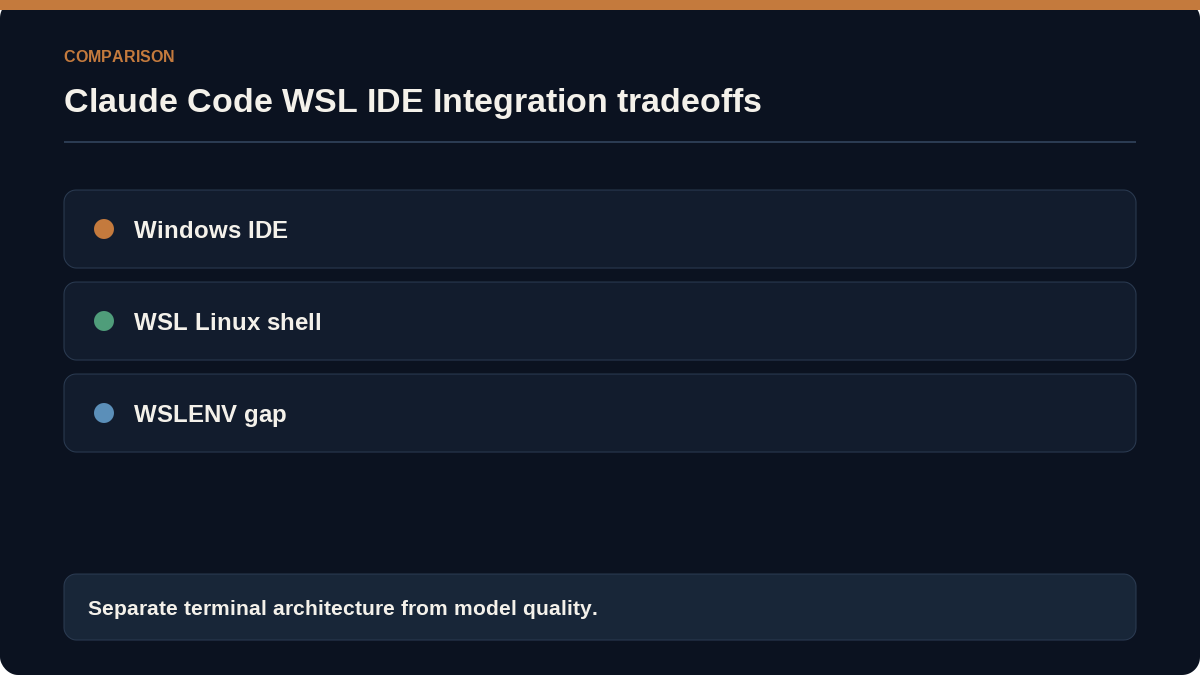
Pick the workaround by the feature you need to preserve. A developer who needs selection and diff display should keep a working IDE route even if a classic terminal is more familiar. Short repository inspection may justify CLI-only operation. Those choices have different costs, so record the missing feature instead of calling both outcomes “working.”
A rollback plan belongs beside the workaround. Note the original WSLENV value, the terminal routes tested and the person who owns the change. If the experiment adds forwarding but attachment still fails, remove only those entries and continue with listener and version evidence. This keeps the next test interpretable.
When to escalate
Escalate when the evidence separates cleanly but the behavior remains unresolved. Include the issue number, operating system, WSL launch route, IDE and extension versions, CLI version, project filesystem location, variable presence, connection logs and a minimal reproduction. Redact command lines and environment values that can contain secrets.
Issue #67502 is a useful reference because it documents the exact variable names and closure state. Do not claim that a new report has the same root cause unless your evidence matches. A maintainer needs to see whether your shell inherits the values, whether the IDE supplies them independently and which attachment feature fails.
Related reports can support a broader investigation without proving the same bug. The Windows subagent MCP memory report covers process duplication. A separate WSL memory-monitoring report covers a different measurement problem. Separate those evidence chains.
Before filing, have another developer follow the packet once. If they cannot reproduce the same branch in the decision tree, the packet is missing a condition. Common gaps include an old terminal, a project under a different filesystem and an extension updated between attempts.
Limit the reproduction to a small scope. A single read-only IDE action is enough. Remove credentials, customer data and unrelated environment values from attachments. A focused packet gives maintainers a better chance of separating a forwarding problem from a bridge, listener or version problem.
Honest loss and future updates
Community: #67502 closed as NOT_PLANNED with no human maintainer response or fix version. Unknown: the supplied record does not show how common the failure is, whether newer builds changed the behavior, or whether classic and IDE-managed terminals now forward values differently.
The lockfile explanation is also limited. It came from the issue author, not an official lifecycle document. The author’s explanation does not establish which IDE features remain available when discovery succeeds. A future update should revisit the issue status, compare a fresh classic terminal with a fresh IDE terminal, and record versions before changing the verdict.
The practical implication is modest but durable: environment evidence belongs in the incident packet. A team that records shell route, inherited values and attachment behavior can diagnose recurrence quickly. Teams that record only “Claude Code does not work in WSL” will keep repeating the same reinstall loop.
The verdict is therefore conditional. Missing names in WSLENV are a credible explanation for the exact classic-terminal pattern in the report. They are not a complete theory of IDE integration. When presence checks pass, stop editing environment configuration and move to the local connection path.
Dated evidence improves future updates. A new issue comment or release note can be compared with a packet instead of a vague recollection. Until the public record adds an official root cause or fix version, keep the community label visible and the workaround reversible.
FAQ
Does adding variables to WSLENV fix every WSL IDE problem?
No. It addresses one inheritance hypothesis. Listener failures, extension mismatches, filesystem paths and bridge behavior need separate evidence. Treat the change as a controlled test and revert it if it does not improve the exact symptom.
Why can Claude Code run if the IDE variables are missing?
Community issue #67502 reports that lockfile discovery may let the CLI work without them. This is a reported explanation, not a universal guarantee. Test a real IDE-side action before calling the integration healthy.
Should I copy my whole Windows environment into WSL?
No. Forward only values required for the workflow, preserve the existing WSLENV list and inspect the result in a fresh process. A full environment dump increases both debugging noise and accidental exposure risk.
Is this the same as the VS Code WebSocket regression?
Not necessarily. Missing variables happen before or during shell launch. A WebSocket failure can happen after both processes start. The version-pinned WebSocket diagnosis is the next check when environment presence is correct but the local connection still fails.
Connected Claude Code troubleshooting
Windows and desktop paths: WSL2 memory-warning breakdown, Windows subagent MCP memory investigation, VS Code WebSocket regression test, and desktop browser-pane crash recovery.
Subagent operations: subagent hang and timeout controls, background running-count diagnosis, stop and resume semantics, parallel-agent worktree isolation, and context isolation and duplicate-work analysis.
Costs and quotas: compaction cost worksheet, prompt-caching break-even math, idle-session cache-miss analysis, long-context prefill latency test, MCP output truncation guide, usage tracking and cost API guide, task budgets versus hard stops, 429 decision tree, billing-dispute evidence packet, and refund and support policy guide.
Security and codebase work: hallucinated-package supply-chain controls, GitHub Actions secret boundaries, repository-hook security review, extension-trojan remediation, CVE-2026-55607 sandbox boundary, auto-mode classifier limitations, destructive git guardrails, generated-test oracle bias, monorepo search and token budget, and legacy-code characterization workflow.
A practical OpenAI-format alternative after the diagnosis
One AI API Key offers a separate route for testing an OpenAI-format agent, not a repair for the WSL bridge. On 2026-11-27, the 46 live free model IDs covered 22 families. They shared 100 requests and 5,000,000 tokens per day per account, reset at 05:30 IST or 00:00 UTC. An account could hold up to three keys, with one request in flight per key on free models.
A working setup uses OpenCode, Cline or Cursor, the OpenAI-format base URL https://api.oneaiapikey.com/v1, one key and a selected free ID. The endpoint quickstart shows the first request, while the OpenAI versus Anthropic format guide explains why the client choice matters. Use the cost calculator before moving a larger diagnostic workload.
First-party availability boundary: the documented Claude Code route uses the Anthropic-format endpoint, but all four Claude IDs were marked unavailable on 2026-11-27. Free IDs are OpenAI-format only, so do not configure them inside Claude Code. The current catalogue and live status page are better sources for a fresh availability check than this dated snapshot.
New accounts received $10 credit without a card, and billing was prepaid with no subscription or seat fee according to the pricing page. Review per-key caps, expiry and model allowlists and the privacy and retention policy before sending repository context. Upstream providers receive requests under their own terms.
For a WSL diagnostic, use a dedicated key limited to the chosen free IDs, with an expiry date and request-level usage records. The gateway publishes a no-training policy and says prompt logging is off by default. Do not assume guaranteed cross-model fallback because the supplied documentation conflicts on that behavior. Test the primary route directly and keep retry logic explicit.
If that route fits your test, create an account and keep the diagnostic comparison on the same task and acceptance criteria.
Sources
- Official Claude Code troubleshooting guidance
- Official subagent lifecycle and isolation documentation
- Community issue #67502 on missing WSL IDE variables
- Community issue #33426 on a WSL memory warning
- Community issue #32770 on system-wide memory monitoring
- Community issue #28126 on Windows subagent MCP processes
- Community issue #28423 on a VS Code WebSocket regression