Direct answer
A saved approval can become a secret leak when the approved command contains a literal credential and the resulting rule lands in a settings file that is later committed or shared. The danger is not the phrase “Don’t Ask Again” by itself. The danger is treating a convenience decision as if it were only a local preference.
Secondary security research published in November 2026 reported 1,379 distinct secrets in public Claude Code settings files. A broader related sample contained 2,539 credentials across 1,994 repositories. Those are different populations and must not be merged. The primary Apiiro page was not accessible during the research pass, so the numbers belong to the secondary summaries, not an independently reproduced census.
The practical response is simple: keep credentials out of approval text, inspect saved rules before committing, scan settings files and rotate any credential that may have entered version control. Deleting the latest file does not remove the secret from history.
Why a local approval becomes a repository problem
Claude Code can ask permission before running a command. When a user approves an action and chooses not to see the prompt again, the client can preserve that decision as a rule. A rule may describe the command, the tool or a pattern that should be allowed later. That saves friction during a long session.
The security boundary moves when the rule contains more than the command shape. A developer might approve a request that includes an environment variable, a URL with a token, a database password or a cloud credential. If the saved rule stores that literal text, the settings file becomes a credential store. A file that began as a local automation convenience can then travel through a commit, a patch, a screenshot or a shared archive.
This is a mechanism, not a claim that every saved approval leaks. Many rules contain no secret. The risk appears when a human approves a specific command without noticing the sensitive value inside it, or when a broad pattern later matches something the user did not intend.
The Claude Code harness security boundaries explain why tool authority and host access matter. A saved approval is part of that authority. It can make a future action easier to execute, which is useful when the action is safe and expensive when the rule is too broad.
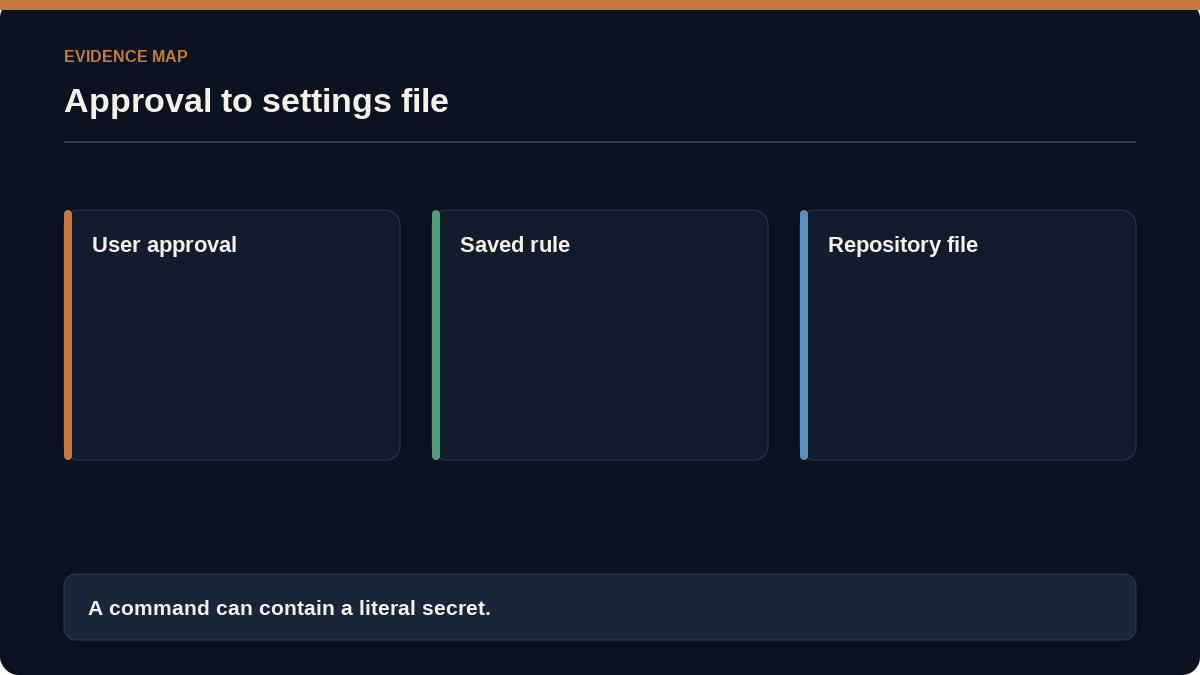
The approval flow, step by step
A safe review follows the data rather than the button label. Start with the proposed command. Identify every argument that could be sensitive. Then inspect what the client says it will remember. Finally, check where that remembered rule is written and whether the file is covered by version control.
| Stage | What to inspect | Failure signal |
|---|---|---|
| Proposed action | Full command, environment and tool input | A token, password or signed URL appears in plain text |
| Approval choice | Exact scope of “Don’t Ask Again” | The rule is broader than the intended command |
| Saved rule | Settings file diff | Literal secret or overly broad wildcard |
| Repository state | Staged files and history | Settings file included in a commit or patch |
| Response | Rotation and access review | Credential removed from the file but still valid |
The word “local” can create false confidence. A local file can be copied into a repository, attached to a support ticket or included in a bundle. The per-project API key controls are useful for limiting blast radius, but they do not make a committed key safe.
A better approval habit is to separate the secret from the command. Put the credential in an environment variable or a secret manager, then approve a command that references the variable name. The saved rule should contain the reference, not the value. This keeps the convenience of a remembered approval without turning the rule into a backup copy of the credential.
What the security research actually found
Secondary security research. The Cloud Security Alliance research note and Aviatrix threat research reported exposed credentials in public Claude Code settings files. The frozen fact pack records 1,379 distinct secrets in that settings-file population.
A broader related sample contained 2,539 credentials across 1,994 repositories. That sample is not the same population. It may include other credential types or repository contexts, and the larger number must not be used to describe the settings-file finding.
Unknown. The primary Apiiro page was not accessible during the research pass. That limits independent verification of the collection method, deduplication rules and exact scope. The secondary reports establish that researchers reported exposed credentials. They do not establish a leak rate for all Claude Code users.
| Research population | Reported count | Correct use | Incorrect use |
|---|---|---|---|
| Public Claude Code settings files | 1,379 distinct secrets | Describe the settings-file finding with secondary attribution | Add it to the broader sample |
| Broader related repository sample | 2,539 credentials across 1,994 repositories | Describe a separate population | Call all 2,539 Claude Code settings secrets |
| Primary Apiiro page | Not accessible in the research pass | State the verification limit | Claim the writer independently reproduced the scan |
The Claude Code data usage documentation is relevant but separate. Provider retention rules do not neutralize a credential exposed in a public repository. Once a secret is published, the provider’s handling of prompts is not the main incident. The credential itself needs rotation.
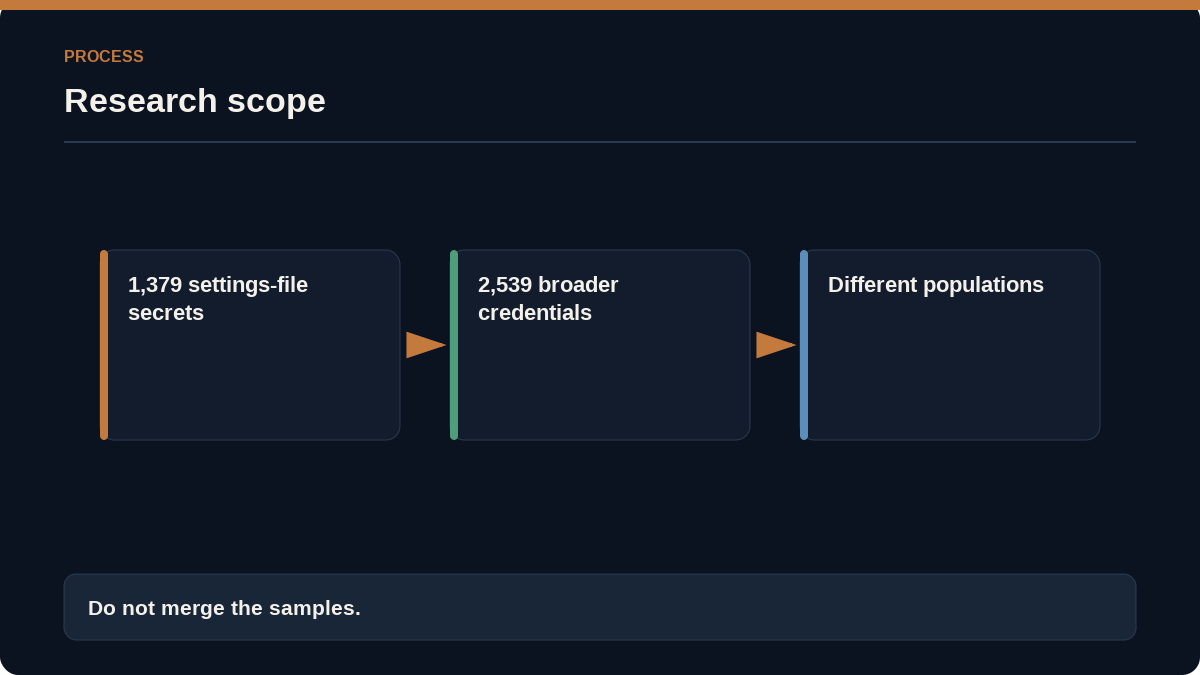
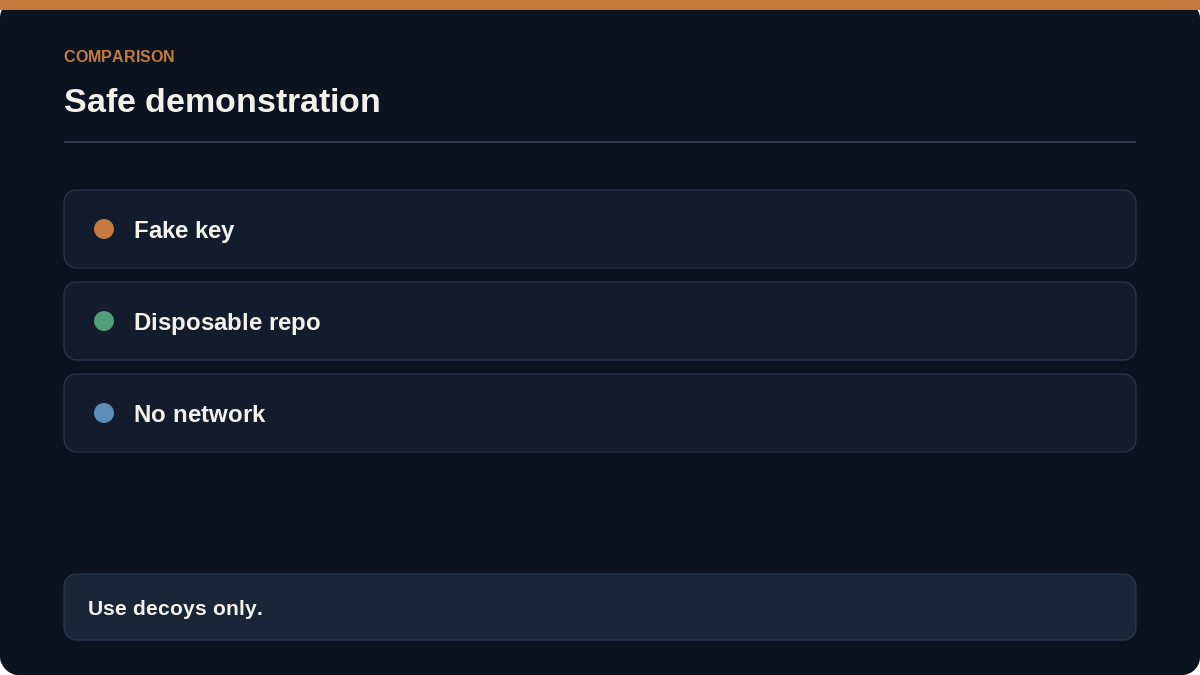
Safe demonstration with decoy values
Use a disposable repository and a value that cannot authenticate anywhere. The goal is to see how a literal moves from an approval into a saved rule, not to test a real key.
{
  "permissions": {
    "allow": [
      "Bash(export DEMO_TOKEN=FAKE_DEMO_VALUE)"
    ]
  }
}
FAKE_DEMO_VALUE is deliberately inert. In a real incident, the equivalent value might be a live token. The important review question is whether the saved rule contains the value or only a reference to where the value should come from.
A safer pattern looks like this:
{
  "permissions": {
    "allow": [
      "Bash(./scripts/run-with-secret.sh)"
    ]
  }
}
The script can read DEMO_TOKEN from the process environment. The settings rule records the script path, not the token. The script still needs review because it could be changed later, but the credential no longer has to be copied into the approval text.
Do not run the demonstration against a network service. Do not paste a real credential to make the example “realistic.” A local dry run is enough to inspect the generated file and the staged diff. The Claude Code custom base URL setup covers endpoint configuration, but the same secret-handling rules apply to any client.
Prevention before the next commit
Prevention works best when it is part of the review path rather than a reminder posted after a leak. Add settings files to the same secret-scanning rules used for environment files, configuration and private keys. Scan staged changes, not only the latest commit. A secret removed in a later commit remains exposed in history.
| Prevention control | What it catches | Owner |
|---|---|---|
| Pre-commit secret scan | Literal credentials in settings files before commit | Developer or repository hook |
| Pull-request diff review | New permissions and saved command patterns | Reviewer |
| Repository history scan | Secrets exposed in earlier commits | Security engineer |
| Environment-only credentials | Commands that reference values instead of embedding them | Developer |
| Narrow approval rules | Wildcards that grant more access than intended | Developer and reviewer |
| Rotation schedule | Long-lived credentials that should be replaced | Service owner |
The console keys and usage guide explains how per-key usage can help identify which project used a credential. The API reference documents spending caps, expiry dates and allowed-model lists. Those controls limit damage after exposure, but they do not justify committing the key.
Review broad patterns carefully. A rule that allows an entire command family may be convenient, yet it can also permit a future command the user never evaluated. The third-party harness rules are a separate policy topic, but both subjects turn on the same question: what authority did the user actually grant?
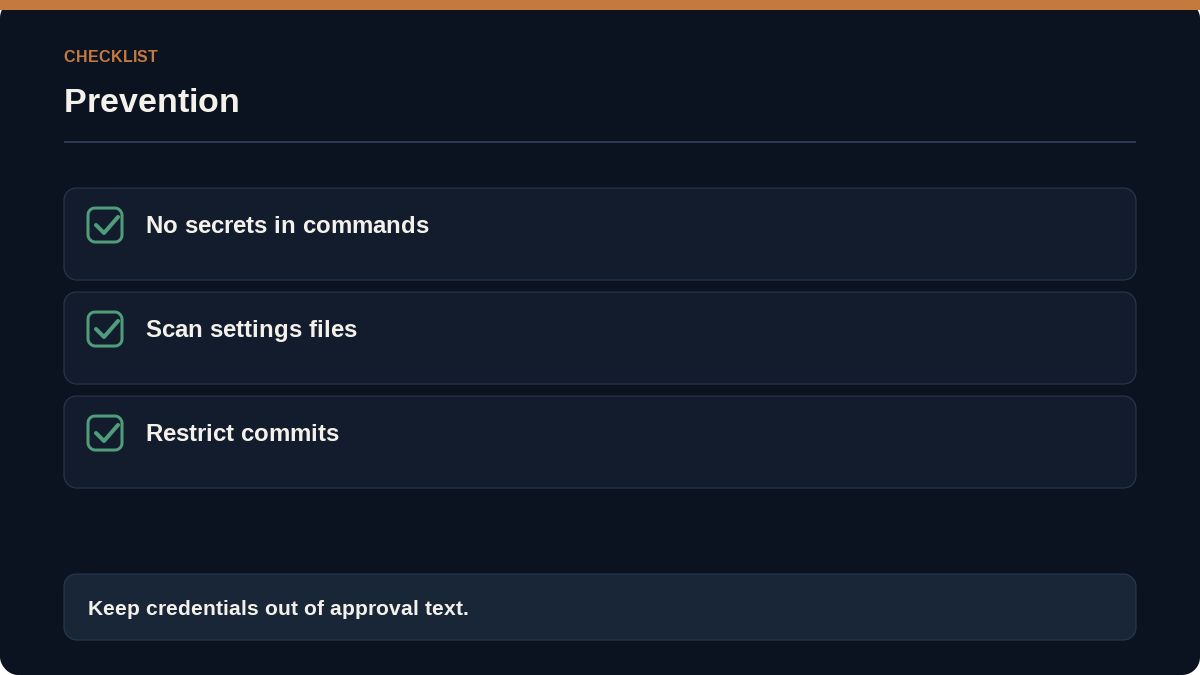
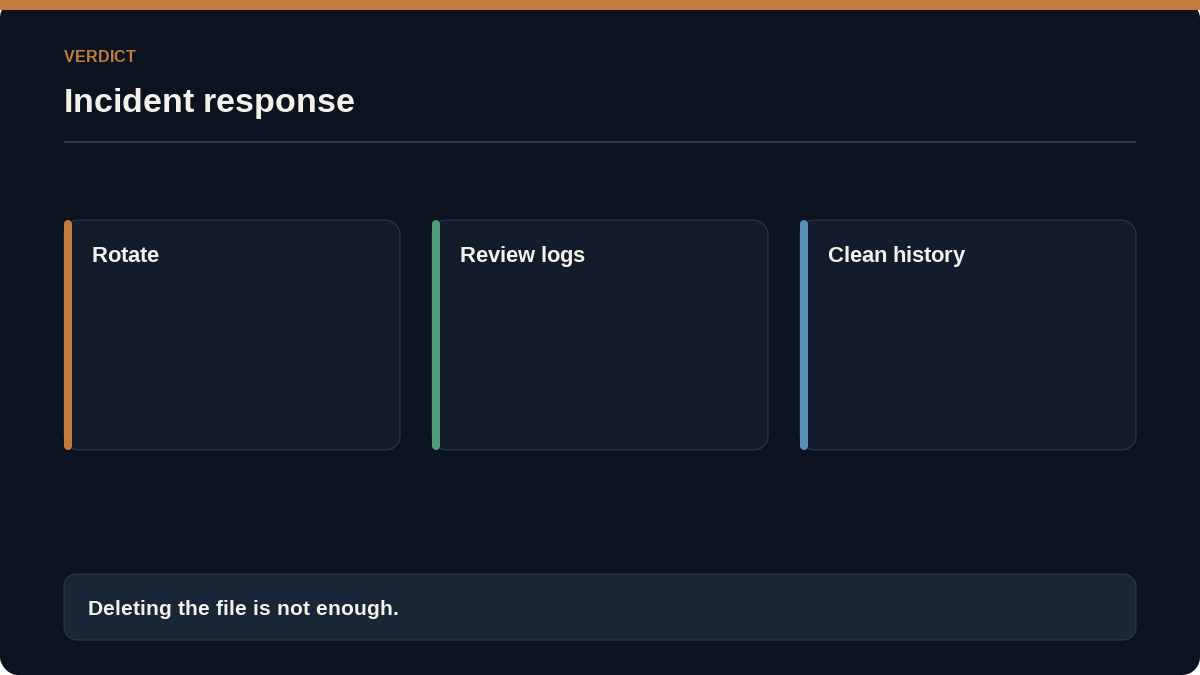
Incident response: rotate first, clean second
Treat a suspected settings-file leak as a credential incident. The first action is to revoke or rotate the exposed credential. Do not wait until the repository is clean. A secret removed from the current file may already have been cloned, cached or indexed.
Next, identify the credential’s permissions. Decide whether the incident is limited to one project or affects a shared account. Review usage logs for unexpected models, locations or request volume. If the credential can spend money, set a temporary cap while the review runs. The live status page can show gateway incidents, but it cannot tell you whether someone else used your key.
Then clean the repository. Remove the value from the current file, rewrite history if policy requires it and invalidate caches or artifacts that may contain the old version. Contact the hosting provider if the repository was public. Keep a timeline of what was exposed, when it was revoked and what evidence remains.
| Response step | Immediate action | Evidence to keep |
|---|---|---|
| Contain | Revoke or rotate the credential | Rotation confirmation and timestamp |
| Scope | Identify permissions and affected systems | Key metadata and access list |
| Investigate | Review usage and repository exposure | Logs, commit IDs and search results |
| Clean | Remove the value and address history | Pull request and history-rewrite record |
| Recover | Issue a new credential through a safe path | New key owner and expiry date |
| Prevent | Add scanning and narrow the approval rule | Rule diff and control owner |
The Claude Code proof-of-work packet is useful here because it asks for changed files and test output. Apply the same standard to cleanup: a statement that the secret is gone is not enough. Ask for the diff, the rotation receipt and the history check.
Why a secret scanner is not enough
A scanner is a useful safety net, but it cannot decide whether a permission rule is too broad. It can recognize many known token formats. It may miss a password, a database URL or a value that looks ordinary. It also cannot tell whether the user intended to grant access to an entire command family.
Treat scanning as one layer in a larger review. The first layer is command design: keep secrets out of the text that can be saved. The second is rule scope: approve the narrowest action that completes the task. The third is repository hygiene: inspect the staged diff and scan history. The fourth is credential lifecycle: expire, rotate and revoke keys on a schedule.
This connects to the Claude Code privacy and retention rules. A provider may retain prompts or outputs under its policy, but a public repository exposes a credential through a different channel. Review both paths. The AI government-request policies add another reason to minimize stored secrets, without justifying claims about secret retention deals. The zero-data-retention limits are also account-specific, so they should not be treated as permission to store credentials in a repository.
False completion can make the incident worse. An agent may report that a rule was saved or a file was cleaned without showing the diff. The false-success verification pattern explains why a convincing summary is not proof. Ask for the exact settings change, the staged files and the command output before accepting the cleanup.
Concentration matters too. The single points of failure analysis separates quota, region, account and model risk. A leaked key is a credential failure that can affect several projects if the same value is reused. Separate keys reduce that blast radius, but only if each key has narrow permissions and a clear owner.
Migration creates another exposure point. The lock-in and exit-cost discussion notes that configuration and habits move with the workflow. Settings files belong in that inventory. Before changing agents, search them for credentials and broad rules, then carry forward only the permissions that are still needed. The multi-model OpenAI-agent setup provides a different client path, not an exemption from secret review.
A team can make this concrete with a permission-prompt checklist. Before approving, read the full command. Ask whether any argument is sensitive. Decide what the client will remember. After approval, inspect the settings diff. Before committing, run the secret scan and review the staged files. If any step is unclear, use a one-time approval and redesign the command instead of saving a broad rule.
The honest loss
Saved approvals are useful. They reduce repetitive permission prompts and help a developer stay in flow during a long task. Removing them entirely would make some workflows slower and could encourage users to grant broader access just to avoid interruptions.
The loss is that a convenience feature can preserve sensitive text in a place designed for sharing. Security research makes that risk concrete, but it does not prove that every settings file contains a secret or that every user will experience a leak. The correct response is targeted: inspect saved rules, separate secrets from commands and rotate exposed values.
The evidence also has a gap. The primary research page was unavailable, and the public summaries do not provide a population-wide leak rate. Future updates should revisit the primary source, the collection method and any vendor mitigation guidance. Until then, keep the two research populations separate.
Build a repeatable permission review
A single careful developer cannot compensate for a repository that commits every generated file. The review needs a repeatable path that works when the original author is away. Start by deciding which settings files are intended to be shared and which are local. Record that decision in the repository’s contribution guide, then make the staging process reinforce it.
Next, add a staged-diff check. The check should show new permission rules, not just changed source files. A reviewer should be able to answer three questions without opening the agent: what command is allowed, what data can it reach and whether a literal secret appears. If the rule is broad, ask for a narrower script or an environment variable reference.
The privacy and retention policy is a useful reference for data handling, but it does not scan a repository. The coding-agent API key compatibility guide explains which route a client uses. Keep that route in the review record because a key that is safe for one endpoint may be inappropriate for another client or subscription flow.
Format deserves attention during migration. The OpenAI versus Anthropic API format guide explains why changing clients can change more than a base URL. A team should review saved commands and environment variables at the same time. Otherwise, a migration can carry an old credential into a new configuration and expand its exposure.
Model choice is part of the same checklist. The guide to choosing a model for coding agents helps match capability to a task, but the permission review should happen before the task begins. A more capable model does not repair an overly broad saved rule. A smaller model does not make a committed secret safe.
Finally, connect security review to cost and ownership. The monthly LLM API cost worksheet can show which project consumes a key. The prepaid pricing page explains the billing model. When a new project needs access, the account creation route should be paired with a named owner, an expiry date and a narrow model allowlist.
A practical review record can be short: project, key owner, allowed models, expiry date, settings files reviewed and scanner result. Keep it beside the project documentation. Update it when a permission rule changes or a credential rotates. The goal is not bureaucracy. The goal is to make the safe path the easiest path to repeat.
Review a saved rule in thirty seconds
Use a short routine whenever a settings file appears in a diff. First, read the rule as a sentence: this client may run this command with these arguments. If the sentence contains a secret, stop. If it grants a broad family of commands, ask whether a narrower script would do the same job.
Second, check the data path. Does the command read a private file, contact a production service or load credentials from the environment? A rule can be safe for a public fixture and unsafe for a production database. The review should name the environment, not just the command.
Third, inspect the scope of the saved permission. A one-time action and a reusable rule are different decisions. If the task is complete, remove a temporary rule that is no longer needed. If the rule must stay, document why it exists and who owns it.
Fourth, run the staged-diff scan and look at the result. A clean scan is useful, but it does not replace reading the rule. Some secrets do not match a known pattern, and a broad permission can be dangerous without containing any credential at all.
Finally, record the outcome. Accept the rule, narrow it or reject it. If the rule changes, rerun the review. This routine is deliberately faster than a full security audit, but it catches the most common settings-file mistake before the file becomes part of the repository history.
When a one-time approval is the better choice
Saving a rule is a trade. It reduces future prompts, but it also preserves a decision beyond the moment when the user has the most context. If the action is unusual, sensitive or likely to change, a one-time approval is often the safer option.
Use a one-time approval for commands that touch production, read a private file for the first time or include a value you are still evaluating. If the same action becomes routine, redesign it into a narrow script and save that script path instead of the original command.
Also prefer a one-time approval when you are unsure what the client will remember. Inspect the generated settings file after a disposable test, then decide whether the rule is safe to keep. This is especially important during an upgrade or a client migration, when the saved format may change.
The goal is not to maximize or minimize saved approvals. The goal is to make each saved rule specific, reviewable and free of literal secrets.
Do not move the secret into a screenshot
A settings file is not the only place a credential can travel. A screenshot of a permission prompt, a support ticket or a shared terminal recording can expose the same value. Redact before sharing, and remember that a cropped image may still contain the secret in metadata or an adjacent line.
Use a decoy value when asking for help with a rule. Describe the command shape and the file path without pasting the live credential. If a real incident has already occurred, rotate first and share only the evidence needed for the review.
Practical response: test a cleaner route
If you are reviewing agent setups, use the same secret discipline across clients. One AI API Key offers per-key controls such as a spending cap, expiry date and allowed-model list. The API reference documents those controls, and the model catalogue shows current availability.
For a live test, use an OpenAI-format agent with the 46 free model IDs and the quickstart. Those free IDs do not work inside Claude Code. Claude Code’s Anthropic-format route is documented, but all four Claude IDs were unavailable on 2026-11-27, so it is not an active fallback.
Start with a disposable project, a decoy credential and no network access. Inspect the saved settings file before staging it. If the rule contains a literal secret, stop and redesign the command. The cost calculator can estimate usage after the security review, but it cannot tell you whether a credential is safe.
Give the test key an expiry date, a spending cap and a narrow allowed-model list using the API reference. Run one request, inspect the usage record and confirm that the key cannot call an unapproved model. Then revoke the key and verify that the same request fails. The failed request proves the control works without exposing a production credential.
Keep the evidence with the project review: the settings diff, the scan result, the key configuration and the revocation receipt. When the workflow moves to a real repository, repeat the scan and review the saved rules again. A safe test does not make every future commit safe.
FAQ
Does “Don’t Ask Again” always save the full command?
No. The risk depends on the rule the client writes and the command that was approved. Inspect the actual settings diff. A rule can be narrow, broad or contain a literal value, so the button label alone is not enough evidence.
How many secrets did researchers find?
Secondary summaries reported 1,379 distinct secrets in public Claude Code settings files. A separate broader sample contained 2,539 credentials across 1,994 repositories. Do not combine those numbers or describe them as a leak rate.
Is deleting the settings file enough?
No. Rotate or revoke the exposed credential first. Then remove the value from the current file and address repository history, caches and artifacts that may still contain it.
Should a team ban saved approvals?
A blanket ban removes a useful workflow feature. A better control is to keep secrets out of approval text, narrow the saved rule, scan settings files and review staged changes. Broad permissions deserve the same scrutiny as any other access grant.