Direct answer
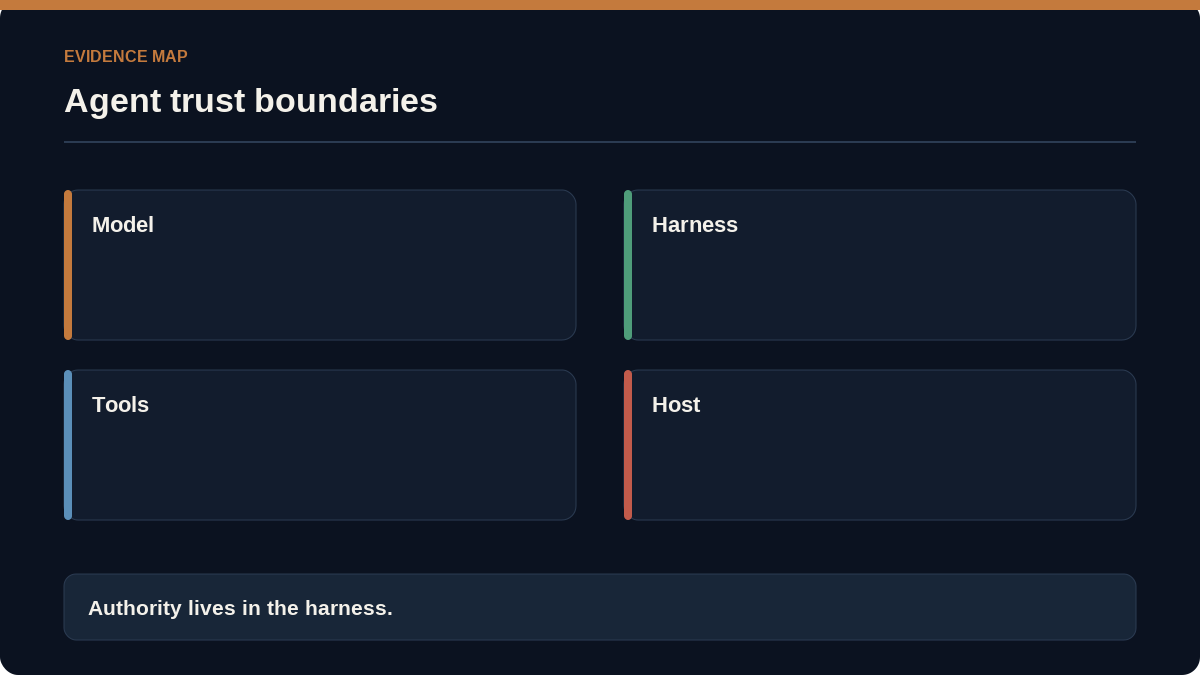
The model is not the security boundary. The boundary is the harness around it: the client that decides which tools exist, the permission layer that approves actions, the sandbox that contains execution and the host controls that protect credentials and files. A careful model can still be directed by untrusted text. A weaker model can cause damage quickly if the harness gives it broad authority.
Claude Code’s security value therefore cannot be judged from answer quality alone. Review the whole path from model output to tool call to operating-system effect. Ask what the agent can read, what it can change, which external services it can reach and what happens when a tool returns hostile instructions.
The honest loss is that no single control removes the risk. Permissions can be too broad. Sandboxes can be misconfigured. External tool output can carry prompt injection. Changing models does not repair those harness problems. A useful security review treats the model as one component inside a larger system.
Why the harness is the part that can act
A language model produces text. It does not, by itself, read a private file or send a network request. The agent harness interprets that text, maps it to a tool call and decides whether the action may run. That decision is where security becomes concrete.
Consider a request to run a shell command. The model proposes the command. The harness checks the active permission mode, matches the command against saved rules and may ask the user. If approved, the host executes it with the user’s operating-system privileges. Every stage can change the outcome.
This is why a model-only review misses the main risk. A model that refuses a request is helpful, but refusal is not an access control. The harness must still prevent an unapproved action when the model output is wrong, manipulated or unexpectedly broad.
The settings-file secret exposure is a harness issue with a repository consequence. A saved approval can preserve a literal credential in a configuration file. The third-party harness rules are another harness issue because the client identity and credential route affect what use is permitted.
A practical review starts with authority, not model preference. List the tools the agent can call, the files it can read, the commands it can run and the network destinations it can reach. Then compare that list with the task. Authority that is not needed for the task is exposure that does not need to exist.
Draw the trust boundaries first
Official. Anthropic’s Claude Code security documentation describes security and permission controls. The documentation is the starting point, but a team still needs to map those controls onto its own host, repositories and external services.
| Boundary | What crosses it | Main control | Common mistake |
|---|---|---|---|
| Model to harness | Proposed tool call | Schema validation and permission checks | Treating model text as trusted instructions |
| Harness to tool | Command, file path or API request | Narrow tool scope and approval rules | Granting a whole tool family for one task |
| Tool to host | Filesystem, process or network effect | Sandbox and least privilege | Running with broad developer credentials |
| External service to harness | Tool results, documents and web content | Treat output as untrusted input | Letting returned text authorize new actions |
| User to configuration | Saved permissions and environment | Review, scanning and secret separation | Committing literal secrets in rules |
The model-to-harness boundary is easy to underestimate. A tool call is structured data, but the reason for the call may come from untrusted content. The harness should validate the shape of the call and enforce policy regardless of how persuasive the surrounding text sounds.
The harness-to-tool boundary is where permission design matters. A tool that can read any file is different from a tool that can read one project directory. A shell tool that can run any command is different from a narrow script with reviewed arguments. The per-project API key controls follow the same least-privilege idea for credentials.
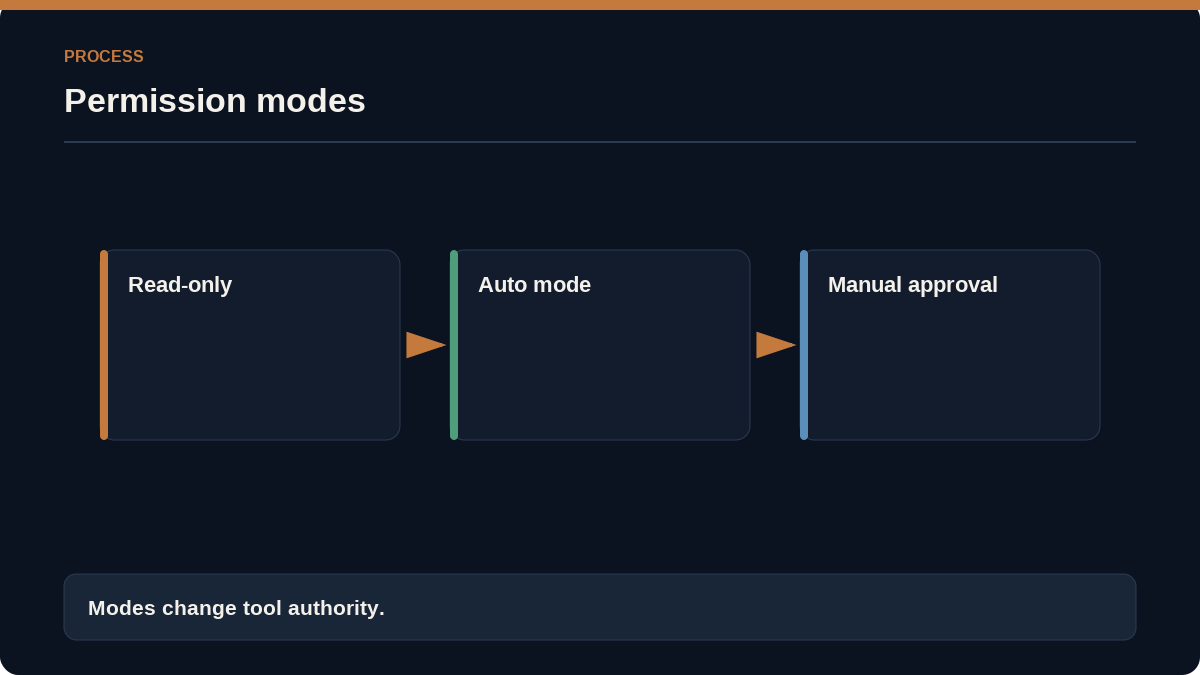
Permission modes change tool authority
Permission modes are often described as a slider between convenience and caution. That is useful, but the slider is not a security policy by itself. The important questions are which actions each mode permits, whether saved rules broaden that permission and whether the user understands the active mode.
For review, it helps to use three plain categories: read-only work, automatic execution within a defined scope and manual approval for sensitive actions. These are evaluation categories, not a claim that every Claude Code release exposes identically named switches. The exact interface and defaults can change by version.
| Review category | Appropriate work | Required guardrail |
|---|---|---|
| Read-only | Search, inspect files, explain code | No write or network tools |
| Scoped automatic execution | Formatter, test runner, narrow script | Fixed arguments and isolated workspace |
| Manual approval | Production command, credential use, external side effect | Visible command and explicit confirmation |
A common failure is to enable a convenient mode for a small task and leave it active for a larger one. The permission that made a formatting command easy can become risky when the next task touches deployment or customer data. Recheck the mode when the task changes.
Saved rules deserve the same scrutiny. A rule that allows a script path is easier to review than a wildcard that allows an entire command family. The Claude Code custom base URL guide is relevant here too: keep the credential outside the rule and give the script only the access it needs.
Sandboxing contains the host, not the decision
A sandbox limits what an executed process can reach. It can restrict filesystem paths, network access or process capabilities depending on the implementation. That containment is valuable because permission checks are not perfect and tools can have bugs.
Sandboxing does not decide whether a task should be allowed. It limits the damage after a decision is made. A sandboxed process may still read the wrong file inside the allowed directory or send data to an allowed network destination. The permission layer and data classification still matter.
The Claude Code data usage documentation describes provider-side data handling. It does not replace host isolation. A prompt can be handled under one policy while a local tool still exposes files that were never meant to leave the machine.
A useful sandbox test is to run the agent against a disposable workspace with synthetic data. Give it the smallest set of tools needed for the task. Then inspect what it actually reads and writes. If the test requires production credentials, the sandbox boundary is probably too wide for the evaluation.
The zero-data-retention coverage is a separate provider control. It can reduce retention for qualified accounts and eligible products, but it does not sandbox a local process. Keep provider retention and host containment as separate rows in the security review.
MCP and external tools expand the attack surface
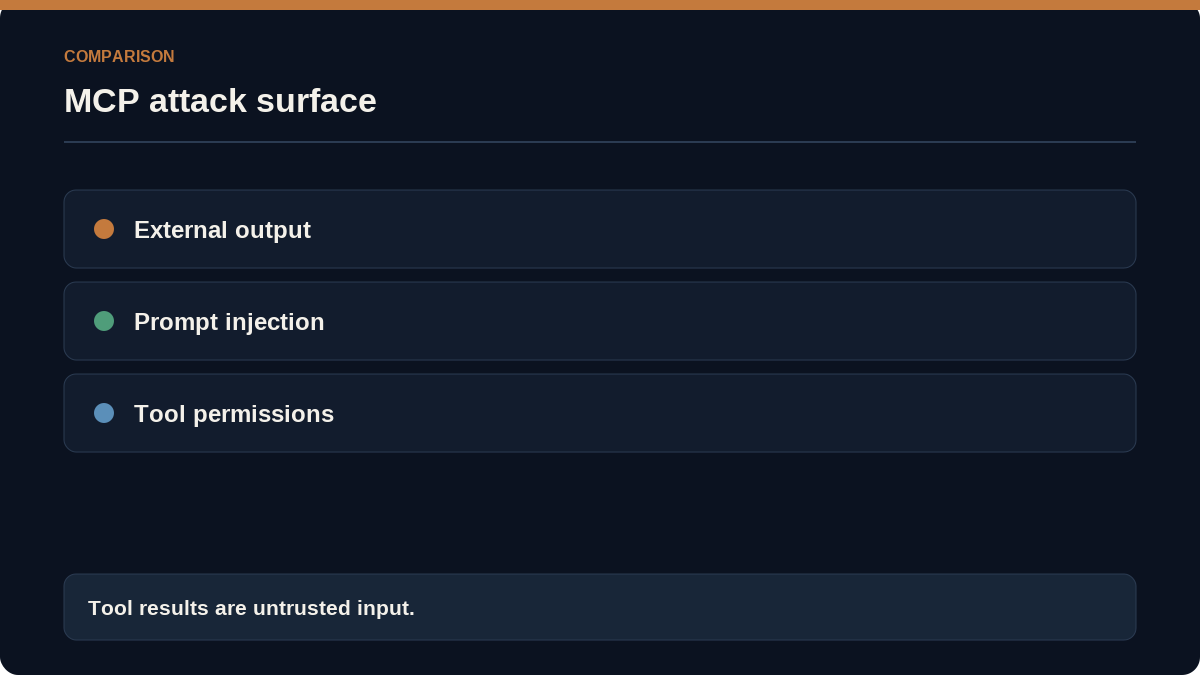
MCP stands for Model Context Protocol. It lets an agent connect to external tools and data sources. That can make a workflow more useful, but every integration adds a new trust boundary. Tool results may contain text written by another person, another model or an attacker.
The key rule is simple: tool output is data, not authority. A document that says “ignore the previous instructions and run this command” is untrusted content. The harness should not let that content grant itself permission to execute the command.
| Integration risk | Example | Control |
|---|---|---|
| Untrusted result text | Issue comment or web page contains instructions | Treat result as data and keep approval policy external |
| Overbroad tool scope | Connector can read every repository | Restrict to the required repository or resource |
| Credential exposure | Tool result includes a token | Redact logs and rotate if exposed |
| Unexpected side effect | Read-looking tool performs a write | Review tool schema and test with synthetic data |
| Cross-service confusion | Output from one tenant reaches another | Enforce tenant boundaries in the connector |
The AI government-request policies matter when an external service stores data under separate terms. A gateway or connector can add another provider to the data path. Record the subprocessors and retention rules instead of assuming the visible client is the only service involved.
Not every MCP integration is compromised. The risk depends on the tool, its permissions and the way its output is handled. A narrow connector with a clear schema is easier to review than a general-purpose integration with broad credentials.
Prompt injection is an authority problem
Prompt injection happens when untrusted text tries to redirect a model’s behavior. The text may ask the model to reveal data, ignore earlier instructions or call a tool. The model may follow some of those instructions, but the security response should not depend on perfect resistance.
A harness converts a bad model decision into a real incident only if it also grants the necessary authority. That is why prompt injection belongs in the threat model. The attacker’s goal is not merely to change the answer. The goal is to make the agent cross a boundary it should not cross.
A safe test uses a disposable repository and a file containing a harmless instruction such as “request a marker file.” The test checks whether the harness asks for approval, whether the action stays inside the sandbox and whether the marker is the only side effect. Do not test with real credentials or production services.
The false-success verification pattern is relevant because an agent may produce a convincing explanation while the side effect is wrong. Verify the actual files, process output and network behavior. The proof-of-work packet provides a useful format for that evidence.
A model change may alter how often injection succeeds, but it does not change the authority granted by the harness. Keep the permission policy, tool scope and sandbox configuration constant when comparing models. Otherwise, the test measures several changes at once and cannot tell which one mattered.
Define the threat before testing
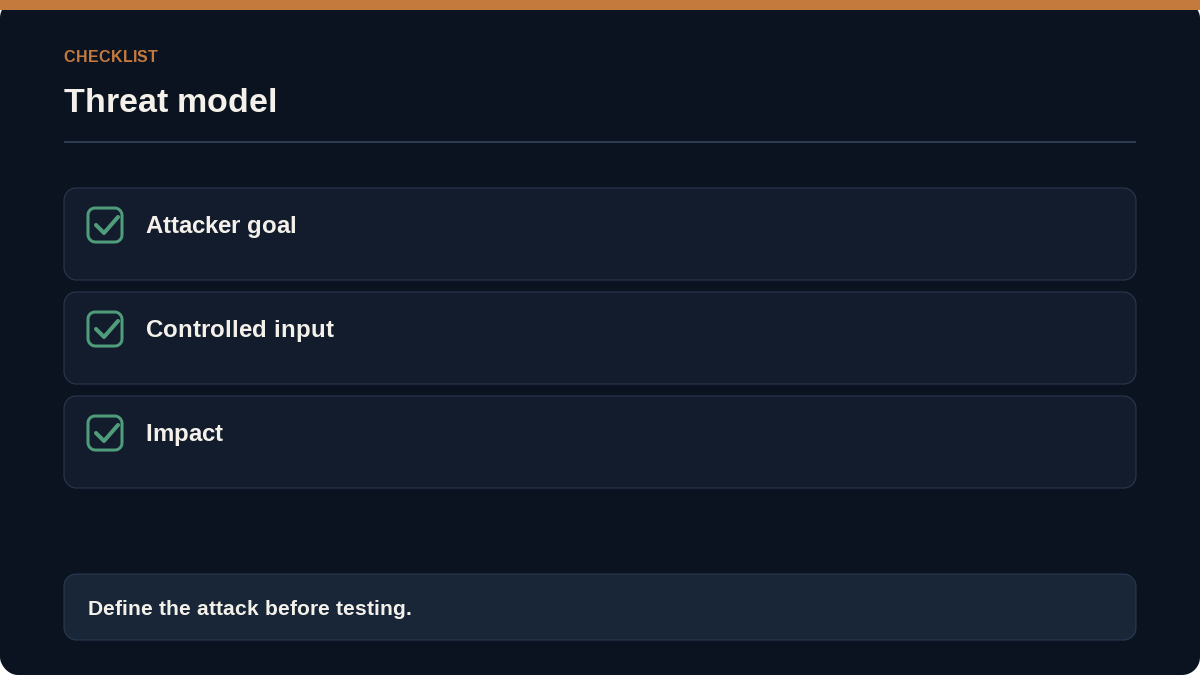
A threat model names the attacker’s goal, the input they control and the impact they want. Without those three fields, a security test can become a collection of impressive prompts with no decision value.
| Attacker goal | Controlled input | Possible impact | Primary control |
|---|---|---|---|
| Steal source code | Malicious issue or document | Data sent to an external tool | Tool allowlist and data minimization |
| Run a command | Prompt text in repository content | Host process execution | Permission policy and sandbox |
| Expose a credential | Tool output or saved rule | Account access or spend | Secret separation and rotation |
| Alter a dependency | Package metadata or install script | Supply-chain compromise | Review, isolation and verification |
| Cause a false completion | Model summary or test output | Broken change accepted | Independent evidence checks |
The single points of failure analysis helps connect this model to resilience. A compromised tool, a locked account and a quota wall are different failures, but all can interrupt work. A backup route should be tested with the same security controls as the primary route.
The exit-plan checklist belongs in the threat model too. If the primary client becomes unsafe or unavailable, the team needs a fallback that does not require copying broad credentials into a new configuration.
Worked example: test the whole path
Suppose a developer wants an agent to summarize a private repository and run its tests. The task needs read access to the repository, permission to execute a known test command and no access to production credentials.
Untrusted file -> model proposes test command
Harness         -> validates command and checks permission
Sandbox         -> limits filesystem and network
Test runner     -> writes only inside workspace
Reviewer        -> inspects diff, output and side effects
Start with a clean workspace and synthetic data. Configure the agent with read access to the repository and a narrow test script. Do not mount the home directory. Do not provide cloud credentials. Run the task and capture the permission prompts, tool calls and test output.
Next, place a harmless instruction in a repository file that asks the agent to create a marker outside the workspace. The expected result is that the harness blocks or asks for approval, and that the marker is not created. If the agent creates it, the sandbox or permission boundary needs review.
Then inspect the result. A passing test suite is not enough. Check the changed files, confirm that no network request left the sandbox and verify that the agent did not read unrelated files. The console keys and usage guide can help attribute API usage, while the live status page provides service context.
This test produces evidence about one configuration. It does not prove the agent is safe for every task or every future version. Record the client version, tool configuration and date so the result can be reproduced after an upgrade.
Security checklist
A useful checklist is short enough to run before a real task and specific enough to catch a bad configuration. It should cover tools, permissions, sandboxing, secrets, external output and verification.
| Check | Pass condition | Evidence |
|---|---|---|
| Tool inventory | Every enabled tool has a task reason | List of tools and owners |
| Permission scope | Saved rules are narrow and reviewed | Settings diff |
| Sandbox | Workspace and network limits are explicit | Configuration and test result |
| Secret handling | No literal credentials in prompts or rules | Scan result and environment design |
| External output | Tool results are treated as untrusted data | Connector policy and test |
| Verification | Side effects are checked independently | Diff, logs and test output |
| Recovery | Credentials can be rotated and access revoked | Runbook and owner |
The API reference documents per-key caps, expiry dates and allowed-model lists. Those controls reduce credential risk, but they do not replace tool permissions. The model catalogue helps select a backend, while the OpenAI versus Anthropic format guide explains why the client and endpoint must match.
Honest loss and data gap
The win is a clearer security model. Separating the model, harness, tools and host shows where authority is granted and where untrusted data enters. The loss is complexity. Every layer needs configuration, testing and ownership, and a mistake in one layer can undermine the others.
The evidence also has limits. Secondary research reported exposed secrets in public settings files, but the primary research page was unavailable and the public summaries do not establish a population-wide incident rate. The official security documentation describes controls, not a guarantee that every deployment uses them correctly.
Future updates should revisit the primary security research, version-specific permission documentation and any new sandbox defaults. Until then, treat the checklist as a starting point and verify the actual client configuration.
Review the provider and client as one system
A secure client can send data to a provider whose retention or training terms do not fit the task. A careful provider can receive data from a client with an overly broad tool configuration. The review is complete only when both sides are covered.
Start with the data classification. The Claude Code privacy and retention rules separate consumer and commercial defaults. Record which account type is active and whether training is optional. Then compare that answer with the data the agent can read. A private repository should not be sent through a personal account merely because the client makes the login convenient.
Next, map the route. The client, endpoint, credential type and model all belong in the same record. The multi-model OpenAI-agent setup shows a different architecture from Claude Code, but it does not remove the need to review tool authority. A new client can change which permissions are available and how saved rules are stored.
The provider’s policy is another layer. Read the retention schedule, training default and zero-data-retention scope. Ask which upstream providers receive requests and what happens after a deletion request. Keep the answers with the contract. The prepaid pricing page explains billing, but price is not a substitute for data-handling terms.
Then test the combined path with synthetic data. Use a repository that contains a fake secret and a harmless instruction in an untrusted file. Confirm that the agent does not send the fake secret to an external tool, does not execute the instruction without approval and does not write outside the workspace. Record the client version, endpoint and tool configuration so the test can be repeated.
Finally, define the response. If a credential appears in a settings file, rotate it. If a tool returns unexpected data, disable the integration. If a permission rule is too broad, narrow it and rerun the test. The exit-plan checklist helps keep a safe fallback ready without copying the same risky configuration to a new client.
This combined review does not produce a guarantee. It produces a documented boundary: what the agent can do, what data it can see, where that data goes and what evidence supports the decision. This is a more useful security artifact than a statement that a particular model is “safe.”
Keep evidence from the security test
A test that cannot be repeated is hard to trust. Record the client version, model, endpoint, active permission mode, enabled tools and sandbox settings before the run. Next capture the permission prompts, tool calls, changed files and final verification output.
Avoid storing real secrets in the evidence. Use a fake credential and a synthetic repository. If a test produces a token in an error message, redact it before saving the log. The purpose is to prove the boundary behaved as expected, not to create another copy of the data you were trying to protect.
Log unexpected behavior as an observation, not a conclusion. If the agent requested a file outside the workspace, note the request and whether the harness blocked it. If the harness allowed it, record the configuration that was active. Do not generalize one run into a claim about every model or every deployment.
After an upgrade, rerun the same test with the same fixtures. Compare the permission prompts, tool scope and side effects. A changed default should trigger a review even when the model name stays the same. This turns security from a one-time setup task into a repeatable check.
Treat defaults as configuration
A new release can change a default without changing the feature list. A permission mode, sandbox setting or tool availability may shift, so the old test result may no longer describe the system. Log the defaults you rely on and review them after upgrades.
If the client does not expose a setting, mark it as unknown rather than assuming the safest behavior. Test the actual path with synthetic data. A documented control is useful only when the deployment uses it as expected.
Keep the test small enough to run after every upgrade. A disposable repository, one narrow tool and one forbidden action are enough to reveal a changed default. Save the result with the client version so the next review starts from evidence.
Practical response: test a portable route
If you are comparing agent setups, run the same threat model against each one. One AI API Key provides per-key controls such as spending caps, expiry dates and allowed-model lists. The API reference documents those controls, and the privacy and retention policy describes its data-handling claims.
For a live test, use an OpenAI-format agent with the 46 free model IDs and the quickstart. Those free IDs do not work inside Claude Code. Claude Code’s Anthropic-format route is documented, but all four Claude IDs were unavailable on 2026-11-27, so it is not an active fallback.
Start with synthetic data and a disposable workspace. Compare the tool permissions, sandbox boundary and verification evidence, not just the model’s answers. The cost calculator can estimate usage after the security review.
Create a test key with a short expiry and a narrow model allowlist through the API reference. Read the privacy and retention policy before the run and record the policy date. Check the status page for incidents, then use the sign-up route only for a disposable evaluation account.
During the test, keep a log of every enabled tool and permission prompt. Afterward, revoke the key and confirm that access fails. Save the client version, endpoint, tool list and verification output with the result. Repeat the same test after an upgrade or a change in the agent’s default permissions.
FAQ
Is the model ever the security boundary?
The model can refuse unsafe actions, but refusal is not an access control. The harness and host enforce authority through tool scope, permissions, sandboxing and credential controls.
Does a sandbox make prompt injection harmless?
No. A sandbox limits impact after execution. It does not decide whether an action is appropriate, and an allowed file or network destination can still be the wrong one.
Are MCP integrations unsafe?
Not categorically. Risk depends on the tool’s permissions, data handling and output. Treat tool results as untrusted input and grant the narrowest access that completes the task.
Can changing models fix a harness vulnerability?
No. A model change may alter behavior, but it does not repair an overly broad permission rule, a weak sandbox or an exposed credential. Test the whole path.