Direct answer
Treat a suspected Windows subagent memory leak as a process-identity problem before a cleanup problem. Community issue #28126 reports duplicate MCP server processes and stale ~/.claude/tasks/{uuid}/ directories after interrupted sessions. It links the behavior to a v2.1.50 MCP discovery change, but that root-cause explanation is user analysis, not an official maintainer statement.
Capture parent and child process IDs, inspect task state, then stop only verified processes. Issue #32304’s roughly 21.7 GB claude.exe observation is one report, not a typical footprint. Unknown: the supplied public record contains no official fix version or confirmed universal leak.
Why this report needs careful handling
The word “leak” suggests memory that can never be recovered. Available evidence is narrower. A server may be duplicated, a child may outlive its expected task, or a process may retain memory after cancellation. Those cases need different responses. Calling all of them a leak makes the cleanup less safe.
Windows adds another complication. The CLI, editor, MCP servers and WSL can appear as separate processes with separate parents. A Node process can belong to an unrelated project. Task folders can remain after the process has already exited. Neither a process count nor a directory count tells the whole story.
The concrete loss from a blind response is high. Stopping every Node process can interrupt an editor helper or development server. Deleting every task directory can erase the only record of a completed subagent. Restarting the parent session before capturing process identity destroys the evidence needed to distinguish duplication from normal startup.
The concrete win is a containment runbook that preserves evidence. It can stop confirmed growth without wiping project state. The WSL2 memory-warning breakdown supplies the measurement foundation, while this guide focuses on Windows process trees and interrupted task state.
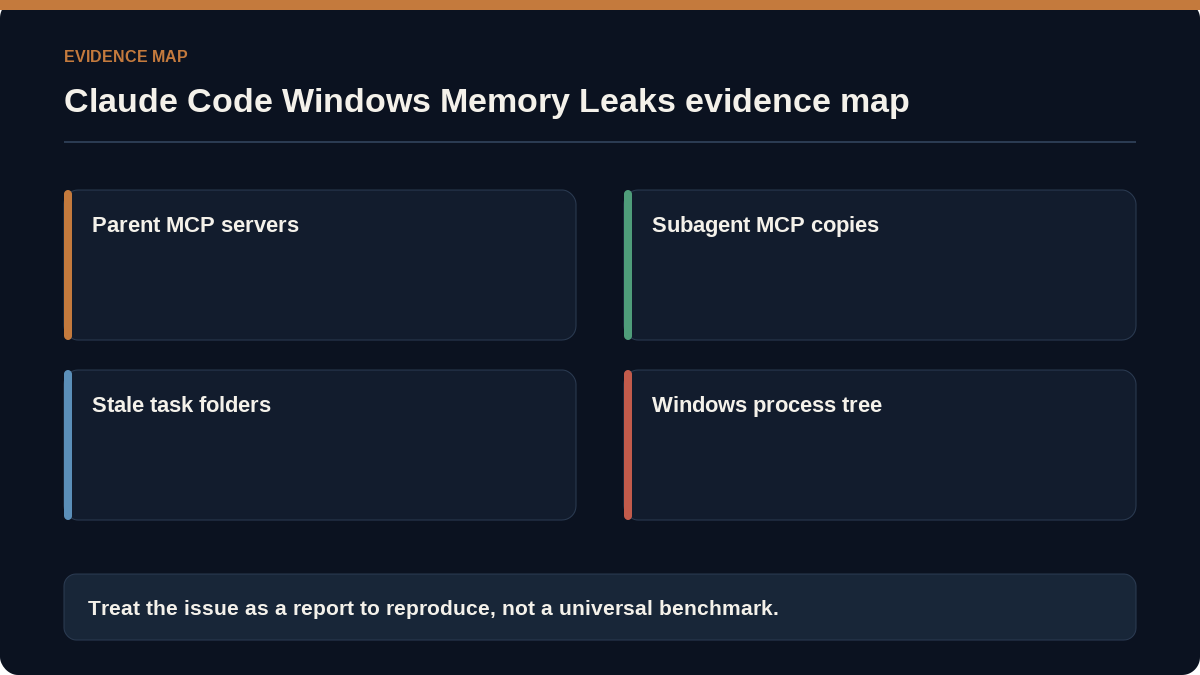
The reported mechanism
Issue #28126 contains two related observations. Community: subagents spawned duplicate MCP server processes on Windows, and interrupted sessions could leave ~/.claude/tasks/{uuid}/ directories. The author associated the behavior with a v2.1.50 MCP discovery change. That version is part of the report, not an official diagnosis.
Issue #32304 reports claude.exe growing to about 21.7 GB during a session with subagents. It closed as a duplicate of #28126. A duplicate closure does not establish that every #28126 symptom reaches that size, nor does it make 21.7 GB typical. Attach the number to the single report.
The lifecycle documentation explains why subagents add process and context activity. Custom subagents start with fresh, isolated context. Their initial context includes the system prompt, task message, CLAUDE.md files, git status and preloaded skills. They do not automatically receive the parent’s full history. Fresh context is useful for bounded work, but each active task can still invoke tools and MCP servers.
Official: custom subagents typically run in the background. Permission prompts appear in the main session. Users can stop a subagent with Esc on a permission prompt or through /tasks. Those controls should be part of containment before process termination.
| Reported element | Evidence type | What it supports | What it does not prove |
|---|---|---|---|
| Duplicate MCP processes | Community issue #28126 | A reproducible process inspection is justified | Every subagent duplicates every server |
| v2.1.50 discovery association | User analysis in #28126 | A version field belongs in the report | Official root cause or affected range |
| Stale task directories | Community issue #28126 | Interrupted task state needs inspection | Directories consume equivalent memory |
Roughly 21.7 GB claude.exe |
Community issue #32304 | One severe growth report deserves capture | Typical memory use or a leak rate |
| Background lifecycle | Official subagent docs | Cancellation and task inspection have documented paths | A universal child-process cleanup guarantee |
A useful reproduction changes one thing. Start with one MCP server and one read-only subagent task. If the team normally runs several servers, disable optional ones for the test or record them as fixed background load. Do not combine a server-count change with a concurrency change and then attribute the result to either one.
How to inspect processes
Start with identity, not memory. Capture process ID, parent process ID, name, creation time and a redacted command line. The parent tells you which session launched the process. Start time helps distinguish an old orphan from a newly started server. Command-line arguments help separate MCP runtimes from unrelated Node tools.
This PowerShell command is read-only:
Get-CimInstance Win32_Process |
  Where-Object { $_.Name -in @('claude.exe', 'node.exe') } |
  Select-Object ProcessId, ParentProcessId, Name, CreationDate, CommandLine |
  Sort-Object ParentProcessId, ProcessId
Command lines can contain tokens, internal URLs or file paths. Store the raw capture locally. Redact sensitive arguments before attaching it to an issue. The Claude Code settings-file secret exposure guide explains why diagnostic configuration deserves careful handling.
Inside WSL, use a corresponding process view when the servers run there:
ps -eo pid,ppid,rss,etime,comm,args --sort=-rssThe two views do not map one-to-one automatically. WSL processes can appear behind a VM or bridge. Note which layer you inspected instead of assuming a Windows Node row is the same process as a Linux row.
| Observation | Interpretation to test | Next check | Unsafe shortcut |
|---|---|---|---|
| Multiple Node rows share one parent | Parallel children or duplicate discovery | Compare command identity and start time | Kill all Node rows |
| Same server command has different parents | Separate sessions or unexpected copies | Match each parent to a CLI session | Assume one copy is orphaned |
| Child outlives cancelled task | Cleanup delay, active work or orphan candidate | Check /tasks, output and process activity |
Terminate before saving results |
claude.exe private bytes rise |
Process growth under a specific workload | Compare baseline and repeated bounded runs | Call the peak a universal leak |
| Linux RSS rises while Windows rows stay flat | Growth may be inside WSL | Inspect Linux parentage and VM scope | Blame the Windows CLI automatically |
Reading the tree without overclaiming
A parent ID tells you which process launched a child at that moment. It does not tell you whether the child is still needed. Servers can outlive a task because another session shares them, because cleanup is delayed or because the operating system has not yet reaped the process. Treat persistence as a question, not a verdict.
Command identity needs care too. Two MCP servers can use the same Node executable and different script arguments. Sessions can also launch the same server script against different configuration. Compare the relevant arguments and environment scope, then redact secrets. If you cannot distinguish the servers safely, keep them running and narrow the reproduction instead of guessing.
Activity is another signal. A process with recent CPU, open files or a live connection may still be doing work. An idle process may be cached or genuinely orphaned. The fact pack does not publish an orphan-detection rule, so record the observations and let the task state provide the missing context.
Take a baseline before launching the subagent. Then take the same snapshot during the task, immediately after cancellation and after a recovery interval you chose in advance. Consistent columns matter more than frequent sampling. A single peak without a baseline cannot show growth.
Derived formula: identified-process delta equals the later counter minus the baseline counter for the same process ID and metric. If the process restarts, report the old and new IDs separately. Do not subtract values from different scopes, such as Linux RSS from Windows private bytes.
Task folder leaks
The reported path is ~/.claude/tasks/{uuid}/. On Windows, $HOME\.claude\tasks is a practical place to begin when the CLI uses that home directory. The UUID-shaped name identifies a task directory, not necessarily an active process.
Inventory directories without deleting them:
Get-ChildItem "$HOME\.claude\tasks" -Directory -ErrorAction SilentlyContinue |
  Select-Object Name, LastWriteTime
Compare the directory list with /tasks and the subagent result. A completed task may have useful output even when the UI count is stale. Community VS Code issue #348900 reports that background subagents can finish while the UI still shows them running, and stopping can fail with “No task found.” That report is about display and state synchronization, not proof of memory growth.
A folder’s age is a clue, not a deletion rule. An old folder may be the only remaining handoff for a stopped task. A new folder may belong to a running session. Official: stopped subagents do not auto-resume when messaged, while completed subagents can be resumed with conversation history. Preserve state until you know which case applies.
The subagent stop and resume semantics explain the distinction in more detail. A stale footer count should trigger verification rather than deletion, as the background running-count diagnosis explains.
Leave task folders out of the repository unless the project explicitly stores them there. The reported location is under the user’s Claude home. A repository-wide cleanup command can therefore miss the relevant directories while deleting unrelated project data. Scope every inspection command to the exact path you intend to review.
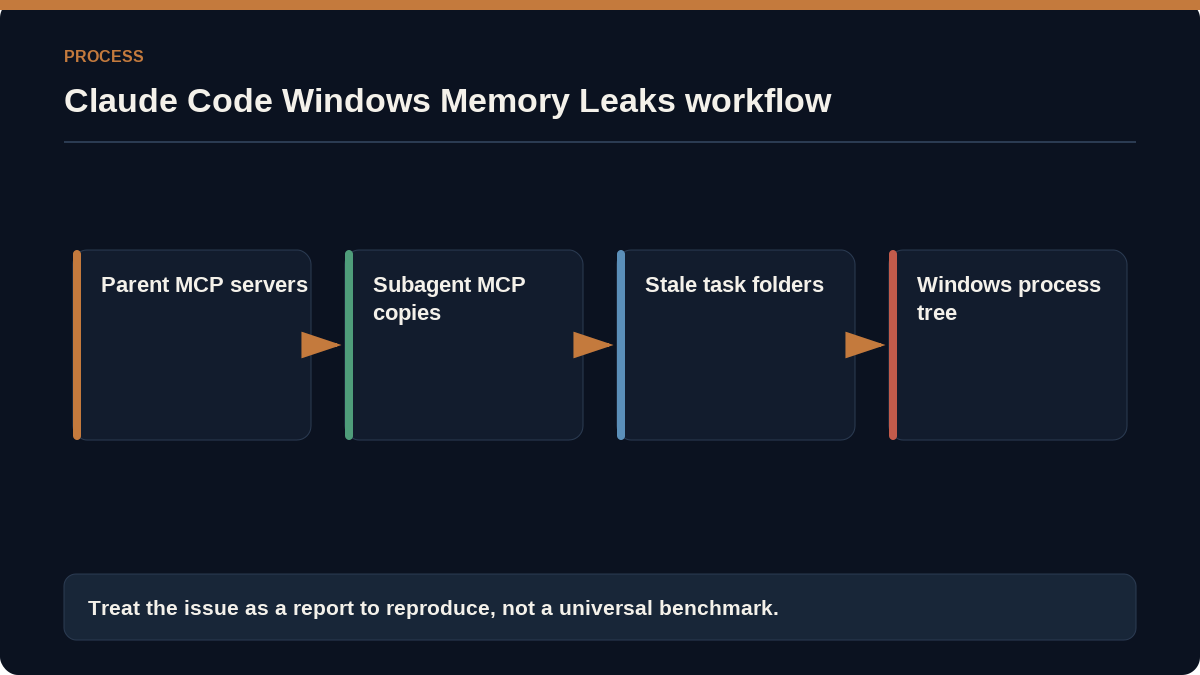
A containment runbook
Containment should stop growth without erasing the task record. Follow the order below. If a step would interrupt an active write or an unrelated session, pause and reassess.
| Step | Action | Evidence to save | Stop condition |
|---|---|---|---|
| Bound the workload | Stop launching new subagents and optional MCP work | Current task IDs and server list | New work is paused |
| Inspect task state | Open /tasks and review permission prompts |
Displayed state and any prompt text | Active work is identified |
| Cancel the child | Use Esc on its permission prompt or /tasks |
Cancellation time and task ID | The intended child is stopped |
| Capture processes | Record PID, PPID, start time and redacted command | Before-and-after snapshots | Parentage is understood |
| Preserve task output | Read or export the result needed for handoff | Output location and completion state | Useful state is safe |
| Verify an orphan candidate | Match command, parent and activity | Reason the process is unrelated | Ownership is established |
| Stop a verified PID | Terminate only that process ID | PID and operator | The candidate exits |
| Observe recovery | Re-measure the same counters | Recovery snapshot | Growth stops or continues |
| Escalate if needed | Attach redacted evidence and versions | Reproduction packet | A maintainer can repeat it |
Stopping a verified PID is a local operations action, not a universal recommendation. Follow the team’s process policy and confirm identity immediately before acting. Never stop by image name alone. If the parent CLI still owns useful state, prefer restarting the child or session over killing the parent.
A permission prompt deserves a different response. Official: permission prompts appear in the main session. A silent subagent may be waiting for a decision rather than frozen. Review the prompt before treating the absence of new events as a timeout.
When the parent needs a restart
If the parent process itself is growing and child cancellation does not contain it, save the task output and repository state first. Close the session through the normal client path. Capture the final process list, then restart the CLI. Avoid a broad WSL or Windows restart until narrower options are exhausted.
Official troubleshooting recommends /compact or a restart for memory and hang symptoms. That guidance does not identify the cause. Note whether the restart released memory and whether the same workload reproduces growth. The subagent hang and timeout controls provide a separate observability path when the symptom is silence rather than memory.
Worked example: one server, one child
Use a disposable branch and a read-only task. Ask one subagent to inspect a small directory and return candidate files. Do not permit edits or package installation. Capture the baseline Node and Claude processes before launch.
Start the task and capture the process tree while it is active. Look for additional server commands, but label them candidates until parentage and command identity match. When the task completes, inspect /tasks before cancelling. A stale running count is not enough reason to stop a process.
Cancel through the documented path and capture the next snapshot. Compare each candidate by PID, parent and start time. If a candidate remains after the task is stopped, inspect its activity and output references. Only then decide whether it is an orphan or a server still used by another session.
The test does not need a dramatic memory number to be useful. A clean process transition can rule out duplication for that configuration. Persistent candidates with matching command and no active owner can support a focused report. Either result is stronger than a screenshot of total system memory.
Repeat the bounded test after changing the server list or subagent limit. Retain the prior process IDs and results, but start a fresh baseline for the new configuration. A reduction in process count is a local observation, not proof that the earlier behavior was a defect. Document the exact workload so another developer can challenge the conclusion.
Prevention controls
Prevention starts with workload shape. Use fewer simultaneous subagents when memory is constrained. Official: the default concurrent subagent limit is 20 and can be adjusted with CLAUDE_CODE_MAX_CONCURRENT_SUBAGENTS. That default is not a measured safe count for a particular machine.
| Control | Concrete win | Honest loss | Practical check |
|---|---|---|---|
| Lower subagent concurrency | Reduces simultaneous child activity | Longer completion for parallel work | Repeat the bounded process test |
| Limit optional MCP servers | Narrows the process set | Some capabilities become unavailable | Confirm required tools still work |
| Use read-only scouting first | Avoids writes during diagnosis | Less work completed per task | Require a returned file list |
Cancel through /tasks |
Preserves documented lifecycle semantics | Stopped tasks do not auto-resume | Record state before relaunch |
| Use separate worktrees | Reduces checkout collisions for parallel sessions | Shared Git and plugin state remain | Review ownership before launch |
| Restart long sessions | Can relieve official memory and hang symptoms | Loses unrecorded session context | Save a handoff first |
Official: claude --worktree <name> or -w creates a worktree under .claude/worktrees/ on a new branch. Active sessions block edits and commands targeting the main checkout. Worktrees still share .git, project plugins, permission approvals and some local skills. They reduce file collisions, not process memory or every integration conflict.
The parallel-agent worktree isolation guide explains the merge and ownership checks. Fresh subagents need bounded briefs rather than assumed shared hidden memory, as the context isolation and duplicate-work analysis explains.
Avoid interrupting sessions during writes when possible. If interruption is necessary, preserve the task identifier and inspect output before relaunching. A small handoff file in the project can record completed steps, changed files and the next action. Exclude secrets and raw logs from that file.
Build a handoff before relaunching
A cancelled task is not a completed task. Official semantics say stopped subagents do not auto-resume when messaged. Relaunching the same broad request can repeat discovery, reopen tools and create another process burst. Start the replacement with a narrower brief instead.
The handoff should name the original task identifier, the files already inspected, the commands already run, the output location and the remaining question. Include any unverified process candidate so the next session does not accidentally kill or reuse it. This is engineering guidance for continuity, not a documented Claude Code memory feature.
Store the handoff in the team’s normal project notes when it belongs to repository work. Raw process captures belong in a restricted diagnostic location. The two artifacts serve different audiences and may need different retention periods. Neither should contain credentials.
Set a team baseline
Run the bounded test on a normal developer machine and on the constrained machine that showed the warning. Hold the same task, server list and counters constant. The comparison can reveal whether the issue follows a configuration, a workload or a host limit. It still cannot establish prevalence across all Windows users.
Log the result in a short operational note: client version, MCP servers, subagent limit, baseline process set, observed transition and recovery action. Review the note after client updates. If the behavior disappears, keep the old evidence so a later report can be compared rather than rediscovered from scratch.
Do not turn a local threshold into a product specification. A team can decide that a persistent orphan candidate needs investigation after its chosen recovery interval. That is an internal escalation rule. It is not proof of a Claude Code bug or a guarantee that every remaining process will be terminated safely.
Honest loss and future updates
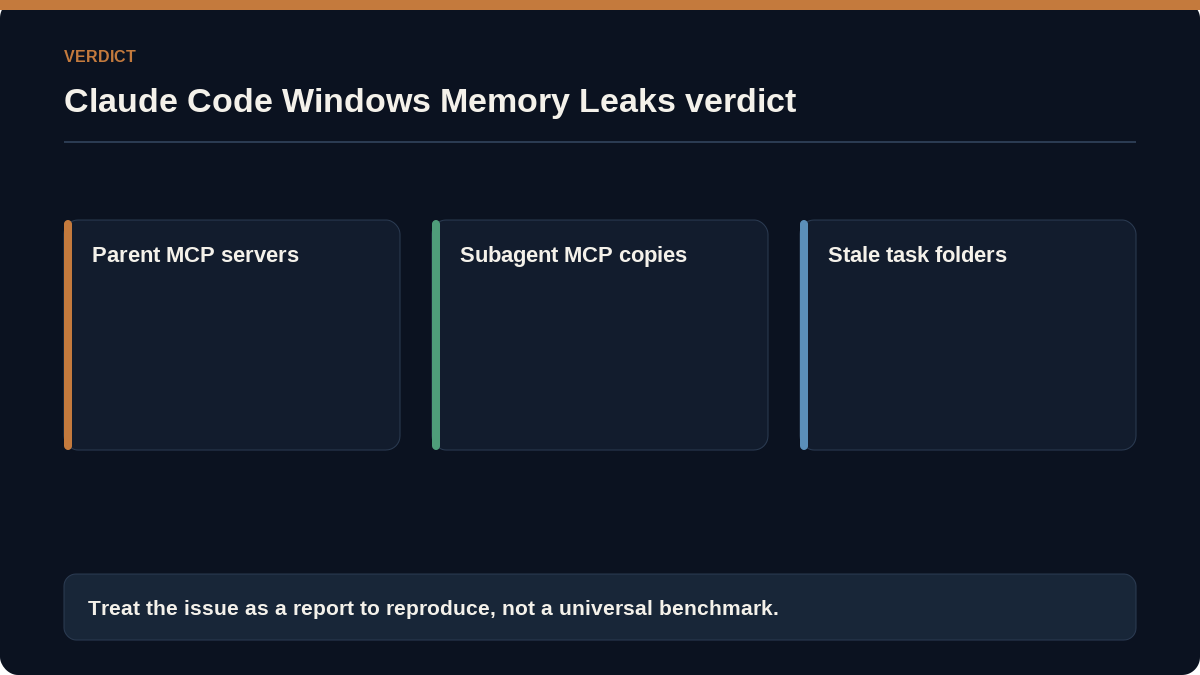
Community: #28126 and #32304 are user reports. The v2.1.50 discovery explanation is not an official root-cause statement, and the issues provide no official fix version in the supplied record. Unknown: prevalence, affected configurations and the relationship between duplicate processes and the reported claude.exe growth remain unresolved.
Task folders add another boundary. The report establishes that interrupted sessions could leave directories. It does not establish a supported deletion policy or prove that folder count tracks memory use. Future evidence should include process identity, task state, output preservation and a fresh version comparison.
The practical implication is to separate three alarms: process growth, duplicate process candidates and stale task state. Each has its own evidence and safest response. Combining them into one “memory leak” label makes both the diagnosis and the cleanup less reliable.
A support packet should contain the CLI version, Windows or WSL route, MCP server list, subagent count, task IDs, process snapshots and the exact interruption point. Redact command lines. State whether the behavior reproduces with one server and one child.
Do not write “fixed” when a restart merely clears the symptom. Write what changed, what recovered and what remains unknown. That wording gives the next investigator a usable baseline and keeps a community report from turning into a universal defect claim.
FAQ
Is 21.7 GB a normal Claude Code Windows memory footprint?
No. It is one community report of claude.exe growth during a session with subagents. The issue closed as a duplicate of #28126, and the fact pack explicitly rejects treating that value as typical.
Should I delete ~/.claude/tasks after a subagent stops?
Not before checking task state and output. A stopped subagent does not auto-resume when messaged, while a completed subagent can be resumed with history. Preserve directories until you know whether they hold the only useful record.
Does a duplicate Node process prove an MCP leak?
No. Compare process ID, parent, start time and redacted command identity. A second process may belong to another session or a different tool. Label it a duplicate candidate until the evidence establishes otherwise.
Can worktrees prevent this memory problem?
Worktrees reduce shared-checkout collisions. They do not eliminate process duplication, MCP overhead or memory growth. Use the same bounded process test inside each worktree and review shared Git, plugin and permission state.
Connected Claude Code troubleshooting
Windows and desktop paths: WSL IDE environment-variable diagnosis, WSL2 memory-warning breakdown, VS Code WebSocket regression test, and desktop browser-pane crash recovery.
Subagent operations: subagent hang and timeout controls, background running-count diagnosis, stop and resume semantics, parallel-agent worktree isolation, and context isolation and duplicate-work analysis.
Costs and quotas: compaction cost worksheet, prompt-caching break-even math, idle-session cache-miss analysis, long-context prefill latency test, MCP output truncation guide, usage tracking and cost API guide, task budgets versus hard stops, 429 decision tree, billing-dispute evidence packet, and refund and support policy guide.
Security and codebase work: hallucinated-package supply-chain controls, GitHub Actions secret boundaries, repository-hook security review, extension-trojan remediation, CVE-2026-55607 sandbox boundary, auto-mode classifier limitations, destructive git guardrails, generated-test oracle bias, monorepo search and token budget, and legacy-code characterization workflow.
A practical OpenAI-format alternative after containment
One AI API Key provides a separate OpenAI-format agent route for a controlled comparison, not a fix for Windows process cleanup. On 2026-11-27, the 46 live free model IDs covered 22 families. The free lane shared 100 requests and 5,000,000 tokens per day per account, with a reset at 05:30 IST or 00:00 UTC. Accounts could have up to three keys, with one request in flight per key on free models.
Use OpenCode, Cline or Cursor with https://api.oneaiapikey.com/v1, one key and a selected free ID. The quickstart shows endpoint setup. Reuse the same read-only task, MCP configuration and acceptance check so the comparison isolates the agent route rather than changing the workload.
Availability boundary: the documented Claude Code route uses the Anthropic-format endpoint, but all four Claude IDs were marked unavailable on 2026-11-27. Free IDs are OpenAI-format only and do not work inside Claude Code. Recheck the catalogue and live status before starting a new experiment.
New accounts received $10 credit without a card. The pricing page describes prepaid billing with no subscription or seat fee. Use per-key caps and model allowlists for a bounded test, and review the privacy and retention policy before sending repository context. Upstream providers receive requests under their own terms.
Use a dedicated key with an expiry, a narrow model list and request-level usage records for the containment comparison. The gateway publishes a no-training policy and prompt logging off by default. Its supplied documentation conflicts on automatic fallback to a different model, so verify the selected primary route instead of treating fallback as guaranteed.
Track completion, process behavior and review effort separately. A different model route does not remove local MCP server overhead. If the comparison is useful, create an account and keep credentials out of diagnostic captures.
Sources
- Official Claude Code subagent lifecycle documentation
- Official Claude Code troubleshooting guidance
- Official Claude Code worktree isolation documentation
- Community issue #28126 on duplicate MCP processes and task folders
- Community issue #32304 on
claude.exememory growth - Community issue #37521 on a subagent freeze
- Community VS Code issue #348900 on background task state