Direct answer
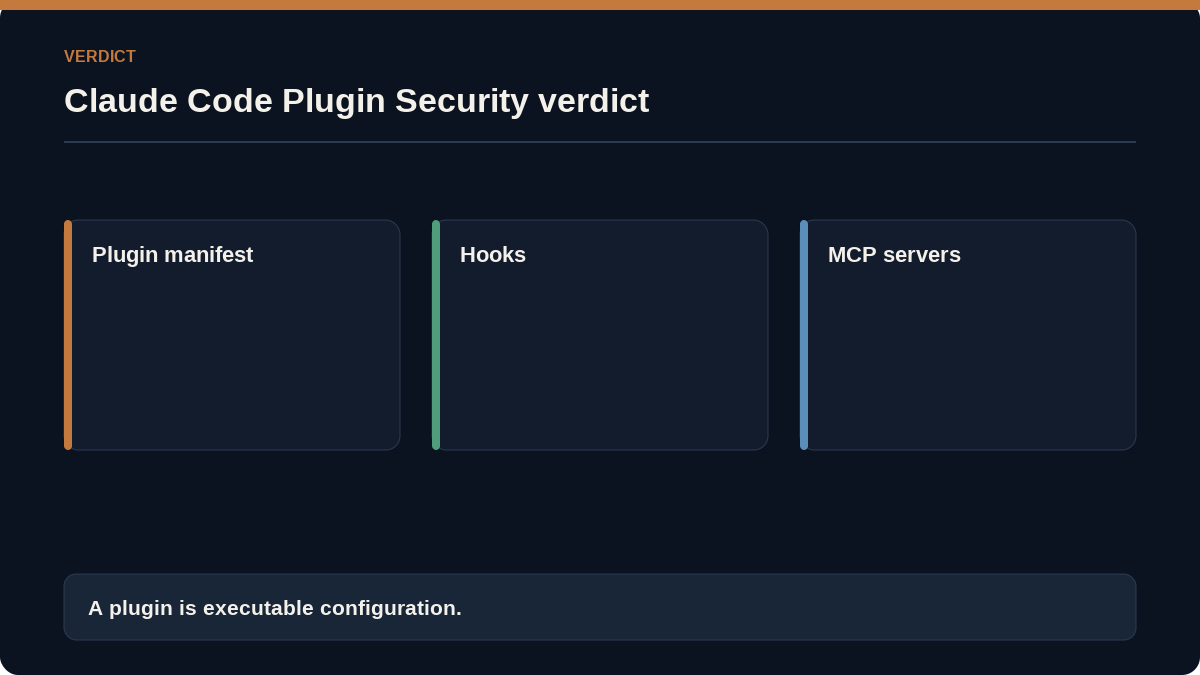
Audit a Claude Code plugin as executable configuration, not as a decorative extension. Plugins can load commands, hooks, MCP servers and skills. Those surfaces can run code, reach the network, request credentials or change the instructions that guide a session.
Review the exact version before installation and every update. Check the manifest, hook commands, MCP destinations, skill text, permissions and update policy. Test in a disposable environment without real credentials. Official partner guidance: Red Hat recommends review discipline for third-party plugin code. The evidence does not show that every plugin is malicious.
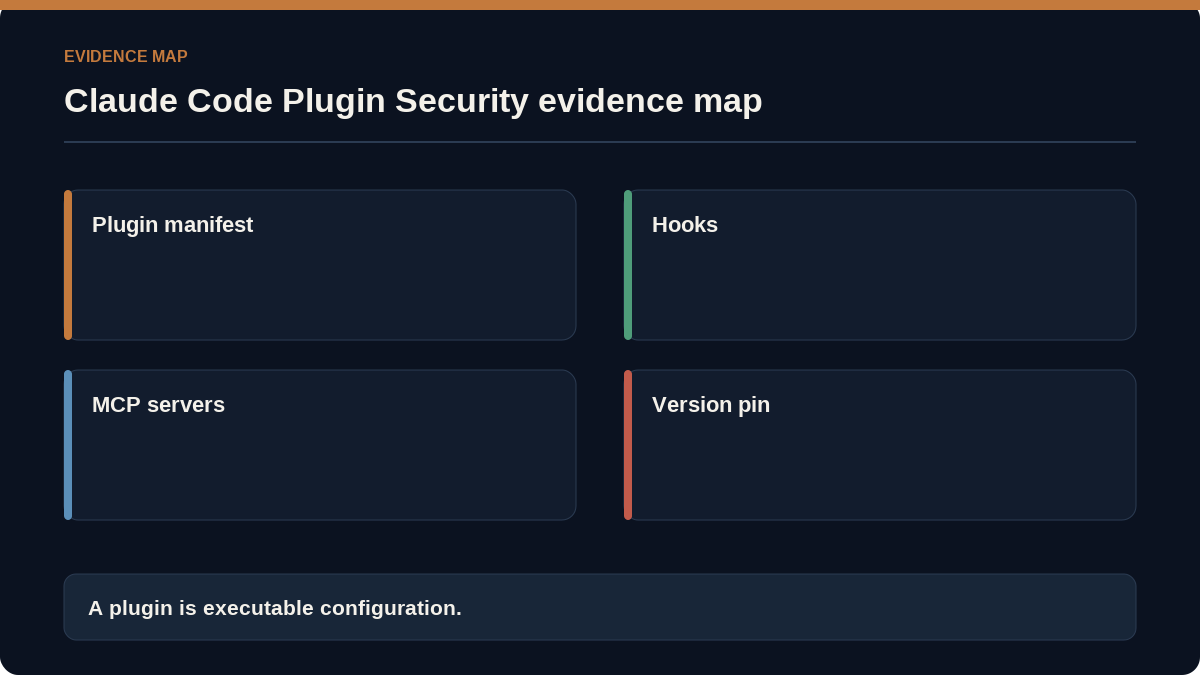
What a plugin can change
A plugin is a package of behavior that can add commands, event-driven hooks, MCP servers and instructional skills to a session. The exact contents vary, so the audit must follow the package rather than a generic checklist alone.
Official: the Claude Code hooks reference describes hooks as a tool-call control surface. Official partner guidance: Red Hat’s plugin and repository security guidance recommends reviewing third-party plugin code and repository practices.
| Plugin surface | What it can introduce | First audit question |
|---|---|---|
| Manifest and metadata | Declared components, version and dependencies | Does the package match the reviewed source? |
| Commands | Reusable prompts or executable workflows | What actions can the command request? |
| Hooks | Commands triggered by tool events | What runs, when, and with which arguments? |
| MCP servers | New tools, data access and credentials | Which destinations and scopes are required? |
| Skills | Instruction text loaded into a session | Does the text expand scope or authority? |
| Update mechanism | New code or configuration over time | Who reviews each changed version? |
The Claude Code agent harness security boundary explains why installation changes risk. A plugin can alter the tools and instructions around the model, so switching models does not remove the need to review it.
Community audit practice focuses on hooks, MCP egress, skill text, auto-updates and exact commit pinning. That is a useful review agenda, not proof that a scanner can certify a plugin safe. The reviewer still needs to read the relevant code and configuration.
A plugin can be legitimate and useful. The goal is not to reject every extension. The goal is to make its authority visible before it enters a real repository.
Hooks and commands deserve line-by-line review
Hooks can run commands in response to tool activity, whether the intended job is formatting a file, enforcing policy or calling another program. Its trigger, arguments, working directory and failure behavior all matter because a narrow hook can become broad when any of those inputs change.
Start with the event that activates the hook, then read the exact command and every script it invokes before deciding what the hook can do. Follow wrappers until the actual executable action is clear, because a short hook that calls a helper can hide a large amount of behavior in that helper.
Look for side effects beyond the stated purpose. A formatting hook should not need broad network access. A policy hook should not silently rewrite source files. A command should not request a credential merely because the session already has one available.
| Hook or command check | Why it matters | Reject or escalate when |
|---|---|---|
| Trigger and matcher | Determines how often code runs | The matcher is broader than the task needs |
| Executable and arguments | Defines the actual action | The command hides destructive or network behavior |
| Working directory | Changes which files are affected | It reaches outside the intended worktree |
| Environment and credentials | Controls what secrets are visible | Literal tokens or unnecessary admin scope appear |
| Failure behavior | Determines whether policy fails safely | Errors are ignored or approvals are bypassed |
| Update path | Changes reviewed code later | Updates run without a new review |
Official: the permissions reference describes controls around tool calls. A plugin command does not override the host’s policy by default, but the combined configuration needs testing. Do not assume that a permission file is effective merely because it exists.
Destructive Git commands are a useful audit case. The Claude Code gitignored-file deletion risks guide shows how cleanup can erase local work. A plugin hook that invokes broad cleanup needs an explicit reason and a narrow permission boundary.
Dependency installation is another executable action. The Claude Code dependency-install side effects guide covers lifecycle scripts and network access. An install hook should be reviewed with the same care as a shell command typed by a developer.
Check failure behavior, not only the happy path
A hook that works on a valid file may fail dangerously on a missing path, spaces in a directory name or an unexpected shell. Test those cases in a disposable project. Capture the exit code and visible effect.
The Claude Code PowerShell path quoting guide illustrates how shell translation can break a command. Plugin code should be tested with the actual shell and path shape used by the team, not only the author’s convenient environment.
If a hook fails, the host should not treat that as permission to continue with a broader fallback. Note the failure and stop. A security hook that fails open is not a reliable boundary.
MCP egress and credential scope
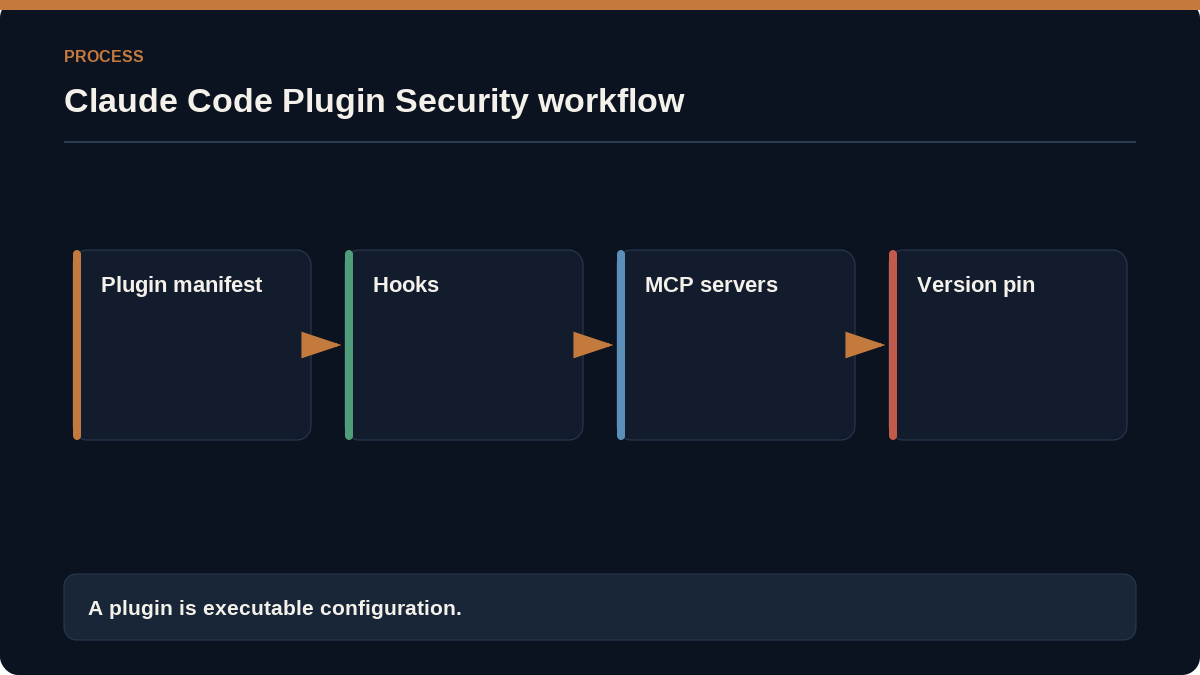
A plugin can load MCP servers that add tools and data access, so each server needs review as a separate trust boundary rather than an footnote to the manifest. The plugin manifest is not enough, because the server may live in another file or dependency with its own credentials and destinations.
List every destination the server can contact. Compare it with the task’s approved hosts. Inspect the credential source and scope. A read-only task should not inherit an admin token because the plugin includes an example configuration.
The Claude Code MCP trust boundaries guide explains why authenticated tool results remain untrusted input. A plugin can be honest while the data it returns carries an injected instruction. Host permissions still need to contain the resulting action.
Credential storage is not the same as credential scope. The Claude Code macOS Keychain permissions guide covers local storage and process access. An MCP token with broad upstream rights remains risky even when it is stored carefully.
Network configuration also belongs in the review. The Claude Code corporate proxy TLS and mTLS guide covers enterprise transport controls. A plugin should not bypass certificate inspection, proxy policy or destination allowlists for convenience.
Use fake credentials in the audit environment. If a plugin needs a real secret to demonstrate its behavior, that is a reason to pause and design a safer test, not a reason to paste production access into a disposable demo.
Skill text can change the agent’s goal
Skills provide instructions that guide a session. They can be useful shortcuts, but their text deserves review because it can tell the agent what to prioritize, which tools to use and when to stop.
Look for requests to broaden scope, skip verification, ignore approval or send repository content to a new destination. Those requests are not automatically malicious, yet each one changes the task’s authority and needs explicit justification.
The Claude Code repository prompt injection guide explains the broader untrusted-content problem. A skill can be reviewed configuration rather than hostile repository text, but its instructions still need to align with the user’s current request.
Compare the skill with the plugin’s stated purpose. A formatting skill that asks for cloud credentials has a mismatch worth investigating. A documentation skill that proposes package installation may be requesting code execution beyond its apparent role.
Maintain the allowed-file contract. The Claude Code overengineering and diff scope guide explains how small requests become broad rewrites. Skill text should narrow the task, not quietly expand it.
Auto-updates can invalidate a completed audit
An audit applies to an exact version, because later code can change the commands, permissions or destinations that made the original review meaningful. If a plugin updates itself, the team may be running code that no one reviewed while still trusting the old result.
Pin the exact commit or version where practical. Capture the source, reviewed commit and configuration. When an update arrives, inspect the diff before replacing the approved version. A version number alone is weaker than a source diff tied to a known commit.
| Update policy | When to use | Control |
|---|---|---|
| Exact pin | Production or shared repositories | Review every change before replacement |
| Reviewed release range | Low-risk internal tooling | Named owner checks each release |
| Manual update | Plugins with broad execution surfaces | No silent refresh |
| Automatic update with audit gate | Controlled test environment | Install only after the gate passes |
| Disable on unknown change | Unexpected source or permission shift | Stop use and investigate |
Automatic updates can also change MCP destinations, credential requests or hook triggers without changing the plugin’s visible name. Review those fields on every update, not only when the command code changes.
A pin has a cost. It can delay a security fix or compatibility repair. Assign an owner and a process for reviewing updates rather than freezing a vulnerable version indefinitely.
Review the update diff, not only release notes
Release notes explain intent, but the diff shows what actually changed. Compare the new commit with the reviewed one. Focus on hooks, MCP configuration, credential requests, skill text and update logic before reading cosmetic changes.
A dependency update can alter behavior without changing the plugin’s own source. Inspect lockfile and manifest changes, then trace any new package that can execute during installation or runtime. The reviewed artifact includes its dependency graph, not only the top-level command.
Test the updated version in the same disposable environment used for the original audit. Reuse the harmless fixture and permission checks so the result is comparable. A new test with broader access cannot prove that the old boundary still holds.
Note whether the update adds a destination, tool, credential scope or automatic action. Any addition needs a fresh justification tied to the task. A release that merely bumps a version number can still change the plugin’s authority in a meaningful way.
If the source or signing information changes unexpectedly, stop. Do not resolve the uncertainty by disabling verification or trusting a convenient mirror. Confirm provenance with the publisher through an independent channel.
The audit record must identify the exact artifact that passed. If the artifact changes, the record no longer answers the current question. The Claude Code session handoff and team context format gives the reviewed version, owner and open risks a portable home.
Recovery planning belongs beside the pin. The Claude Code rewind and checkpoint limits guide explains that Bash-only changes, subagent edits and external effects are not fully checkpointed. Store a known-good plugin version and configuration outside the worktree.
An audit checklist for install and update
Begin with provenance by identifying the publisher, source repository, exact version and dependencies before any plugin code runs. A familiar name is not enough if the package can be fetched from an unexpected location, because the artifact may not match the source the reviewer remembers.
Next, inventory every surface. Read the manifest, commands, hooks, MCP configuration, skills and update mechanism. Follow scripts and helpers rather than stopping at the top-level file.
Then map permissions. Decide which files, tools, network hosts and credentials the plugin actually needs. Compare that map with the effective host policy and test it in a disposable environment.
| Audit phase | Required evidence | Stop condition |
|---|---|---|
| Source | Publisher, repository and exact commit | Source cannot be tied to the artifact |
| Components | Manifest plus commands, hooks, servers and skills | Undeclared executable surface appears |
| Permissions | Requested and effective tool scope | Access is broader than the task |
| Network | Expected destinations and proxy path | Unexpected egress or certificate bypass |
| Credentials | Source, owner and scope | Literal secret or unnecessary admin token |
| Behavior | Disposable test with fake values | Destructive or unexplained side effect |
| Update | Pin, owner and review process | Silent replacement of reviewed code |
| Recovery | Known-good version and disable procedure | No practical way to stop the plugin |
Write an audit record another person can use
A useful record names the artifact, source commit, reviewer, date, approved surfaces and test result. It also names the permissions that were intentionally denied. Without those fields, the next maintainer cannot distinguish a reviewed plugin from one that merely installed successfully.
Record the expected network destinations and credential scopes in plain language. A list of environment variable names is not enough if the values or upstream permissions remain unexplained. Keep actual secret values out of the record.
The Claude Code privacy and retention rules provide policy context for where audit evidence may be stored. Local notes, tickets and provider logs can have different audiences and retention, so choose the location deliberately.
Measure the maintenance burden as well as the benefit. The Claude Code cost per verified change guide helps count review and rework instead of celebrating installation speed. A plugin that saves a few commands but creates constant audit work may not earn its place.
Set a review trigger for source changes, dependency changes, new permissions and changes in update behavior. The trigger should point to an owner, not a vague intention to revisit the plugin later.
Example: approve a formatter with limits
Suppose a formatter plugin declares one local command, no MCP server and no credential request. The source matches the reviewed commit, the hook touches only named source files and the disposable test produces a diff without network activity.
The approval can still be narrow. Record the allowed file patterns, denied network access and exact version. If a later update adds an MCP server or uploads formatting telemetry, the approval no longer covers the new behavior.
A useful record reads like a decision another maintainer can challenge. It names the evidence, the limit and the condition that would trigger another review, rather than offering a vague statement that the plugin looked safe during installation.
Official best practices recommend independent review because a fresh reviewer has not seen the reasoning behind the code. Apply that principle to the plugin diff. The Claude Code code-review bottleneck guide explains why review capacity should be planned rather than assumed.
The Claude Code proof-of-work packet provides a place for audit evidence. Include the reviewed commit, component inventory, permission result and sanitized test output. Do not attach raw logs that may contain credentials.
The Claude Code secrets in logs and transcripts guide matters when a plugin fails. Debug output can preserve environment values or tokens. Sanitize before sharing an issue with the publisher or the team.
A safe audit without installing into a real repository
Inspect the plugin source in a disposable directory. Do not run its install scripts, hooks or MCP servers against a real worktree. Use fake configuration values and no production network credentials.
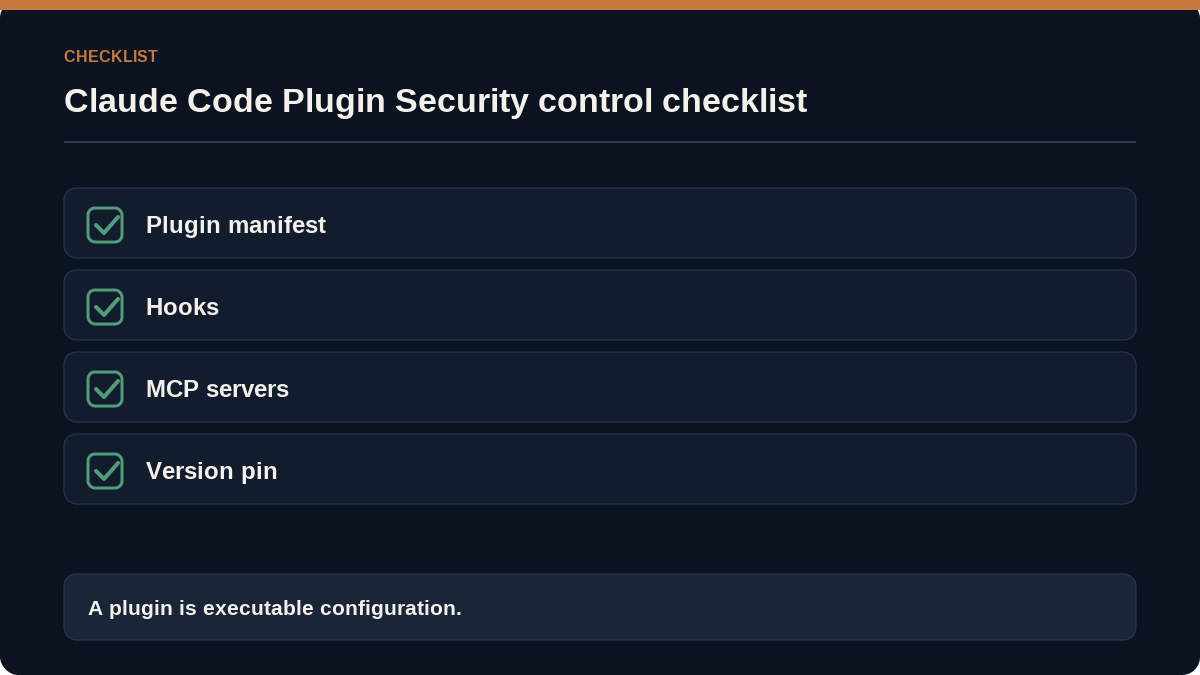
Start with static review. Read the manifest, list scripts, inspect hook definitions and trace each MCP destination. If the package includes a lockfile, compare dependency changes with the reviewed version.
Only then run a minimal behavior test in an isolated environment. Give the plugin the narrow permissions it needs and nothing else. Observe file, process and network effects. Save sanitized output as audit evidence.
A scanner can help find known patterns, but it cannot decide whether a broad permission is justified. Treat scanner output as a lead for human review. The absence of a finding is not proof that the plugin is safe.
Decide when to reject, defer or approve with limits
Reject a plugin when its source cannot be tied to the artifact, when it requests unexplained production credentials or when it requires bypassing host security controls. Those are stop conditions, not inconveniences to work around.
Defer a plugin when the test environment cannot reproduce its important behavior or when the team lacks an owner for updates. A useful extension with no maintenance owner can become a lasting supply-chain risk.
Approve with limits when the plugin solves a real need but its default configuration is too broad. Disable unnecessary servers, narrow hook matchers, remove literal credentials and pin the reviewed version before the first real task.
Write the limits beside the approval. A reviewer should be able to see which capabilities were intentionally removed and which remain. That record also makes it easier to reverse the decision if the plugin later changes behavior.
Security testing also needs authorization. The Claude Code security-research refusal workflow explains how to document scope and a lab. Do not turn a plugin audit into an unauthorized test against the publisher’s infrastructure.
Honest loss and the evidence gap
The win is visibility. A versioned audit exposes which commands, hooks, servers and instructions entered the session, and a pin keeps that evidence tied to the code that actually runs.
The loss is maintenance. Every update needs review, a strict pin can delay fixes and a disposable test cannot reproduce every production environment. Small teams may feel that they are spending more time auditing extensions than using them.
Unknown: the supplied sources do not establish a malicious-plugin rate, a scanner accuracy figure or a guarantee that exact pinning prevents supply-chain compromise. They support a review discipline, not a universal safety claim.
A reviewed plugin can still contain a bug. A trusted publisher can ship a risky update. A narrow test can miss a production-only code path. Keep independent review and recovery controls in place after installation.
Future updates should revisit official hooks and permissions documentation plus Red Hat’s guidance. Record changes in plugin surfaces and update policy instead of assuming that an old audit remains valid.
Practical alternative: One AI API Key with an OpenAI-format agent
If you want to compare a harmless command fixture across agents, the 46 live free model IDs run through OpenAI-format agents such as OpenCode, Cline or Cursor. The quickstart shows endpoint setup. Keep the fixture disposable and do not assume a Claude Code plugin works unchanged in another client.
Free IDs share 100 requests and 5,000,000 tokens per day per account. A gateway does not audit plugin code, and a different host may have different hooks and permissions. Rebuild the control plan around the client you actually use.
The documented Claude Code route is unavailable: all four Claude IDs were marked unavailable on 2026-11-27. Free IDs are OpenAI-format only, so do not use them in Claude Code. The coding-agent compatibility guide and OpenAI versus Anthropic format guide explain the client boundary before configuration.
FAQ
Are Claude Code plugins executable?
They can load commands, hooks, MCP servers and skills. Those surfaces can run code or shape agent behavior, so review the exact package and its permissions before installation.
Does a popular publisher remove the need for an audit?
No. Reputation is useful context, but the exact version, dependencies, update path and requested permissions still matter. A legitimate publisher can ship a bug or an overly broad change.
Should plugins auto-update?
Use auto-updates only with a review gate that fits the risk. Exact pins are easier to audit but can delay fixes. A named owner should review changes before they reach shared or production repositories.
Can a scanner certify a plugin as safe?
No. A scanner can find known patterns and surface leads. It cannot judge whether a permission is justified, whether a destination is appropriate or whether every production path was tested.
How do I audit without risking a real repository?
Inspect the source in a disposable directory, use fake credentials, avoid running untrusted install scripts and test only with narrow permissions. Do not connect the plugin to production services.
Sources
- Official Claude Code hooks reference: hook behavior and tool-call controls.
- Red Hat guidance on securing Claude Code plugins and repositories: third-party review discipline.
- Official Claude Code security documentation: the broader security model.
- Official Claude Code permissions reference: authority around tool calls.
- Official Claude Code settings reference: configuration and network control surfaces.
- Official Claude Code best practices: scope and independent review.
- Cloud Security Alliance research note on GitHub Action prompt injection: security context for instruction-bearing content.