Direct answer
Assume prompts, tool output and local transcripts can preserve a secret after the session ends. Deleting a chat does not delete every copy. Local caches, saved settings, telemetry, shared exports and synchronized transcripts are separate surfaces.
Keep credentials out of prompts and command text, use secret references, set transcript cleanup periods, review telemetry and feedback settings, and sanitize anything you share. If a secret escapes, revoke it before cleaning files. Official: the settings reference exposes transcript retention and telemetry controls. It does not support a claim of zero logging or one universal retention default.
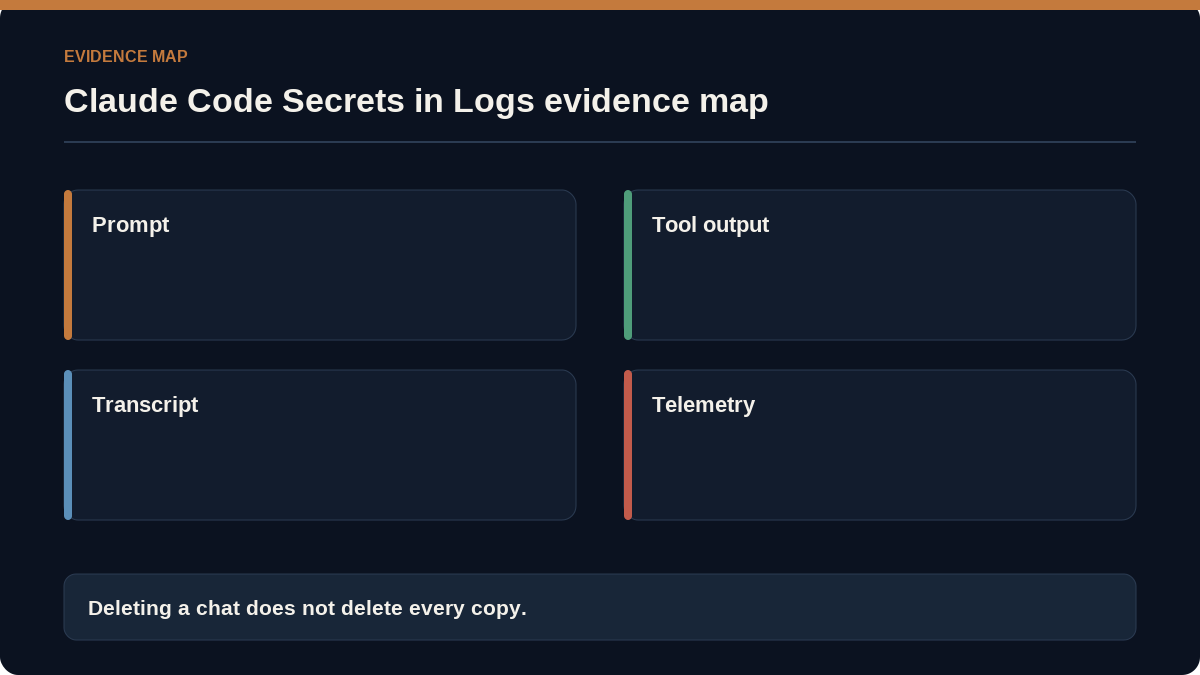
Where a secret can make another copy
A secret can enter a session through a pasted value, command argument, file read, error message or tool output, and each route can leave text in a different storage surface. Once it appears in text, several systems may preserve that text after the visible conversation ends.
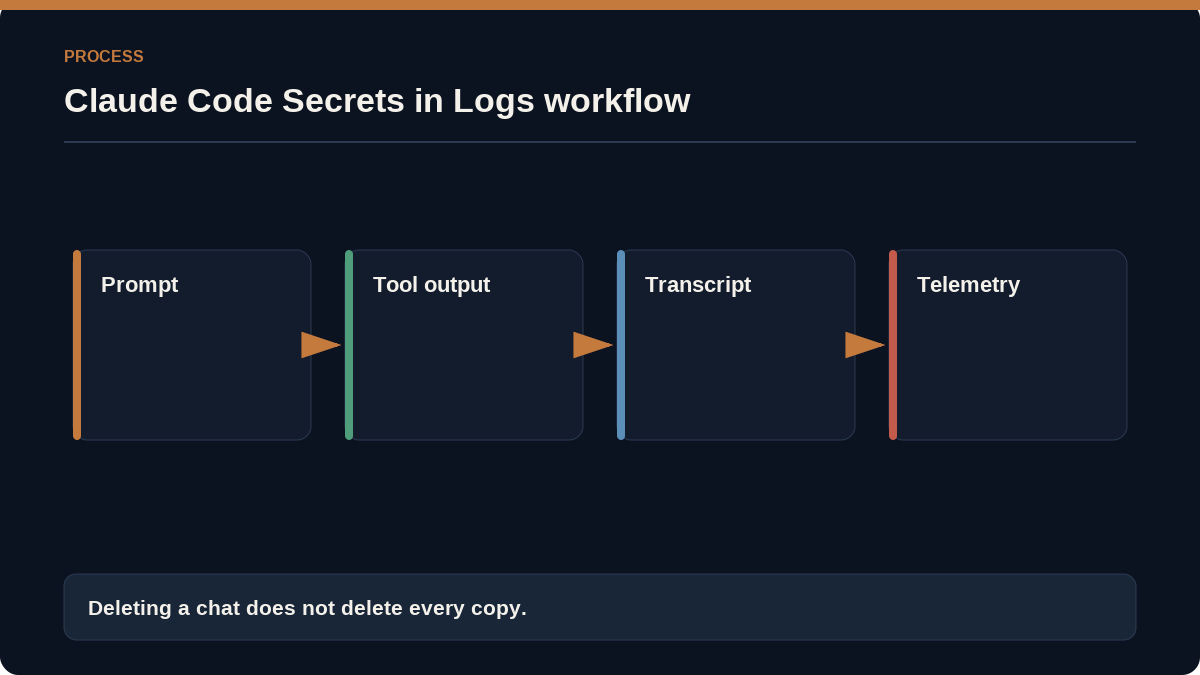
The prompt is the first copy, while tool output can add a second and a local transcript may keep the exchange long after the task is finished. Telemetry or feedback may capture a separate record depending on configuration and content, and a shared export can create another copy outside the product.
| Storage surface | How a secret can arrive | Practical boundary |
|---|---|---|
| Prompt or command text | Pasted credential or literal argument | Reference a secret instead of embedding it |
| Tool output | File contents, environment dump or error | Avoid broad reads and sanitize output |
| Local transcript | Session history saved on the machine | Set retention and restrict local access |
| Desktop or Cowork transcript | A separate local session record | Review its cleanup setting separately |
| Telemetry or feedback | Diagnostic or feedback data | Review settings and minimize sensitive content |
| Remote synchronization | A session continued through Remote Control | Understand server synchronization and device trust |
| Shared export or support attachment | A user copies transcript content | Inspect and redact before sharing |
| CI or shell log | A command runs outside Claude Code | Apply separate log retention and secret controls |
The Claude Code settings-file secret exposure guide covers a related path. Saved approvals can place literal commands in configuration, and shared configuration can expose a credential even when the original chat is gone.
Local does not mean permanent, and remote does not mean automatically safe. The Claude Code privacy and retention rules provide broader policy context. Each storage surface still needs its own owner and cleanup rule.
A useful review follows the value, not the feature name. Ask where the text was created, which tools read it, which logs recorded it and who received a copy. That sequence is more reliable than assuming that deleting the visible conversation solved the problem.
Transcript storage and cleanup controls
Official settings expose cleanupPeriodDays for transcript retention and desktopSessionCleanupPeriodDays for Desktop and Cowork transcripts. They are separate controls. Changing one should not be treated as proof that every local transcript follows the same schedule.
Official: the Claude Code settings reference documents those fields along with telemetry and feedback settings. The supplied fact pack does not state a universal default retention period, so this article does not invent one.
Choose a retention period that fits the team’s debugging and compliance needs, because the right value depends on how much context the team must preserve and who can access the storage. A shorter period reduces how long local text remains available, while a longer period preserves useful context but increases the amount of sensitive material that must be protected.
Retention cleanup is not the same as secure deletion from every backup. A transcript removed locally may still exist in a volume snapshot, synchronized session or exported file. Verify the surfaces that matter to the incident instead of assuming one setting erased all copies.
The Claude Code compaction context-retention test explains how summaries can lose important details. Compaction changes conversational context, but it should not be treated as a secret-removal guarantee.
Context portability can also spread copies. The Claude Code context-portable migration guide helps carry decisions between sessions. A handoff should contain task state, not raw logs or credentials.
The Claude Code session handoff and team context format provides a safer packet structure. Capture the decision, constraint and next action. Link to sanitized evidence instead of pasting a transcript that may contain a secret.
Keep local recovery separate from local retention
A local transcript can help recover intent after a mistake, but it is not a backup of the worktree. The Claude Code rewind and checkpoint limits guide explains which file edits a checkpoint can restore. Use Git, snapshots or service-specific backups for recoverable state.
Cached transcripts also do not make Claude Code fully offline. The Claude Code offline-mode boundaries distinguish local files and cached sessions from offline frontier inference. Plan network failure without assuming that a cached chat can continue generating.
Local credential storage is a separate boundary
Official security documentation says credentials are stored in the macOS Keychain or restricted files. That storage choice does not make every process trustworthy, and it does not justify copying the value into a transcript for convenience.
Community: issue #68195 reports repeated Keychain prompts across sessions. The report does not establish a universal macOS failure or an official fix. Note the product version, caller and prompt behavior before changing local security settings.
Security-vendor research: Silverfort’s analysis of process access to stored credentials warns about a local access risk. Do not turn that finding into a claim that every local process can read the Keychain.
Use least privilege for the process that needs the credential. Avoid disabling Keychain protections to silence prompts. If a prompt appears unexpectedly, inspect the requesting process and configuration instead of approving access broadly.
A remote session can change the local process context. Check Trusted Devices and approvals before continuing from a phone, especially when the task involves credentials or sensitive files. The local machine remains the execution environment.
Telemetry and feedback need an explicit policy
Telemetry and feedback settings are part of the local control surface. Check them before a session handles sensitive code or customer data. Do not assume that a product default matches the team’s privacy requirement.
Decide what diagnostic data the team actually needs. A useful policy names the purpose, owner and retention period. It also says which content must never be included, such as credentials, private keys, full environment dumps and unredacted customer records.
A feedback submission can become a separate copy with a different audience. Treat it like an external share. Inspect the text before submission and prefer a minimal reproduction that describes the problem without including the sensitive session.
The Claude Code proof-of-work packet helps keep evidence useful without copying everything. Include changed paths, commands and relevant output. Sanitize values that do not need to be visible for the reviewer to decide.
No public evidence in the supplied pack supports a blanket statement that telemetry is always off, always on or identical across every plan and configuration. Mark the effective setting as something the team must verify in its own environment.
Cost and privacy can interact without one proving the other. The Claude Code cost per verified change guide measures accepted work. A shorter transcript may reduce local retention, but it does not establish a token-saving percentage or a provider billing change.
Tool output can carry more than the requested data
A command that looks narrow can print a large environment, and a file read can include a credential next to the configuration the task actually needed. A test failure can include a signed URL or authorization header, after which the agent may repeat that output in a summary or transcript.
Prefer targeted reads. Ask for the specific configuration key or log line needed for the task. Avoid commands that dump every environment variable, list all secret files or print an entire credential-bearing response.
Use decoy values in tests. If a workflow needs a token-shaped fixture, make it inert and obviously fake. Do not paste a real credential to prove that the workflow understands the format.
The Claude Code repository prompt injection guide adds another reason to inspect output. Tool text can carry instructions as well as secrets. A safe session treats output as untrusted data and does not let it expand tool authority.
MCP results deserve the same care. The Claude Code MCP trust boundaries guide explains why authenticated output remains untrusted. A server can return a useful record that also contains a token or an injected directive.
Logs outside Claude Code matter too. CI output, shell history and monitoring systems can preserve the same command text. A local transcript cleanup setting does not govern those systems, so each needs its own retention and access policy.
Remote Control, sharing and support exports
Remote Control synchronizes transcripts to Anthropic servers, so continuing a session from a phone creates a remote copy rather than keeping every record on the local machine. Official documentation also says the local process must stay running and the remote session retains full access to the local environment, which means the phone is not a separate isolated workspace.
| Remote or shared surface | Official or reported boundary | Safe response |
|---|---|---|
| Remote Control transcript sync | Official: transcripts synchronize to Anthropic servers | Review the session before continuing remotely |
| Trusted Devices | Official: biometric or passkey verification is supported | Use a trusted device and review approvals |
| Conversation sharing request | Community: issue #40981 requests links, exports or a shared workspace | Do not infer that every current surface lacks sharing |
| User-created export | The user makes another copy | Inspect and redact before transfer |
| Support attachment | The recipient gets the attached content | Send the minimum sanitized evidence |
Official: the Remote Control documentation describes synchronization, paid-plan and authentication requirements, device trust and other limits. Community: issue #40981 is a feature request, not proof that all sharing is unavailable today.
The Claude Code mobile Remote Control limits guide explains why phone approval is not full code review. A small screen can hide the sensitive content in a diff or log, so review the exact artifact before approving a share.
Support exports need a deliberate review. If you export or attach a transcript, treat the attachment as a new copy with its own audience and retention. Include the error, version and minimal reproduction rather than the whole session.
Unknown remains the right label for provider-side export retention when the supplied sources do not specify it. Ask the provider or consult the applicable policy instead of inventing a deletion guarantee.
Include plugin and MCP configuration in the inventory
A plugin can add hooks, commands, MCP servers and skills that read or transmit data. Its configuration belongs in the same secret inventory as transcripts and settings. Audit the exact version before assuming its logs or network behavior match an earlier audit.
The Claude Code plugin security audit provides a checklist for executable configuration. A plugin that requests a credential should explain why it needs the value, where it sends data and how long any resulting record remains available.
MCP output can contain both a secret and an instruction. The trust review and the cleanup review should therefore happen together. Removing a token from a transcript does not help if the same value was sent to an unapproved upstream service.
Inventory configuration files before sharing a support bundle. A helpful debug archive can include saved commands, server definitions and local settings that were never meant to leave the machine. Inspect the archive rather than trusting its filename.
Maintain a sanitized inventory with the owner, surface, retention rule and cleanup action. Do not store the secret itself in the inventory. The inventory should tell a responder where to look without recreating the exposure.
A cleanup checklist for secrets in session data
Cleanup starts with prevention. Store credentials in a secret manager or environment reference, avoid literal command arguments and use fake fixtures. Inspect the prompt before sending it, especially when the task involves configuration or logs.
Next, reduce collection. Set transcript cleanup periods, review telemetry and feedback settings, and limit which tools can read sensitive paths. A narrow task should not produce a broad diagnostic dump by default.
| Control | What it reduces | Verification |
|---|---|---|
| Secret references | Literal values in prompts and saved commands | Inspect the proposed command before approval |
| Targeted reads | Unnecessary secrets in tool output | Review the exact file or log selection |
| Transcript retention | Time local session text remains | Confirm the effective cleanup setting |
| Telemetry review | Unneeded diagnostic collection | Record the effective configuration |
| Sanitized export | Secret spread to another audience | Inspect the attachment before sending |
| Access control | Local reading of transcripts and caches | Check permissions on the storage location |
| External log policy | Copies in CI, shell or monitoring logs | Review each system’s retention separately |
If a secret is exposed, revoke it first. Removing the text from the latest file does not invalidate the credential. Then identify every surface that may contain it, including history, exports, backups and upstream logs.
The Claude Code macOS Keychain permissions guide covers local credential storage. Official security docs say credentials are stored in the macOS Keychain or restricted files. Repeated Keychain prompts are a community report, and security-vendor research warns about process access without proving that every local process can read the keychain.
After cleanup, verify with a fresh session and a targeted search of the affected storage surfaces. Do not publish the search output if it contains the secret. Record only the paths checked, the action taken and the remaining uncertainty.
Review cleanup evidence without spreading the secret
A cleanup claim needs evidence, but the evidence must not become another leak. Document the affected path categories, the revocation confirmation and the verification result. Exclude raw matching lines from tickets, chat and screenshots.
The Claude Code code-review bottleneck guide explains why review capacity is a delivery constraint. Secret cleanup deserves a focused review because a missed copy can keep the incident open after the visible file looks clean.
Use an independent reviewer for high-impact incidents. Give that person the sanitized inventory and acceptance criteria, not the original credential. The reviewer should be able to confirm that each surface was addressed without possessing the secret.
Security testing during cleanup also needs authorization. The Claude Code security-research refusal workflow explains how to document scope and a lab. Do not probe unrelated accounts or systems while searching for copies of an exposed value.
When evidence is incomplete, say so. A checked local transcript does not prove that an export, backup or upstream log was cleaned. Keep the unresolved surface visible and assign an owner instead of declaring universal deletion.
The Claude Code corporate proxy TLS and mTLS guide matters when logs pass through enterprise infrastructure. Proxy and monitoring systems may keep another copy, so coordinate cleanup with the network or security owner.
Outage evidence can also preserve sensitive context. The Claude Code outage status and failover guide helps separate provider incidents from local failures. A status page does not tell you whether a transcript or log contains a credential.
Worked cleanup with inert data
Use a disposable session and a fake value that cannot authenticate anywhere. Put the fake value in a fixture, read it through a tool and observe where the text appears. Do not use a real .env file or production log.
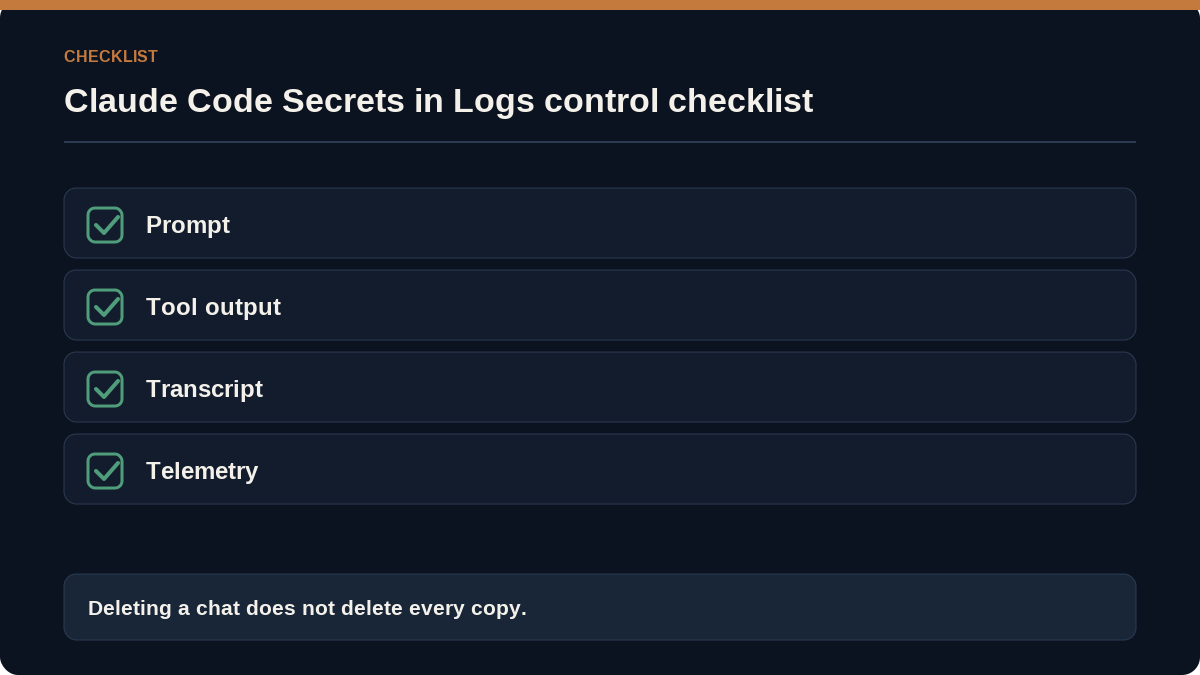
Record the surfaces you expect: prompt, tool output, local transcript and any enabled diagnostic path. Then apply the cleanup controls and check each expected surface. The goal is a repeatable inventory, not a claim that every product build stores data identically.
Create a sanitized support note that describes the fixture without including the fake session transcript. A reviewer should be able to reproduce the issue from the note alone. If the note needs more data, add the smallest relevant excerpt.
This drill also tests handoff quality. A teammate should receive the cleanup decision and next action, not a raw transcript that recreates the exposure. The Claude Code proof-of-work packet keeps the evidence structured and reviewable.
Example: close a fake-value exposure
Suppose the inert fixture appears in a prompt, a tool result and a local transcript. The cleanup record lists those surfaces, the retention change and the verification step. It does not include the fixture text or a screenshot of the matching line.
The responder checks each surface and marks any copy that cannot be inspected as unresolved. A shared export or volume snapshot may need a separate owner, and the record should say so rather than implying that local cleanup covered it.
A teammate can then reproduce the check with a fresh fake value. The handoff contains the expected surfaces and acceptance criteria, while the raw session stays out of the ticket and the next conversation.
Honest loss and the evidence gap
The win is fewer copies and a shorter exposure window. Secret references, targeted reads, retention settings and sanitized exports reduce the amount of sensitive text that travels through a session.
The loss is diagnostic context. Aggressive cleanup can remove the evidence needed to understand a failure. A shorter transcript may force a developer to reconstruct decisions, and strict redaction can slow support.
Unknown: the supplied sources do not enumerate every cache, log or provider-side copy, state one universal retention default or prove zero logging. They also do not establish a secret-leak rate for Claude Code users.
Deleting a chat does not revoke an exposed credential, erase a backup or guarantee removal from an upstream system. Treat those as separate actions with separate evidence.
Future updates should revisit the settings reference, Remote Control documentation and applicable privacy terms. Record the effective configuration used in any local test instead of assuming it matches another account or product surface.
Practical alternative: One AI API Key with an OpenAI-format agent
If you want to test secret-handling controls with a separate client, the 46 live free model IDs run through OpenAI-format agents such as OpenCode, Cline or Cursor. The quickstart shows endpoint setup. Use fake fixtures and review the host’s own logs and retention behavior.
Free IDs share 100 requests and 5,000,000 tokens per day per account. The gateway publishes a no-training policy, prompt logging off by default, per-key spend caps, expiry dates, allowed-model lists and request-level usage records. Upstream providers still receive requests under their own terms. The privacy policy and API reference describe those controls.
The documented Claude Code route is unavailable: all four Claude IDs were marked unavailable on 2026-11-27. Free IDs are OpenAI-format only, so do not use them in Claude Code. The coding-agent compatibility guide and OpenAI versus Anthropic format guide explain the client boundary before you configure a key.
FAQ
Does deleting a Claude Code chat delete every transcript copy?
Do not assume so. Local transcript settings, Desktop or Cowork retention, synchronized sessions, exports and backups are separate surfaces. Verify each surface relevant to the incident.
What settings control transcript retention?
The official settings reference exposes cleanupPeriodDays and desktopSessionCleanupPeriodDays. It also exposes telemetry and feedback settings. Check the effective configuration rather than relying on a universal default.
Can tool output expose a secret even if I never paste it?
Yes. A file read, environment dump, error message or MCP result can contain a credential. Use targeted reads, avoid broad dumps and sanitize output before sharing.
Does Remote Control keep everything only on my machine?
No. Official documentation says transcripts synchronize to Anthropic servers and the local process must stay running. Review the session and device trust before continuing remotely.
Should I remove an exposed secret from the file before revoking it?
Revoke the exposed credential first. File cleanup does not invalidate it. Then remove the text from affected surfaces and document what remains uncertain.
Sources
- Official Claude Code settings reference: transcript retention, telemetry and feedback controls.
- Official Claude Code security documentation: credential storage and the security model.
- Official Claude Code Remote Control documentation: transcript synchronization and device trust.
- Community issue #68195 on repeated macOS Keychain prompts: a user report, not a universal failure.
- Silverfort research on macOS process access to stored credentials: security-vendor research with a limited claim.
- Community issue #40981 requesting conversation sharing: a feature request, not proof about every surface.
- One AI privacy policy: first-party privacy and key-control context.