Direct answer
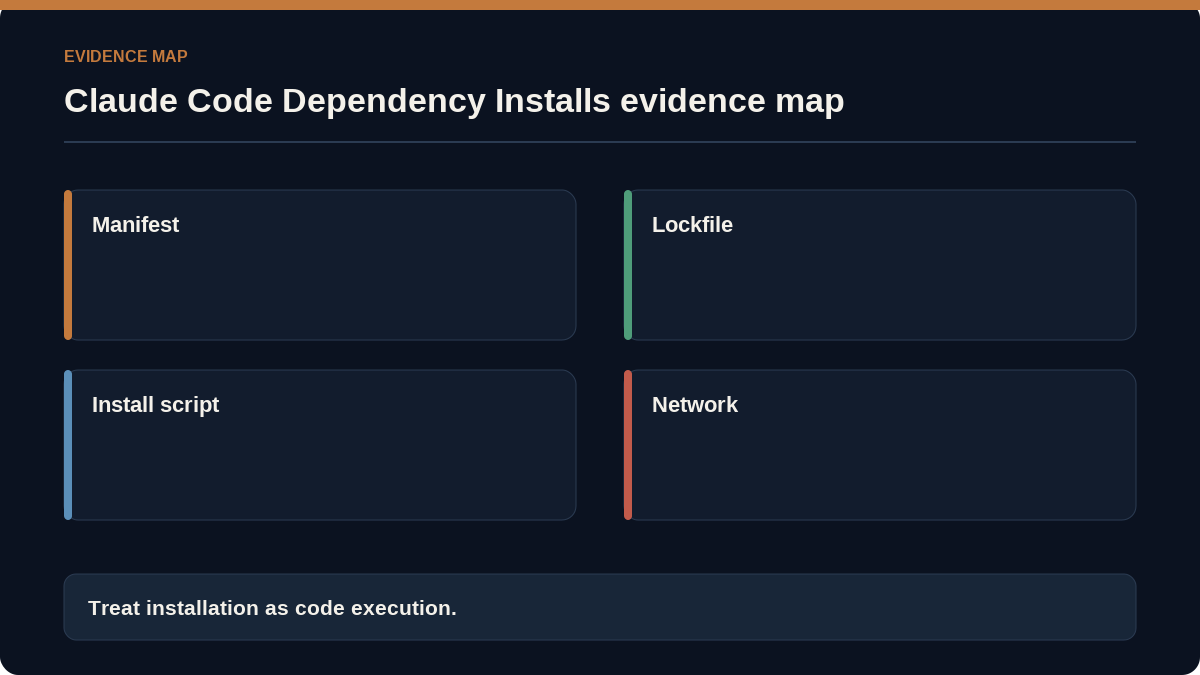
Treat a Claude Code dependency install as code execution, not as a file download. Official: package managers can run lifecycle scripts and reach the network, while settings expose sandbox network allowlists and hooks can block tool calls (F011). Before allowing an install, review the manifest change, the resolved dependency state in the lockfile, the exact command and the network boundary. Approve those pieces separately. The concrete win is a reviewer who can explain what the install may execute before it runs. The honest loss is that review cannot prove a package is safe, and an allowlist cannot make untrusted code trustworthy. Use a disposable environment for unfamiliar packages, keep production credentials out of the install path and stop when the command differs from the reviewed plan.
What install commands do
An install command can do more than add a dependency. It may resolve versions, modify files, run package-defined scripts and contact a registry or another service. The exact behavior depends on the package manager, the package and the command. The supplied fact pack does not provide a universal command reference, so verify the flags in the relevant official documentation rather than guessing.
Official: dependency installs are executable actions (F011). That single fact should change the approval habit. A request to “install the package” needs the same attention as a request to run a script. The reviewer should see what is being installed, why it is needed and which command will run.
Separate the decision to add a dependency from the decision to execute its install. A manifest edit can be reviewed without registry access. The install can then run in a controlled environment after the dependency set and command are understood. This separation also gives the team a clean stop point when the lockfile changes in unexpected ways.
Do not let a setup step hide inside a broader task. If the agent proposes a package while fixing a bug, update the change contract first. The large-diff scope guide explains how to reject unrelated expansion. A new dependency is a scope change even when it adds only a few lines to a manifest.
The dependency decision also affects handoff. Record which packages were approved, which command ran, which environment was used and what changed. A teammate should not have to infer the install state from a successful build.
Install stages
| Stage | What to inspect | Decision to make | Evidence to keep |
|---|---|---|---|
| Need | Requested capability and existing alternatives | Is a new dependency necessary? | Reason and rejected built-in option |
| Manifest | Package name, version range and scripts | Is the requested dependency acceptable? | Reviewed manifest diff |
| Resolution | Lockfile changes and resolved dependency state | Did resolution match the approved intent? | Lockfile diff and source |
| Command | Exact install command and flags | What may execute or contact the network? | Command text and reviewer |
| Environment | Workspace, credentials and sandbox state | Where can the command operate? | Environment classification |
| Execution | Install output and generated changes | Did behavior match the plan? | Redacted output and changed-file list |
| Verification | Build, tests and dependency review | Does the project still behave as intended? | Named checks and results |
| Handoff | Final dependency and command record | Can the next person reproduce the state? | Updated task packet |
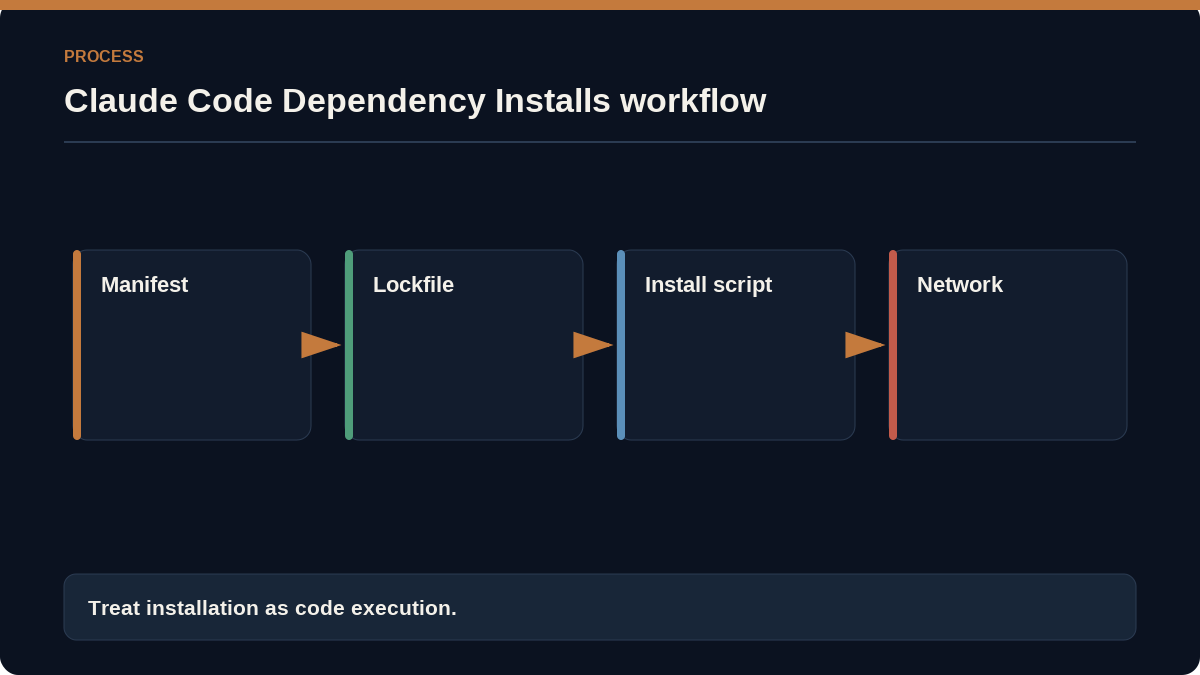
The stages are a proposed review workflow built on the official execution fact (F011). They are not a claim that every package manager exposes the same controls. Adapt the evidence to the repository while preserving the separation between approval and execution.
Lifecycle scripts
Lifecycle scripts are package-defined commands that a package manager may run during install or related operations. Official: the fact pack explicitly identifies lifecycle scripts as an install side effect (F011). A reviewer should therefore look beyond the package name and version.
Start with the manifest. Identify scripts declared by the project and scripts introduced by the dependency. If the package metadata exposes install hooks, inspect them before execution. Do not assume that a familiar package name means every version has the same behavior.
A script can be legitimate. A package may need a build step to produce usable artifacts. The goal is not to reject all scripts. The goal is to avoid granting execution authority to code that nobody chose to review. Official partner guidance: Red Hat recommends review discipline for third-party plugin code and related executable configuration (F018, F019). The same principle applies to dependencies.
When a script is necessary, narrow the environment. Remove production credentials from the install path. Use a disposable workspace or container when the package is unfamiliar. Make the network boundary explicit. If the script needs a service that the sandbox cannot reach, record the requirement and review it rather than disabling protections indiscriminately.
The plugin security audit covers a nearby executable surface. Plugins can load commands, hooks, MCP servers and skills, and their exact version and permissions deserve review (F018, F019). A dependency review should not ignore those additional components when an install also changes agent configuration.
Independent security research: prompt injection can arrive through external content and tool results (F016, F017). A package description, registry page or repository instruction is data. It may influence the agent, but it should not gain authority to request a broader install or a new credential. The repository prompt-injection guide explains the trust boundary.
Never run an untrusted package as a demonstration on a real workstation. Use a controlled fixture with no production access. If the package is not understood well enough to classify its scripts and network needs, defer the install. Curiosity is not an approval criterion.
Lockfile changes
For this review, treat the lockfile as the record of resolved dependency state. A manifest describes intent. The lockfile shows what the install resolved. Those are related, but they are not interchangeable.
Review the lockfile diff before execution when the workflow allows it. If resolution only happens during install, treat the install as a controlled resolution step and inspect the resulting diff before accepting the dependency. Do not wave through a large lockfile change simply because the manifest edit was small.
Look for unexpected packages, changed sources or a resolution that no longer matches the approved version intent. The supplied fact pack does not define package-manager-specific lockfile semantics, so use the project’s existing conventions and official tool documentation. Avoid inventing flags or assuming that every manager resolves dependencies in the same order.
A lockfile can also reveal scope expansion. If a package pulls a large transitive set, the reviewer should decide whether that dependency surface is acceptable. This is not proof of compromise. It is a reason to inspect what will be installed and why.
Keep generated changes separate from dependency changes. If an install rewrites unrelated files, stop and compare the changed-file list with the contract. The proof-of-work packet helps attach evidence to the install rather than to a generic successful build.
Do not commit a lockfile change that the team cannot reproduce. Record the package manager, command and relevant environment assumptions. Exact versions and registry sources should come from the reviewed state, not from memory. When the source of a package is unclear, pause and verify it.
The honest loss is that lockfile review takes time and still cannot prove the behavior of every transitive package. It can, however, expose an unexpected resolution before the dependency becomes part of the normal build. That is a concrete benefit without a security guarantee.
Review updates as new executable input
A dependency update is not merely a version-number edit. It can change resolved packages, scripts, generated output and network behavior. Repeat the install review when the dependency set or command changes. Do not treat the first approval as permanent permission for every future version.
Separate a security patch from a feature upgrade when the workflow allows it. A small patch may be easier to review, but size alone does not establish risk. Inspect the actual manifest and lockfile changes, then run the relevant verification. A larger upgrade may need a staged rehearsal and a wider compatibility check.
Pay attention to automatic update paths. Official partner guidance: plugin audit guidance focuses on hooks, MCP egress, skill text, auto-updates and exact commit pinning (F018). The same review habit applies when an install changes executable agent configuration. A dependency that updates silently can invalidate an earlier review of scripts or permissions.
If a plugin or MCP server appears during the update, stop and audit it separately. Official: plugins can load commands, hooks, MCP servers and skills into a session (F019). Authentication does not make the server’s tool results trustworthy (F017). Inspect the exact version, permissions and egress before allowing the update to continue.
Use staging evidence to answer a narrow question. Did the updated dependency preserve the behavior the project relies on? Name the build, test or fixture that supports the answer. Do not claim that a clean staging run proves the absence of malicious behavior or every production compatibility issue.
Keep a rollback plan for the dependency state, but do not confuse it with data recovery. Reverting a lockfile may restore a previous package set. It does not undo a script that already ran, a credential that was exposed or an external system that was changed. The rewind checkpoint guide explains why file recovery has boundaries.
Record the update source, reviewed artifact and command in the handoff. If the registry, package source or resolution strategy changed, say so. The next engineer should be able to tell whether the update followed the normal path or introduced a new trust decision.
The concrete win is that updates receive the same scrutiny as first installs. The concrete loss is repeated review work, especially for frequent patches. The practical implication is to automate evidence collection while keeping approval for new scripts, new network destinations and new executable configuration.
Network access
Dependency installs can reach the network (F011). The network boundary should be part of the approval, not an afterthought when a request fails.
Official: settings expose sandbox network allowlists, denied domains and strict allowlists (F011). Use a narrow allowlist for the registries and services the task actually needs. A strict allowlist reduces reachable destinations. It does not inspect the content of a permitted request or make a permitted package safe.
Official: enterprise network settings include proxy and certificate variables that load once at startup (F028). If an install behaves differently in a corporate environment, inspect the network configuration before changing model settings. The corporate proxy TLS and mTLS guide covers that diagnostic path.
Separate registry access from application credentials. A package install usually should not need production database access, cloud deployment credentials or a broad token. If a script requests them, stop and ask what the script is doing. Do not paste credentials into a prompt to make the error disappear.
Hooks can block tool calls (F011). Use a hook when the team needs a durable gate around install commands. A written instruction can be forgotten or overridden by a later prompt. A configured control can enforce a narrower boundary. The harness security boundary guide explains why prompt text and enforcement are different layers.
MCP servers add another network path. Official: MCP servers extend the agent’s tools and data access, and authentication does not make their results trustworthy (F017). Review the MCP trust-boundary checklist when an install or plugin introduces a new server. Tool output can carry indirect prompt injection even when the server is authenticated.
A network failure is not permission to disable the firewall or certificate checks. Diagnose the host, proxy, certificate and allowlist. If the install cannot run within the approved boundary, move it to a more suitable controlled environment instead of weakening the production workstation.
Risk controls
| Risk | Control | What it reduces | What it cannot prove |
|---|---|---|---|
| Unexpected lifecycle script | Inspect scripts and approve execution separately | Surprise code execution | That the script is benign |
| Unreviewed transitive dependency | Review resolved lockfile state | Hidden dependency expansion | Safety of every transitive package |
| Excessive network reach | Narrow sandbox allowlist | Reachable destinations | Safety of allowed traffic |
| Credential exposure | Remove production secrets from the install path | Impact of a malicious or buggy script | That no credential was already exposed |
| Command drift | Compare exact command with the approved plan | Unreviewed flags and actions | That the package manager behaves as expected |
| Plugin or MCP addition | Audit executable configuration and egress | New agent authority | Trustworthiness of tool results |
| Prompt injection through package text | Treat external content as untrusted | Instruction-based escalation | That every injected instruction will be blocked |
The controls are cumulative. An allowlist does not replace script review. A lockfile review does not replace credential separation. Choose controls that match the actual install surface rather than treating one checkbox as a complete security posture.
A pre-install checklist
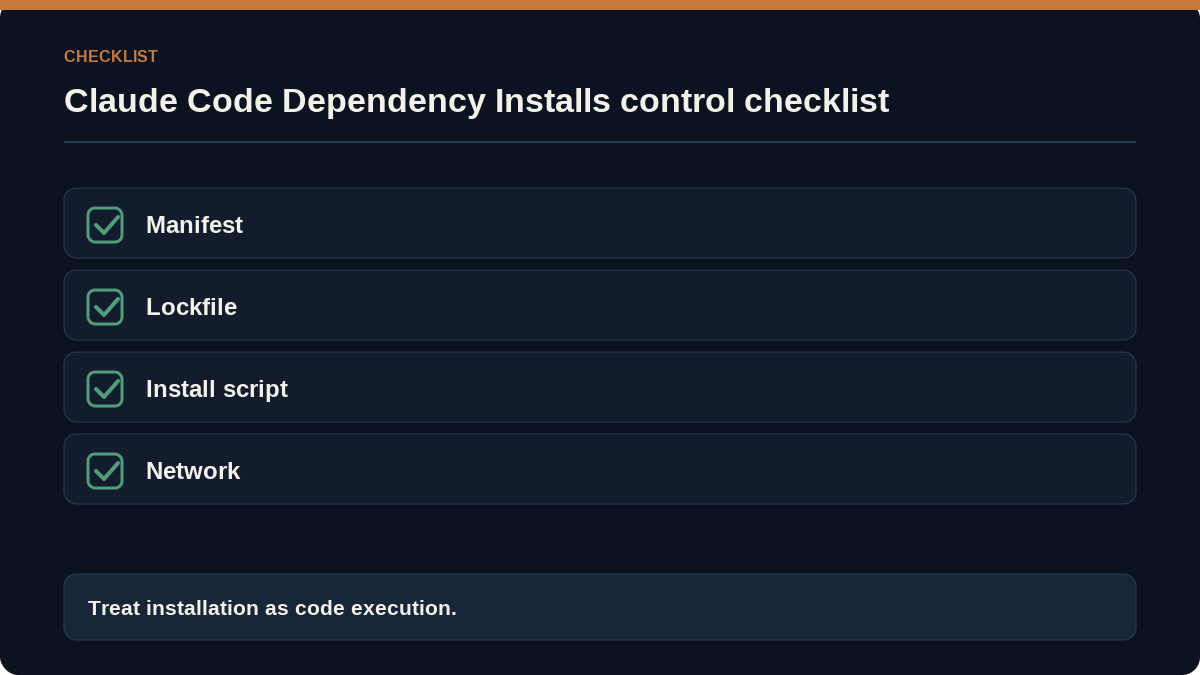
The reviewer should be able to complete this checklist before the install command runs. If resolution cannot be reviewed until afterward, mark that limitation and treat execution as a controlled step.
Checklist
| Check | Pass condition | Stop condition |
|---|---|---|
| Need is clear | The dependency solves a named requirement | A built-in or existing option was not considered |
| Manifest diff is reviewed | Package and version intent match the task | Unexpected package or script appears |
| Lockfile state is understood | Resolution matches approved intent | Sources or transitive set are unexplained |
| Exact command is recorded | Flags and target environment are known | Command differs from the plan |
| Scripts are classified | Required lifecycle behavior is understood | Script requests unexplained authority |
| Network boundary is set | Required destinations are narrowly allowed | Broad access is the only proposed fix |
| Credentials are separated | Production secrets are outside the path | Script requests a production credential |
| Plugin and MCP changes are reviewed | New executable surfaces have owners | A server or hook appears without review |
| Verification is named | Build and tests cover the changed behavior | Success is defined only as command completion |
| Handoff is prepared | Dependency and environment state can be reproduced | The next person must guess how it was installed |
Use the checklist in a pull request or task packet, not only in chat. The team handoff format gives the install record a durable home. Include a link to the reviewed manifest and lockfile rather than copying sensitive registry output.
Approval should be specific. “Approved to add the named package for the stated feature” does not authorize an unrelated package discovered later. If the dependency set changes, return to the checklist.
A safe install review test
Use a disposable copy of a project that already has a reviewed dependency set. Do not add an untrusted package for the test. The goal is to rehearse the review process, not to prove that a registry package is safe.
First, write the proposed manifest change without running the installer. Record why the dependency is needed and which existing alternatives were rejected. Inspect the project scripts and the dependency metadata available in the controlled source. If any script is unclear, stop before execution.
Next, review the resolved state in an isolated environment with only the required network destinations available. Keep production credentials out of the environment. Run the exact approved command only after the checklist passes. Compare the resulting lockfile and changed-file list with the plan.
Then run the named verification. A successful install is not enough. The build and relevant tests should exercise the feature that needed the dependency. Record failures without pasting secrets or private registry tokens into the task packet.
Derived: Use install approved = need clear + manifest reviewed + resolution understood + command known + scripts classified + network bounded + credentials separated. Every term must be true. This is a review gate, not a numerical risk score or a benchmark.
The safe test has a concrete win: it exposes command drift and unexpected files before the dependency becomes routine. Its concrete loss is that a controlled rehearsal cannot predict every upstream change or registry incident. The practical implication is to repeat the review when the dependency, version or command changes, not only on the first install.
Official: settings, permissions and hooks provide controls around install actions (F011). The test should confirm that the configured controls behave as expected in the actual environment. Do not assume that a rule written in a document is enforced by the harness.
Honest loss and data gaps
Review reduces avoidable exposure. It does not establish that a package, lockfile or script is safe. The supplied evidence contains no universal dependency-incident rate and no proof that a particular allowlist prevents every supply-chain problem.
Unknown: The fact pack does not provide package-manager-specific script semantics, lockfile formats or a verified list of safe registries. Those details depend on the tool and version. Use the project’s official documentation and record the environment instead of presenting a generic command as universally correct.
Official partner guidance: Red Hat recommends review discipline for third-party plugin code, including executable surfaces and exact versions (F018, F019). That guidance does not mean every plugin is malicious. It means installation and updates deserve inspection because they can change what the agent can do.
Independent security research: agent prompt injection can arrive through external content and tool results (F016, F017). Authentication and a familiar package name do not remove that boundary. If package text or tool output asks for a new privileged action, stop and verify the request through a trusted channel.
The honest loss is friction. A careful install review slows setup and may block a useful dependency until someone owns the risk. The practical implication is to automate repeatable checks while keeping human approval for new executable authority. Do not replace judgment with a green checklist.
Adjacent checks worth keeping separate
Dependency installs connect to scope, handoff and platform behavior. Start with team session handoff, offline work boundaries, mobile approval limits and large-diff scope control. Then check network storm diagnosis, Linux ARM and headless login, macOS Keychain permissions, PowerShell path quoting, corporate proxy TLS and mTLS and outage failover.
An install can accompany a destructive change. Keep database migration safety separate, and check gitignored-file deletion plus rewind checkpoint limits before treating a failed setup as easy to undo.
Executable configuration deserves its own audit. Use repository prompt-injection controls, MCP trust boundaries, plugin security audits, secrets-in-logs cleanup, security-research authorization and game-development IP restrictions. A dependency may be benign while a new plugin or tool server changes the agent’s authority.
Buying and model settings do not make an install safe. Compare annual plan lock-in, Max and Ultra value, fast-mode pricing and Batch API versus subscription. For request design, consult prompt-cache minimums, thinking-token caps and reasoning effort defaults. Finish with review capacity, AI provenance and license compliance.
A practical OpenAI-format alternative
If you want to test an install-review workflow in an OpenAI-format agent, the 46 live free model IDs provide a separate connected route. First-party, checked 2026-11-27: the catalogue showed 76 listed models and 46 available-now free IDs across 22 families (F044). The free lane shares 100 requests and 5,000,000 tokens per day per account, resetting at 05:30 IST or 00:00 UTC, with one request in flight per key (F045).
One AI API Key works through OpenAI-format agents such as OpenCode, Cline or Cursor. Follow the endpoint quickstart, select one free ID and use https://api.oneaiapikey.com/v1 (F047, F048). The prepaid pricing page documents $10 signup credit with no card and no subscription or seat fee (F046). Review per-key caps, expiry and model allowlists, and use the cost calculator for a small controlled comparison.
Do not put these free IDs into Claude Code. They are OpenAI-format only. The documented Claude Code route is unavailable because all four Claude IDs were marked unavailable on 2026-11-27 (F047). A second agent does not remove package scripts, network access or supply-chain review. Keep the same install checklist across models.
FAQ
Is a dependency install just a download?
No. Official: package managers can run lifecycle scripts and reach the network (F011). Review the manifest, resolved lockfile, exact command and environment before execution.
Does a lockfile review prove the package is safe?
No. It can reveal unexpected resolution and dependency changes. It cannot prove the behavior of every package or transitive dependency.
Should I disable lifecycle scripts?
The supplied evidence does not define one universal setting or command. Some packages need legitimate build scripts. Inspect the scripts, use a controlled environment and verify the exact package-manager controls before deciding.
Can an allowlist make an untrusted install safe?
No. It limits reachable destinations. It does not make allowed code trustworthy or inspect every request. Combine it with script review, credential separation and verification.
What should stop an install?
Stop for an unexplained script, unexpected lockfile change, command drift, broad network requirement, production credential request or an unreviewed plugin or MCP server.