Direct answer
A reconnection storm is a measurement problem before it is a router problem. Community (F023): issue #19006 reports hundreds of simultaneous reconnection attempts during a network fault, but it does not confirm a universal NAT-exhaustion bug. Count client sockets, identify their state, check proxy and DNS behavior, and compare one isolated client with the rest of the network. Cap or stop agent retries at the client or job scheduler before changing firewall protections. The practical win is a diagnostic record that separates client, proxy, router and service failure. The honest loss is that the report alone cannot prove what caused the storm or how often it happens. Do not restart the router, disable the firewall or raise NAT limits until the measurements point there.
The reported symptom
Issue #19006 is useful because it describes a visible failure pattern: many reconnection attempts during a network fault. Community (F023): that is a user report, not an Anthropic confirmation and not evidence that every Claude Code installation behaves this way. The report does not supply a measured rate for the broader user base.
A storm can look like several problems at once. A session may stop producing output while the terminal remains open. New connections may appear faster than old ones disappear. Other devices on the same network may lose access if shared state becomes constrained. Those symptoms justify investigation, but they do not identify the layer that failed.
Capture the incident window before changing anything. Record the local time, the agent process, the active network path, the first failed request and the point when socket growth became visible. Redact proxy credentials, request headers and private URLs from the record. Official (F020): transcript and telemetry settings exist, but that does not mean logs are empty or that every copy disappears when a session ends.
The secrets in logs and transcripts guide covers the local evidence you may need to preserve. The session handoff and team context guide helps pass the incident state to another engineer without exporting an entire private conversation.
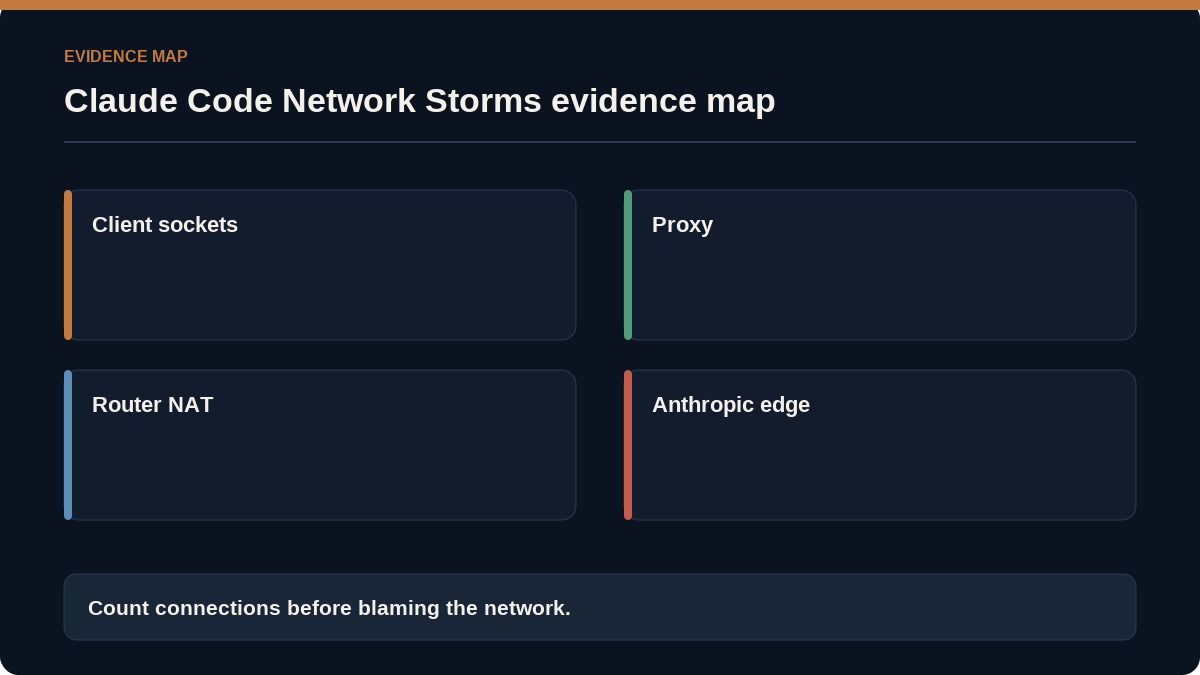
Network layers
| Layer | What to observe | Evidence that points here | Safe first response |
|---|---|---|---|
| Client process | Open sockets, states, process identity and retry timing | Growth begins with one agent process | Stop or isolate that process and repeat the observation |
| Client network setup | DNS result, proxy variables, CA and client certificates | Failure follows a configuration change | Restore the last known working startup environment |
| Proxy or inspection gateway | Accepted connections, denied destinations, TLS errors | Client reaches the proxy but not the service | Ask the proxy owner for scoped logs |
| Router or firewall | Translation table, drops, limits and other affected devices | Multiple clients degrade together | Compare capacity and policy before changing limits |
| Service edge | Status incident and failures across independent networks | Other clients fail during the same window | Follow incident guidance and pause automated retries |
Socket states
A socket state describes what the local stack is waiting for. SYN_SENT means a connection attempt has been sent and the local stack has not completed the handshake. ESTABLISHED means a connection is active. TIME_WAIT is a normal closing state, not proof of a leak by itself. The diagnostic question is whether the distribution and growth match the incident.
On Linux, read the states without dumping packet contents. Commands such as ss -tan state syn-sent and ss -tan state established provide a starting view. On Windows, Get-NetTCPConnection -State SynSent provides a comparable client-side view. Use the tooling approved for the host, and avoid commands that expose full payloads or credentials.
Count by process where the platform permits it. A total socket count cannot tell you whether Claude Code, a browser, a build tool or a monitoring agent owns the growth. If process attribution is unavailable, run one candidate client at a time in a controlled test. That changes one variable and makes the result easier to interpret.
Do not treat a high count as a verdict. A busy machine can have many healthy connections. A smaller count can still be broken. Compare the state mix before, during and after the fault, using the same observation method each time. The proof-of-work packet is a useful structure for recording commands, timestamps, redacted output and the conclusion.
The Linux ARM and headless login guide covers platform checks that should happen before network diagnosis. A wrong launcher or unsupported host can create a local failure that resembles a service problem. The PowerShell path quoting guide covers another local cause: a command can fail before the network request it was meant to make.
Read a socket snapshot as a distribution, not a single total. A rise in unfinished handshakes points to connection establishment. A rise in established sockets may indicate long-lived work or sessions that are not closing. A rise in closing states can be normal cleanup. The same total can represent very different behavior, so keep the state names in the evidence.
Timing matters too. Note whether growth begins with a user action, a scheduled job, a reconnect or a service-status change. If growth continues after the initiating process stops, look for a supervisor, wrapper or connected tool that is still retrying. If it stops immediately, preserve the configuration and process record before restarting anything. That comparison is more useful than guessing from the largest count.
Avoid changing two controls at once. Increasing router capacity while also reducing worker count destroys the evidence needed to explain recovery. Choose one reversible change, repeat the harmless test and record the result. When two independent problems exist, separate runs will take longer but produce a clearer answer.
Retry behavior
Retries are useful when a transient failure clears quickly. They become harmful when every worker retries immediately, no shared limit exists or the original fault persists. The supplied sources do not document Claude Code’s exact retry schedule, so do not invent a delay curve or claim a specific client bug. Measure the attempts you can observe and control the layer you own.
Start with the job scheduler or wrapper that launches the agent. If a failed run is restarted automatically, pause that restart during diagnosis. Keep the session available for evidence, but prevent new work from multiplying the same failing request. A single controlled reproduction is more useful than an uncontrolled loop.
Next, inspect connected tools and background work. Official (F011, F017): dependency installs can reach the network, and MCP servers add external tool access. A separate server may be retrying independently of the main agent. The MCP trust-boundary guide explains how to review those connections. The dependency-install side-effects guide explains why an install command is not a passive download.
Official (F028): network settings include HTTPS_PROXY, HTTP_PROXY, NO_PROXY, NODE_EXTRA_CA_CERTS, CLAUDE_CODE_CLIENT_CERT and CLAUDE_CODE_CLIENT_KEY. They load once at startup. If you change one, start a clean process before comparing results. Otherwise an old environment can make a correct fix look ineffective.
The corporate proxy TLS and mTLS guide provides the enterprise configuration path. Do not disable certificate verification to test a retry theory. A TLS error is evidence about the network path, not permission to weaken it.
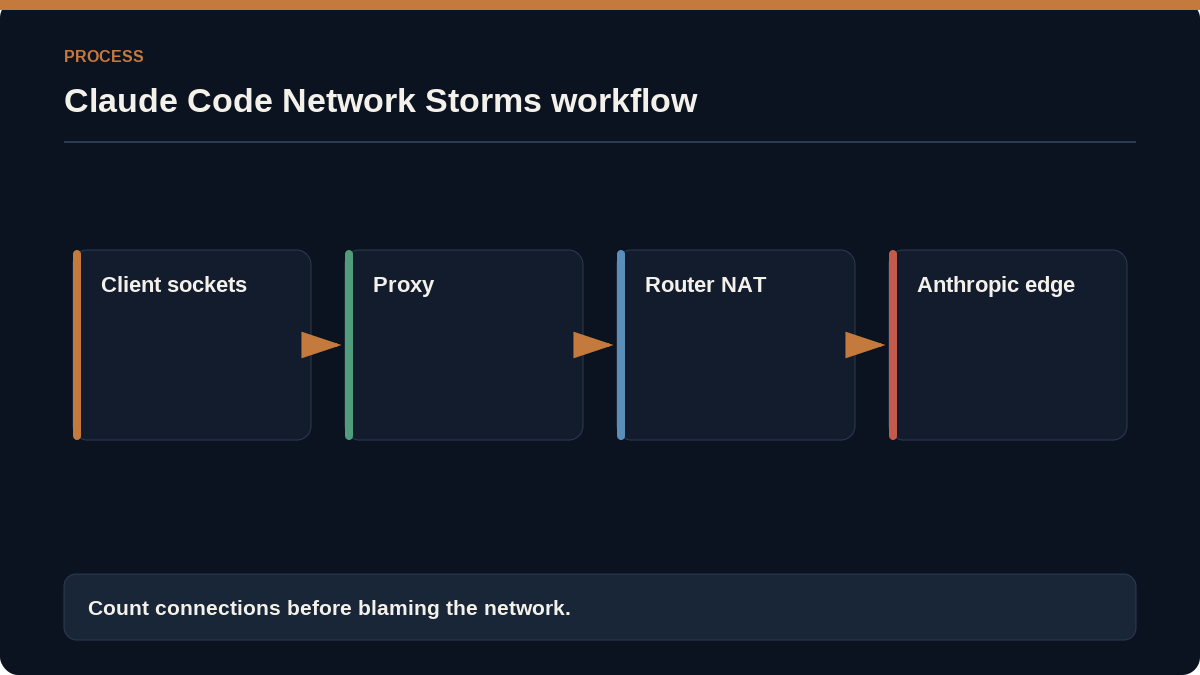
Router capacity
A router’s network address translation table maps internal connections to external flows. Each active translation consumes an entry. If the table fills, new flows can fail even when internet bandwidth remains available. That mechanism is plausible, but plausibility is not evidence that it caused a particular Claude Code incident.
Use variables before numbers. Let W be the number of concurrent agent workers, S the average sockets opened per worker and R the number of attempts each worker makes during the observation window. Then the observed attempt volume is W × S × R. Compare that with socket growth and translation-table usage from the same window. This is Derived: arithmetic from your measurements, not a value supplied by Anthropic.
Estimate translation pressure separately. Let U be current table entries and C be configured capacity. Utilization is U / C. A high ratio is a signal to investigate, not proof that Claude Code caused it. Other devices, long-lived connections and backup jobs may own the entries. Record the router model, firmware and table metrics before proposing a change.
Test the simplest boundary first. Run one isolated client while the rest of the network remains unchanged. If the storm follows that client across a known-good path, the client or its configuration deserves attention. If unrelated devices fail at the same time, widen the investigation. If independent networks fail while the status page reports an incident, the service path becomes more likely.
The Claude Code outage status and failover guide explains how to combine service status with local probes. Official (F029): the status page covers Claude Code, Claude API and claude.ai, but the supplied page states no contractual SLA or guaranteed uptime percentage. A green or amber indicator is one signal, not a complete diagnosis.
A safe diagnostic checklist
Use a disposable test account and a harmless request. Do not replay production prompts or private repository content just to reproduce a network fault. Keep the test small enough that you can stop it without disrupting a real task.
- Record the baseline. Capture process identity, socket states, DNS result, active proxy variables and service status. Redact secrets.
- Pause automatic restarts. Stop the scheduler from launching replacement agents while you observe the failure.
- Run one client. Use a clean process on the affected host, then compare with one client on a separate network path if available.
- Watch state growth. Count
SYN_SENT, established and closing sockets at consistent intervals. Record the interval rather than implying continuous precision. - Check DNS and routing. Confirm that the expected hostname resolves and that the route reaches the intended proxy or service. Do not substitute an unrelated address.
- Inspect the proxy. Compare client-side acceptance with proxy-side denial or TLS errors. Ask the proxy owner for scoped evidence when you cannot see it.
- Check shared capacity. Look at router translation usage and other affected devices before changing limits.
- Restore one variable at a time. If you alter a proxy, CA or certificate setting, restart the client and repeat the same test.
- Stop on spillover. End the test if unrelated systems degrade or evidence suggests unintended access.
- Write the verdict. State which layer the evidence supports and which alternatives remain open.
Diagnostic steps
| Step | Artifact | Supports the hypothesis when | Does not prove |
|---|---|---|---|
| Baseline | Timestamped socket and configuration snapshot | The later change has a comparable starting point | The cause of the original incident |
| Single-client run | One process with controlled request volume | Growth follows that process | That all installations behave the same way |
| Separate-network run | Same client on a different path | Failure disappears or moves with the path | Which device inside the old path is responsible |
| Proxy comparison | Matching client and proxy records | Both sides identify the same denied destination | That the proxy is malicious |
| Router comparison | Translation usage and affected-device list | Shared pressure coincides with failures | That the agent alone filled the table |
| Clean restart | Same test after one configuration change | Behavior changes only after the corrected variable | A permanent fix for every network |
Practical response: mitigation checklist
Mitigation should match the layer you measured. A client-side stop is usually easier to reverse than a router-wide change. A proxy policy change should be scoped to the required hosts. A capacity change needs evidence that the table, not DNS or a failing upstream path, constrained traffic.
Official (F028): essential hosts include api.anthropic.com, claude.ai and platform.claude.com, and SOCKS proxies are unsupported. Use the official network reference as the configuration source. The custom API base URL guide explains endpoint changes, but changing an endpoint does not repair a local retry loop.
| Control | Owner | Reversal | Main loss |
|---|---|---|---|
| Pause automatic agent restarts | Job or session owner | Resume the scheduler after the test | Slower recovery from a transient failure |
| Reduce concurrent workers | Team lead | Restore the previous limit | Lower peak throughput |
| Add bounded client retries | Application owner | Restore the prior wrapper | Some transient failures may surface sooner |
| Scope proxy exceptions | Network owner | Remove the exception | Less tolerance for an alternate route |
| Correct DNS or CA configuration | Host owner | Restore the prior startup environment | Requires a clean restart |
| Increase router capacity | Network owner | Restore firmware settings where supported | May hide an unhealthy client and affects other traffic |
| Disable firewall protection | Not recommended as a diagnostic step | Restore immediately if changed | Expands exposure and destroys the comparison |
Escalate with evidence rather than a theory. The network owner needs the affected hosts, the observation window, the socket-state summary, the proxy path and the router metrics you could collect. The service owner needs a redacted request pattern, independent-network results and the relevant status window. The application owner needs the launcher, version, connected tools and retry controls under your management.
A useful escalation message separates facts from hypotheses. State that socket growth was observed on one process during a failed request. State that the proxy accepted the connection but the service path did not complete, if your logs show that. Then label NAT exhaustion as a hypothesis until table evidence supports it. This keeps the investigation from becoming a debate about whose component gets blamed.
Save a rollback note beside each change. Record the previous value, the new value, the person who approved it and the test used to verify recovery. If the change affects a shared proxy or router, include the affected user group. A fix that restores Claude Code but breaks another approved service is not a clean recovery.
The live gateway status page is useful for the hosted comparison route, while the Claude service status page covers the Claude services in the fact pack. Neither page replaces local socket evidence. The Claude Code outage status and failover guide explains how to combine them without promising zero downtime.
The mobile Remote Control limits matter during an incident. A phone can continue or approve work only while the local process and network path remain available. It is not an offline escape route. The offline-mode boundaries explain why cached files and local transcripts are different from offline inference.
If the incident prevents useful work, preserve the handoff instead of improvising a new route under pressure. The rewind and checkpoint limits cover file edits, not every shell or network side effect. The database migration safety workflow is the model for separating a risky production action from an agent’s planning work.
Official (F024): supported setup includes specified macOS, Windows and Linux platforms with x64 or ARM64 processors and at least 4 GB RAM. Those requirements do not diagnose a network storm. They are a reminder to verify the host before changing service settings. The macOS Keychain permissions guide covers repeated credential prompts that can resemble an approval-loop problem without being a NAT issue.
Mitigation checklist
| Before changing the router | Pass condition |
|---|---|
| Client socket growth is attributed to a process | One controlled client reproduces or does not reproduce the pattern |
| Retry loops under your control are paused or bounded | Attempt volume no longer grows without intervention |
| DNS, proxy and TLS paths are checked | The failing layer is identified with matching evidence |
| Router table usage is recorded | Capacity pressure coincides with the incident window |
| Other devices are checked | Shared symptoms are separated from client-only symptoms |
| A rollback is documented | The prior configuration can be restored without guessing |
| Firewall protections remain enabled | No diagnostic step depends on broader exposure |
After recovery, repeat the baseline once with normal worker settings restored. Keep the incident snapshot beside the healthy snapshot so the next engineer can compare state mix and timing. Remove temporary exceptions through the approved change process, then confirm that the client still works through the intended path. A temporary bypass left in place can turn a resolved incident into a standing exposure.
Schedule a follow-up only when the evidence identifies an owner and a test. For example, a wrapper owner can add a bounded retry and rerun the harmless request. A network owner can review a documented translation limit if the table evidence supports it. Avoid broad monitoring changes that collect private prompt content just to count connections. Socket metadata and redacted error categories are usually enough for the first diagnosis.
Honest loss and data gaps
The central gap is causality. Issue #19006 establishes that a user reported a storm. It does not establish the retry algorithm, the router model, the table capacity, the firmware behavior or the share of users affected. Any one of those can change the outcome.
The second gap is the fix. The fact pack supplies no official fix version for this report. Do not write “upgrade to version X” unless a verified source later provides it. Keep the installed version in the incident record so a future comparison is possible.
The third gap is frequency. There is no measured storm rate and no verified threshold at which a given router will fail. The formulas in this article organize local observations; they are not product benchmarks. A team can prove that its controlled test reduced attempts. It cannot turn that result into a universal Claude Code claim.
Finally, a quiet network after a router reboot does not identify the cause. Rebooting clears state and changes several variables at once. Prefer a scoped test with a recorded baseline and one changed input. That costs more attention but produces evidence you can use again.
A follow-up report should also name the remaining uncertainty. If client attempts were bounded but the original fault was never reproduced, say that. If the service recovered before a separate-network test, record the missing comparison. Honest limits make the next incident easier to investigate because the team knows which facts are still absent.
Practical alternative for OpenAI-format agents
One AI API Key offers an optional comparison route for a harmless request when you want to test whether a failure follows the agent or the network path. On 2026-11-27, the 46 live free model IDs were OpenAI-format only. Use an OpenAI-format agent such as OpenCode, Cline or Cursor with the documented base URL and one selected free ID. The quickstart shows setup.
Do not put those free IDs into Claude Code. First-party (F047, F048): Claude Code uses the Anthropic-format endpoint, and all four Claude IDs were marked unavailable on 2026-11-27. The coding-agent compatibility notes explain the boundary. A different route is a diagnostic comparison, not proof that the original client has a bug.
The free lane shares 100 requests and 5,000,000 tokens per day per account, resetting at 05:30 IST or 00:00 UTC. Up to three keys are allowed per account, with one request in flight per key on free models. New accounts receive $10 credit without a card, and billing is prepaid with no subscription or seat fee. Review pricing, per-key controls and the privacy policy before sending test data. Create an account only if that route fits the incident plan.
FAQ
Does issue #19006 prove Claude Code exhausts NAT tables?
No. Community (F023): it reports simultaneous reconnections during a fault. It does not confirm a universal bug or identify the router state that caused the failure. Measure sockets, retries and translation usage before changing capacity.
What does a large number of SYN_SENT sockets mean?
It means many local connection attempts have not completed. The cause can be DNS, routing, filtering, proxy policy, an unavailable service or another network fault. Attribute the sockets to a process and compare a controlled client on another path.
Should I disable the firewall to test the theory?
No. Disabling protection changes exposure and destroys the comparison. Use a scoped exception approved by the network owner, or test from a separate controlled path while keeping the original protections in place.
Can Remote Control keep a session working through an outage?
No. Official (F004, F007): the local process must stay running, and execution remains on the local machine. Remote Control is an interaction and approval surface, not an offline runtime or a replacement for the workstation.
What retry settings should I use?
The supplied sources do not provide a universal retry schedule. Bound the layer you control, measure attempt volume and keep a rollback. Do not invent a Claude Code setting or delay value that the documentation does not expose.