Direct answer
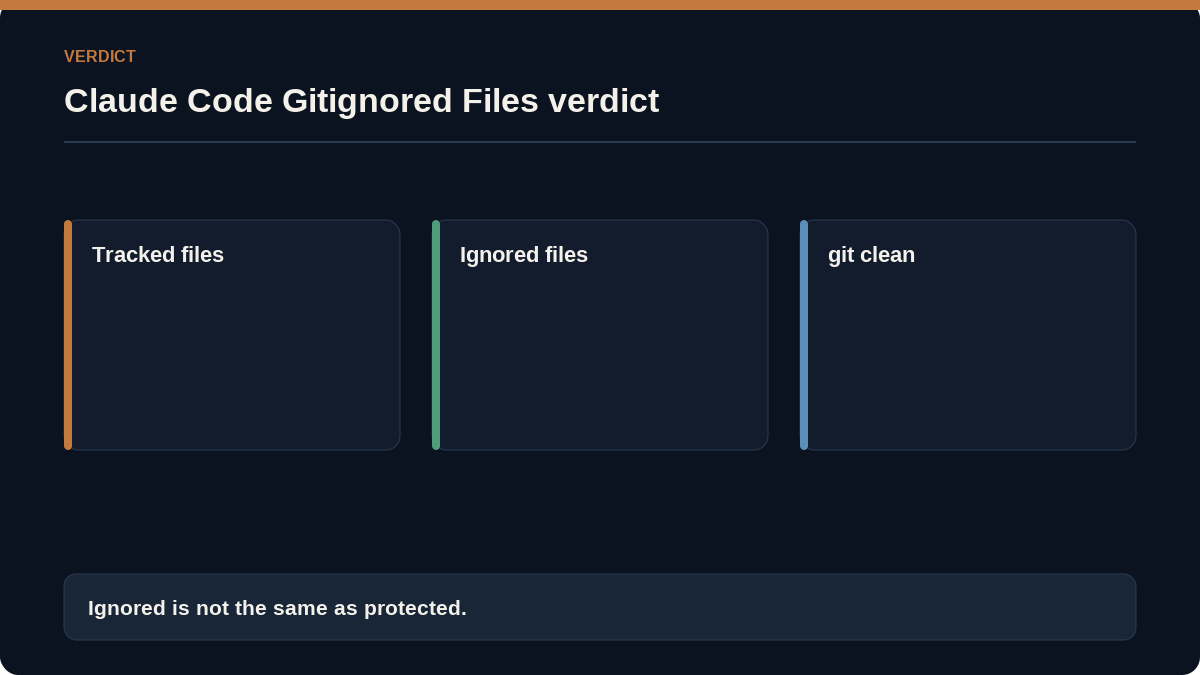
git clean can delete ignored files when it includes the option that removes ignored paths, and it can delete previously ignored files after the ignore rule itself disappears. A tracked .gitignore is not a protective barrier. If an agent removes that tracked file, ignored directories can become ordinary untracked directories that a later clean command removes.
Block broad clean, hard reset and forced checkout patterns before an agent works in a repository with valuable local state. Preview cleanup with a dry run, keep secrets outside the worktree, and use a commit or independent backup for anything that must survive. Community evidence: issue #29179 reports this sequence. It does not prove a universal Claude Code defect or a measured deletion rate.
What gitignored actually means
An ignore rule tells Git which untracked paths to leave out of routine status and staging views. That is useful for local configuration, editor state, build output and generated files. It is not a permission system, an access-control list or a promise that another command will spare the path.
Git also distinguishes tracked from untracked content. A file already added to the repository remains tracked even when a later ignore rule matches its name. Removing it from the worktree does not make its history vanish. A broad reset can discard edits to tracked files, while cleanup commands operate on untracked paths according to their flags.
| Git state | What it means | What broad cleanup can affect |
|---|---|---|
| Tracked and modified | Git records the path and the worktree differs from the index or commit | Hard reset or forced checkout can discard local edits |
| Tracked and deleted | The path is in the index but missing from the worktree | Restore or checkout can bring content back from a recorded object |
| Untracked and not ignored | Git sees a path outside the index | git clean can remove it when the matching option is used |
| Untracked and ignored | An ignore rule matches the path | git clean can remove it when ignored-path removal is included |
| Previously ignored, now untracked | The ignore rule was removed, renamed or no longer applies | Ordinary untracked cleanup may now include the path |
The last row is the dangerous transition in the reported incident. Community: issue #29179 describes tracked files, including .gitignore, being removed. Previously ignored directories then appeared as untracked and were removed by a broad clean operation. The report does not say git clean always deletes ignored files. The outcome depended on the order of operations and the flags used.
Local secrets deserve a stronger boundary than an ignore rule. The Claude Code settings-file secret exposure guide explains how configuration meant to stay local can still enter a commit or shared artifact. Keep credentials in a secret manager or a location outside the repository when possible. Treat an ignored .env as a convenience file, not a vault.
Retention is a separate question. The Claude Code privacy and retention rules cover provider and product behavior. They do not restore a local file removed by a shell command, and they do not make a worktree a safe credential store.
How clean turns a state change into data loss
Start with a repository that has a tracked .gitignore. Inside it, a rule ignores local-data/. The directory exists only on the developer’s machine, perhaps holding a local database, downloaded fixtures or an inert environment file.
Now remove .gitignore from the worktree. Nothing has happened to local-data/ yet. What changes is Git’s interpretation of that directory. With no matching ignore rule, its files become candidates for ordinary untracked cleanup.
A subsequent git clean -fd can remove those now-untracked paths. It does not need the option that explicitly includes ignored files, because the paths are no longer ignored. A direct git clean -fdx is more destructive from the outset because it includes ignored paths as well.
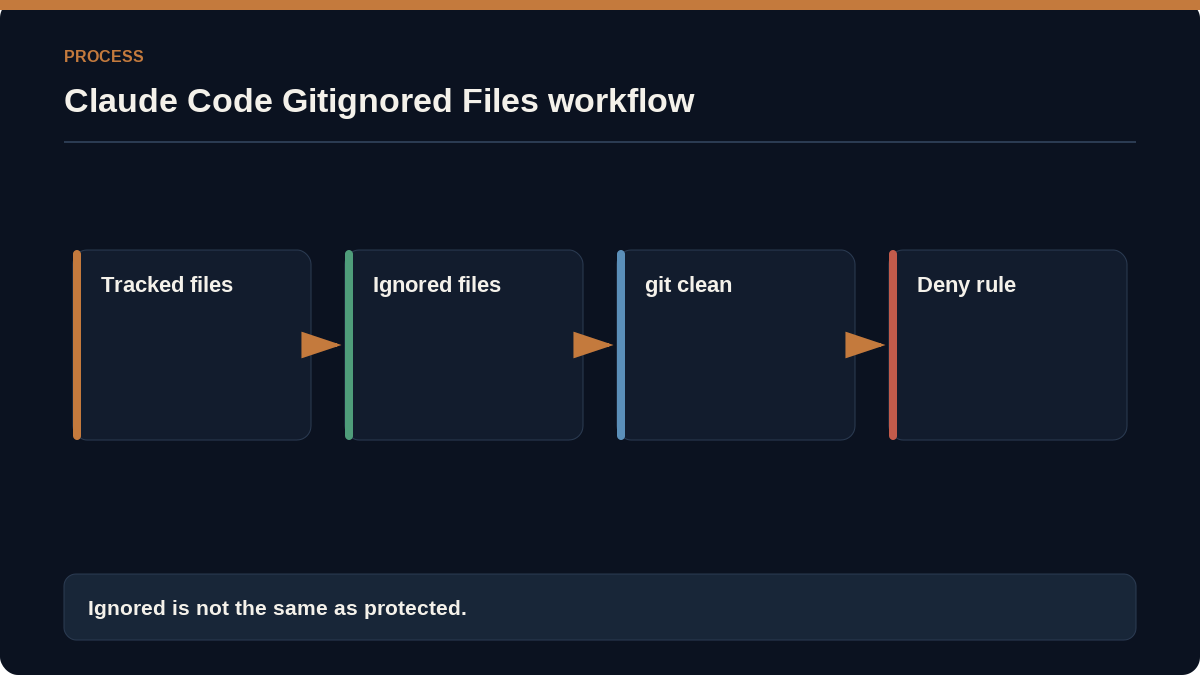
The practical lesson is about sequence, not just command names. A reviewer who checks only the final cleanup command can miss the earlier action that changed its meaning. Review the whole proposed chain: file deletion, ignore-file edit, checkout, reset, cleanup and any script that combines them.
Official Claude Code best practices recommend naming files, describing symptoms and defining success. Apply that advice to destructive work. A request such as “clean the repository” is underspecified when local files may matter. A safer request names the exact generated directory, requires a preview and forbids changes to ignore rules.
Recovery advice also needs the right tool. The Claude Code rewind and checkpoint limits matter because official checkpointing does not fully track Bash-only changes. A file removed through a shell command should not be assumed recoverable through /rewind. For external state, the Claude Code database migration safety guide follows the same principle: a database needs its own backup and recovery plan.
Why ignore rules change during ordinary maintenance
An agent may propose removing an old ignore rule while tidying configuration. That edit can look unrelated to cleanup, yet it changes which paths a later command can reach. The danger grows when the ignore-file edit and the clean operation arrive in separate turns, because each step can appear reasonable on its own.
Treat ignore-rule migration as its own reviewed change. Name the old rule, the replacement and the paths affected. Preview status before and after the edit. If local files would become visible, decide whether to move, back up or explicitly exclude them before any cleanup is allowed.
Nested ignore files deserve the same attention. A rule in a subdirectory can affect paths that a repository-root preview does not explain clearly. Ask for the effective path list rather than relying on a general statement that the files are ignored.
A useful commit boundary separates three intentions: update ignore rules, remove generated output and delete anything else. Combining them hides the state transition that made deletion possible. It also makes recovery harder because the reviewer cannot tell which change was meant to be permanent.
Long commands deserve a full read. When a proposed chain edits .gitignore, runs a package script and then invokes cleanup, the final preview describes only the last step, so the reviewer must reconstruct the earlier effects before approving any part of the sequence.
Dangerous command patterns to stop before execution
The highest-risk pattern is a confident summary paired with a broad command. An agent may describe the work as removing generated files while proposing a command whose scope includes much more. Read the arguments, not the label.
| Command pattern | Intended use | Main hazard | Required response |
|---|---|---|---|
git clean -n |
Preview ordinary untracked removal | Does not provide a complete preview of ignored paths | Add the ignored-path preview when those paths matter |
git clean -ndX |
Preview removal of ignored paths | Shows destructive scope without deleting | Inspect every listed path before any approval |
git clean -fd |
Remove untracked files and directories | Can catch paths that only became untracked after an ignore-rule change | Block by default in valuable worktrees |
git clean -fdx |
Remove untracked and ignored paths | Can erase local configuration, caches and generated work | Require a specific human-controlled exception |
git reset --hard |
Discard tracked worktree changes | Can erase edits that were never committed | Prefer stashing or a named backup branch |
git checkout -- <path> |
Replace a path with indexed content | Can discard uncommitted changes to that path | Save or review the diff first |
git rm -r <path> |
Remove tracked paths | Can delete files another task still needs | Require an explicit file contract |
No single flag makes a command safe in every repository. Paths, index state, ignore rules and earlier commands all matter. A dry run is evidence about scope, not proof that deletion would be harmless.
Scope drift often appears just before cleanup. A narrow request to remove build output can expand into a repository-wide reset, especially when the agent decides that unrelated changes are untidy. The Claude Code overengineering and diff scope guide explains how to bound that change surface. Cleanup should obey the same allowed-file contract as a code edit.
Install scripts are another route to destructive shell commands. Lifecycle behavior and network access are covered in the Claude Code dependency-install side effects guide. A package manager command can execute code, so blocking git clean does not block every possible deletion path.
Prompt content can also influence a destructive choice. If repository text tells the agent to clean everything, the command may look helpful while violating the developer’s intent. The Claude Code repository prompt injection guide explains why project files are untrusted input. A deny rule still matters when a plausible instruction reaches the agent.
Plugins add another execution surface. Hooks, commands and update behavior are covered in the Claude Code plugin security audit. Review the exact plugin version if it can run shell commands in the same worktree.
A safe worked example with disposable state
Use a disposable repository and fake files. Do not point this test at a real checkout, and do not put a working credential in the fixture. The purpose is to observe Git’s state transitions before building a guardrail.
git status --short --ignored
git ls-files
git clean -nd
git clean -ndX
Those commands are previews and inventory checks. They do not authorize the corresponding deletion commands. Run them only in the disposable fixture, then compare the listed paths with the files you intended to create.
A useful fixture contains a tracked .gitignore, an ignored local-data/note.txt and an ordinary untracked scratch.txt. The note and scratch file should contain obviously fake text. Record which paths appear in each preview. Then remove only the fixture’s .gitignore and repeat the ordinary preview.
Expected mechanism: local-data/note.txt moves from ignored to untracked when the ignore rule disappears. The ordinary preview can then include it. This is a controlled demonstration of Git semantics, not a claim that Claude Code will produce the same sequence without a prompt or permission decision.
Do not use a real .env to make the lesson feel concrete. An inert filename and inert contents are enough. If a real secret has already entered a worktree, the response is a credential incident, not a Git tutorial. The Claude Code secrets in logs and transcripts guide covers the wider copy problem.
Approval away from the workstation adds another risk. The Claude Code mobile Remote Control limits guide explains that a phone is an interaction and approval surface, while execution stays on the local machine. A small screen is a poor place to approve a repository-wide deletion you have not reviewed.
Deny rules: make destructive cleanup an exception
Official Claude Code permissions documentation and the settings reference describe permission controls. Use them to deny broad destructive patterns, then require a human-controlled path for the rare case that truly needs cleanup.
The following JSON is an illustrative starting point. Verify the matcher syntax against the current settings reference and test it in a disposable project before relying on it.
{
  "permissions": {
    "deny": [
      "Bash(git clean:*)",
      "Bash(git reset --hard:*)",
      "Bash(git checkout --:*)",
      "Bash(git restore:*)"
    ]
  }
}
A deny list is not a complete sandbox. A script can hide a destructive action behind a friendly name. An agent can propose a different Git invocation. A package lifecycle script can run its own commands. Treat wrappers and scripts as executable code that needs separate review.
| Guardrail | What it blocks or reveals | What it misses |
|---|---|---|
| Permission deny rule | Matching direct Git command patterns | Alternate wrappers, scripts and unlisted forms |
| Pre-tool hook | A proposed tool call that violates policy | Actions outside the hooked tool or changes to the hook itself |
| Sandbox filesystem boundary | Writes outside an approved worktree | Destruction inside the approved worktree |
| Dry-run requirement | The proposed deletion list | Changes between preview and execution |
| Allowed-file contract | Unrelated edits and ignore-rule changes | Commands that stay within allowed paths but still destroy data |
| External backup | Recovery after deletion | Prevention and secret exposure |
The Claude Code agent harness security boundary is the right mental model here. Model behavior is only one layer. The harness decides which tools can run, the operating system decides which files can be touched, and repository policy decides what the task was allowed to change.
Shell translation is covered in the Claude Code PowerShell path quoting guide. A command that looks correct in prose may be parsed differently by the actual shell. Test the exact executable, arguments and working directory rather than assuming a pasted command will behave the same everywhere.
Test the deny rule against alternate forms
A permission rule should be tested like code. In a disposable repository, propose a direct broad clean command and confirm that the host refuses it before execution. Then test a wrapper script with an unrelated name. Record whether the wrapper is blocked, allowed or outside the rule’s scope.
Try a command that changes directory before cleanup. Try a chained command where the destructive step follows a harmless one. These tests reveal whether the control matches the intended action or merely one familiar string. They do not authorize destructive testing in a real worktree.
Compare expected and observed results side by side. A useful test record names the product version, shell, permission file, proposed command and exit or denial behavior. Without those details, a later maintainer cannot tell whether a passing test still applies after configuration changes.
Do not treat an allowed wrapper as proof that the product failed. It may show that the wrapper needs its own review and deny rule. The practical response is to reduce the number of executable wrappers in agent-accessible paths rather than chasing every possible command spelling.
When a test produces an unexpected allowance, stop and inspect the effective settings before continuing. A rule that exists in a file but is not loaded, is overridden or applies to a different scope can create false confidence, so verification belongs in the same disposable session that will run the real task.
A practical policy has three levels. Routine tasks never need destructive cleanup. Exceptional tasks require a preview and a named path. Repository-wide deletion requires a human to run it outside the agent after saving valuable state. That separation keeps speed for normal work without giving the agent a general erase button.
Keep local secrets outside the worktree even when the deny rules are strong. Credential storage on macOS is covered by the Claude Code macOS Keychain permissions guide. For collaboration, the Claude Code session handoff and team context format helps teammates carry decisions without copying sensitive local files.
Recovery: establish what is actually gone
Stop further cleanup first. Do not let an agent try several recovery commands in succession. Each attempt can change the evidence or overwrite the state you still have.
Next, separate tracked, untracked and ignored losses. A tracked file may exist in the index, a commit or the object database. An untracked file has no such guarantee. An ignored file may exist only in the worktree, an editor backup, a filesystem snapshot or an external copy.
| Lost state | First recovery source | Important limit |
|---|---|---|
| Uncommitted edit to a tracked file | Stash, editor history or filesystem snapshot | /rewind may help only if the change was a tracked Claude file edit |
| Tracked file deleted by Git | Index, prior commit or object database | Confirm the restored version matches the intended state |
| Untracked source file | External backup or editor history | Git cleanup may leave no recoverable object |
| Ignored local configuration | Secret manager, setup script or external backup | Do not recreate a secret from a shared transcript |
| Local database | Database backup and recovery procedure | File checkpoints are not database rollback |
| Build output | Reproducible build | Regeneration is safe only if the inputs still exist |
The Claude Code proof-of-work packet gives a useful recovery format: changed paths, exact command, output and an independent check. For a cleanup incident, preserve the command, preview, timestamps and affected path list. Sanitize the packet before sharing it.
Context portability helps only when the important state was recorded elsewhere. The Claude Code context-portable migration guide explains how to carry decisions between sessions. A handoff can tell you which files mattered, but it cannot recreate their bytes.
Measure the cost of accepted recovery, not the number of commands tried. The Claude Code cost per verified change guide applies the same discipline to cleanup: restored files need verification, and a confident “recovered” message is not enough.
Finally, review the guardrail that failed. If the agent removed .gitignore, ask why that file was in scope. If a broad command matched no deny rule, improve the rule and its tests. The Claude Code code-review bottleneck guide is relevant because a fast destructive action can create far more review work than a careful plan.
Recovery review should also ask whether the original request was clear enough to execute safely, because a vague cleanup goal invites the agent to invent scope and can make a technically correct command unsuitable for the developer’s actual repository.
After restoring files, compare the worktree with the last known good state and check ignored paths separately, since a normal Git diff can look clean while local-only data remains missing and no tracked change reveals the loss.
Honest loss and what the evidence cannot prove
The concrete win is a smaller blast radius: deny rules, previews and external storage prevent a routine cleanup request from becoming a broad deletion. The concrete loss is convenience. A strict policy can block a legitimate cleanup and force a human to inspect paths that an agent could have removed quickly.
Unknown: the supplied public record contains no measured rate of Claude Code causing ignored-file deletion. Issue #29179 is a user report, not an Anthropic confirmation of a universal bug. It also does not establish which prompt, permission state or product version every affected user would need.
A dry run cannot guarantee that nothing changes between preview and execution. A deny rule cannot cover every wrapper. A checkpoint cannot restore every Bash side effect. Those limits are why external backups and human-controlled exceptions remain necessary.
Preview output can also be incomplete when the reviewer does not know which ignore files apply, because a path omitted from one view may still be present on disk and become eligible for removal after an earlier configuration edit. Permission tests need repetition after meaningful changes to settings, hooks or shell wrappers, since a control that worked in one disposable session may stop matching when command construction or configuration scope changes without any visible change to the source file. A backup deserves the same verification as a restore, because a copy stored on the same volume as the worktree may disappear in the same broad deletion or storage failure.
Future updates should revisit the issue status, official permission matcher behavior and checkpoint coverage. Until then, treat the report as a reason to test controls, not as permission to make a broader claim.
Practical alternative: One AI API Key with an OpenAI-format agent
If you want to test cleanup guardrails in a separate agent, the 46 live free model IDs run through OpenAI-format agents such as OpenCode, Cline or Cursor. The quickstart shows the base URL and first request. New accounts receive $10 credit with no card, and billing is prepaid rather than a seat subscription.
The free IDs share 100 requests and 5,000,000 tokens per day per account. Use a disposable repository, fake files and the same deny-rule tests. A second agent does not provide a backup, and it does not make destructive Git commands safe.
The documented Claude Code route is currently unavailable: all four Claude IDs were marked unavailable on 2026-11-27. Free IDs are OpenAI-format only, so do not paste them into Claude Code. The coding-agent compatibility guide and model selection guide help you choose a supported client before testing.
FAQ
Does git clean delete ignored files?
Only when the command includes ignored-path removal, or when a path has stopped being ignored before cleanup runs. Ordinary untracked cleanup can become destructive after .gitignore is removed. Preview both ordinary and ignored paths in a disposable repository.
Is .env safe because it is gitignored?
No. Ignore status is not protection from deletion, and a committed settings file or transcript can still expose a secret. Keep credentials outside the worktree or in a secret manager, and review any file before it is shared.
Can /rewind recover files deleted by git clean?
Do not assume so. Official checkpointing does not fully track Bash-only changes. Use Git objects, an external backup, editor history or filesystem recovery according to how the file was changed. A database needs its own recovery procedure.
Should I allow git clean with a dry run first?
A dry run is useful evidence, but it should not become an automatic approval step. Require a human to inspect the path list and run the destructive command when local state matters. Test the permission rule in a disposable project.
Sources
- Community issue #29179 on gitignore removal followed by cleanup: the reported sequence, not a confirmed universal defect.
- Official Claude Code permissions reference: permission controls and tool boundaries.
- Official Claude Code settings reference: configuration surfaces for local controls.
- Official Claude Code checkpointing documentation: file-edit coverage and exclusions.
- Official Claude Code security documentation: the broader harness security model.
- Official Claude Code best practices: specific scope, review and permission guidance.