Direct answer
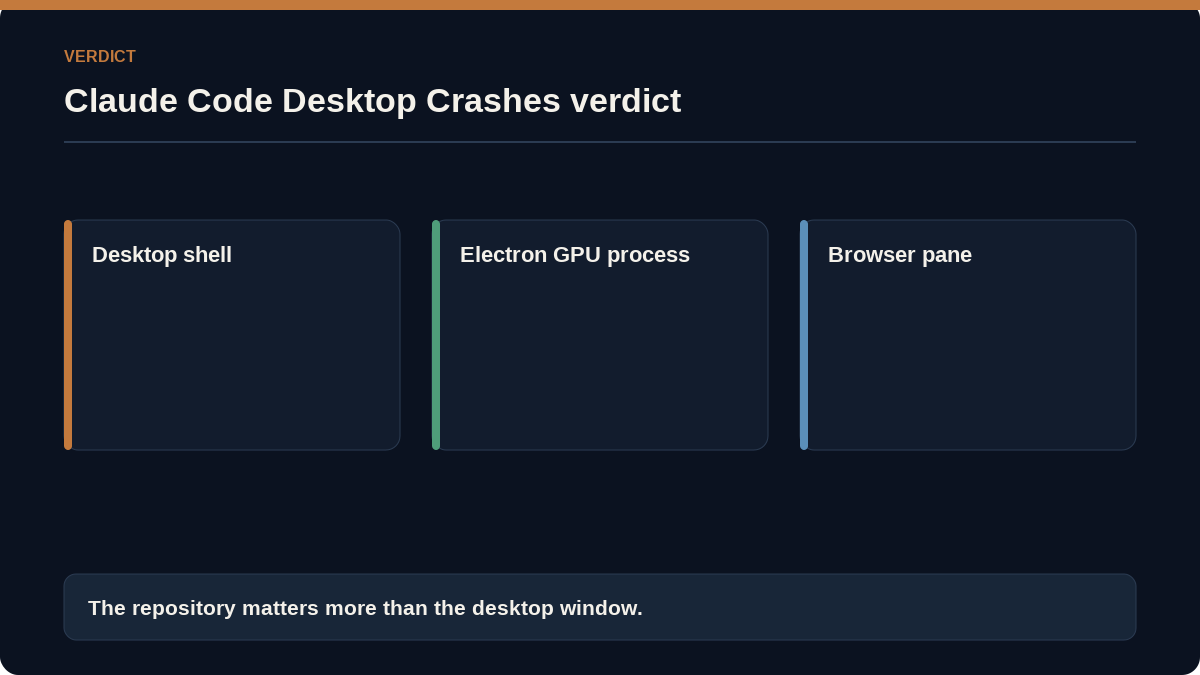
Preserve the repository, stop using the browser pane, and move the session to the CLI if the desktop shell keeps crashing. Community issue #87659 reports that opening the in-app browser pane could crash Claude Desktop on Windows through an Electron GPU process failure.
The issue closed as NOT_PLANNED, with no official root cause or fix version in the supplied record. Do not delete project data, disable broad security controls or assume a graphics-driver update is the cure. Capture the crash window, recover without the pane, then test the CLI as a separate fallback surface.
Why the shell and the repository need separate recovery plans
Claude Desktop is an application window. The repository is a set of files with its own history and working state. A crash can close the window without changing a file, or it can interrupt a task while a write is in progress. Recovery should protect the second case without pretending the first case never happens.
Electron is the application framework used by many desktop apps. It can run rendering and browser-related work in separate processes, including GPU-related work. Issue #87659 names an Electron GPU process failure in the reported crash path. This is a useful clue about where the process failed, not an official explanation of why it failed.
A developer under pressure may reach for a reset, a profile deletion or a broad cleanup. Those actions can destroy the very state needed to understand the interruption. The community reports on destructive rollback and git reset --hard show why rollback commands deserve explicit review rather than reflex use.
Recovery needs a safe working surface. The CLI can often continue repository work while the desktop shell is unstable. A separate VS Code WebSocket regression diagnosis covers another integration boundary, and the WSL environment-variable diagnosis covers a different launch boundary. Separate their evidence.
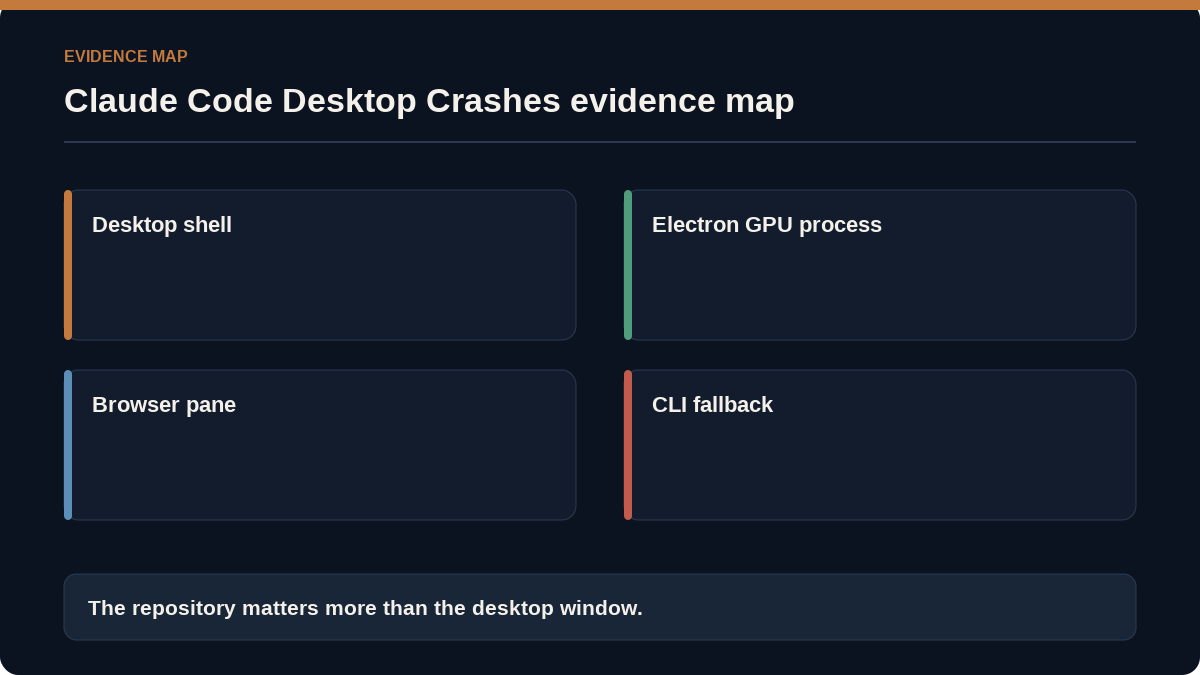
Desktop versus CLI
The desktop shell owns windows, panes and the browser surface. A terminal-driven session belongs to the CLI. They may share project configuration and account state, but a failure in the desktop window does not automatically prove that the CLI or repository is damaged.
| Surface | What it provides | What a crash can interrupt | Safe fallback |
|---|---|---|---|
| Claude Desktop window | Graphical session and in-app panes | Window state and visible task state | Reopen without the pane or use CLI |
| Browser pane | In-app browser rendering | GPU process and desktop shell | Avoid the pane during diagnosis |
| Claude CLI | Terminal-driven repository work | Its own process and active command | Restart after saving task state |
| VS Code integration | Editor attachment and local channel | Selection, diff display or connection | Plain terminal or CLI |
| Repository | Files, Git history and working tree | In-progress writes if interrupted | Inspect status and preserve changes |
Official: the worktree documentation describes claude --worktree <name> or -w, which creates a worktree under .claude/worktrees/ on a new branch. Active sessions block edits and commands targeting the main checkout. Worktrees share .git, project plugins, permission approvals and some local skills, so they are not a complete isolation boundary.
The parallel-agent worktree isolation guide explains the merge and ownership checks. A worktree can protect the main checkout while an agent task runs, but it does not prevent a desktop GPU process from crashing. Treat file isolation and shell stability as separate controls.
The reported crash path
Issue #87659 reports that opening the in-app browser pane could crash Claude Desktop on Windows through an Electron GPU process failure. Community: the report establishes a user-observed sequence. It does not establish that every browser-pane launch crashes, that every Windows machine is affected or that the GPU driver is the root cause.
The issue closed as NOT_PLANNED with no official root-cause statement or fix version in the supplied record. This closure status should remain visible. It means the public record does not support writing “fixed in version X” or “all Windows users should change their driver.”
| Crash-path element | Evidence label | What to capture | What remains unknown |
|---|---|---|---|
| Windows desktop host | Community report | Windows version and desktop build | Affected hardware range |
| Browser pane opened | Community report | Exact action immediately before crash | Whether pane content matters |
| Electron GPU process failure | Community report | Crash dialog and relevant event text | Driver, app or interaction root cause |
Issue closed NOT_PLANNED |
Community issue state | Closure label and date checked | Future maintainer plans |
| CLI fallback | Engineering guidance | Whether CLI starts and completes a read-only task | Guaranteed parity with desktop features |
A reproduction should be small. Open the same repository, start a read-only task, then open the browser pane once. Do not combine the test with a driver update, extension change and client reinstall. If the crash repeats, preserve the sequence and stop reproducing on a machine that holds unsaved work.
The supplied sources do not describe a hardware-acceleration setting in Claude Desktop. Do not invent a menu path. If a build exposes such a setting, changing it can be a controlled experiment, but the setting and its effect need to be verified for that build first.
Safe recovery
The first recovery goal is to stabilize the working surface. Next, determine what state survived. Work in that order so a successful relaunch does not erase diagnostic evidence.
| Step | Action | Evidence to preserve | Stop condition |
|---|---|---|---|
| Pause the trigger | Stop opening the browser pane | Last action and crash time | No repeated crash loop |
| Save visible work | Use normal editor save and project notes | Open files and task handoff | Work is recoverable |
| Capture crash evidence | Save dialog text and relevant event details | Redacted error and timestamps | Evidence is recorded |
| Reopen without pane | Start the desktop app and avoid the trigger | Whether shell stays stable | Stable shell or CLI fallback |
| Inspect repository | Run git status --short and review changes |
Status and changed-file list | Working state is understood |
| Start a bounded CLI task | Use a read-only check in the same repository | CLI version and task result | CLI is a usable fallback |
| Test one variable | Change driver, app build or host setting only after review | Before-and-after result | Cause remains isolated |
A crash dialog can disappear quickly. Capture its text before reopening the app. Windows Event Viewer may hold additional application or GPU error details, but the fact pack does not guarantee a specific event. Save what exists and label missing evidence as unknown.
Do not delete the Claude profile, project folder or task directories as a first recovery step. Those locations may hold settings, session context or output needed to resume safely. A profile test belongs in a separate profile or disposable environment, not in a destructive cleanup of the only working copy.
Official: troubleshooting guidance recommends /compact or a restart for memory and hang symptoms. A desktop crash is not automatically the same symptom, but a restart is still a reasonable recovery action after evidence capture. Do not present it as a proven fix for the GPU report.
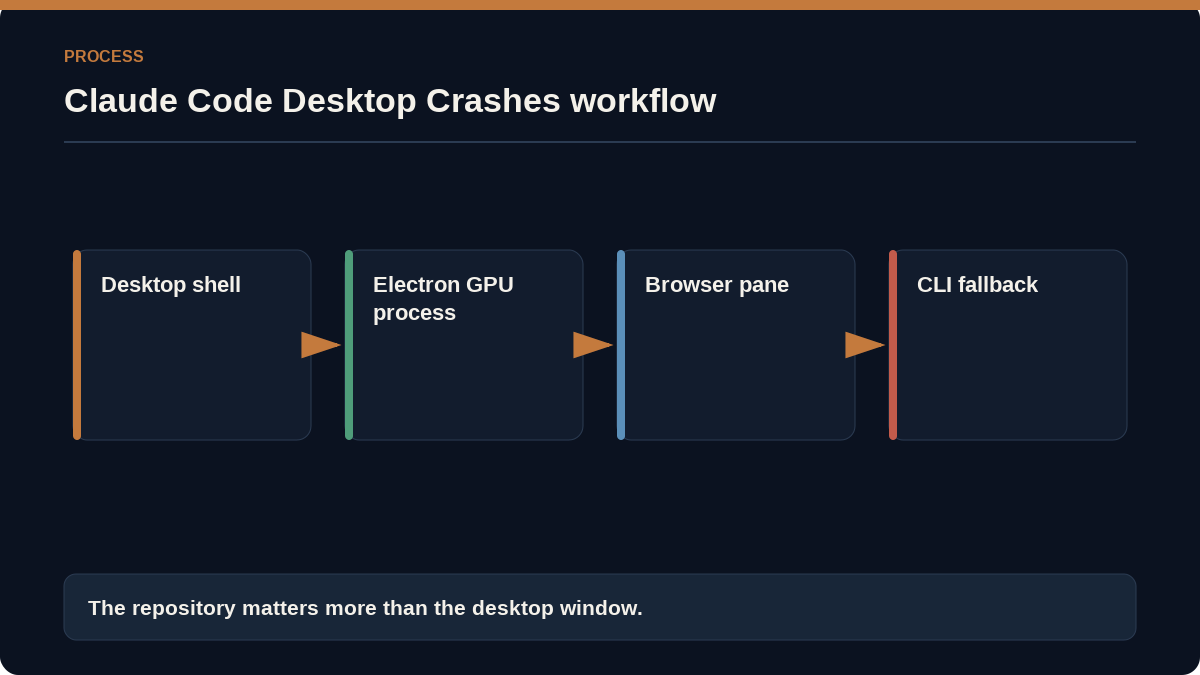
Stabilize before changing drivers
A graphics-driver update or rollback can be a legitimate experiment when crash evidence points to graphics work. It is not the first step by default. Driver changes can affect other applications and may introduce a new variable that hides the original behavior.
If the team decides to test a driver change, record the current driver version, the desktop build and the reproduction result. Change one item, repeat the same read-only sequence and keep the rollback path. Do not combine the driver test with a Windows update or a full application reinstall.
The honest loss is time. A stable CLI fallback may restore useful work before the desktop cause is known. This is a valid operational outcome, not a reason to declare the desktop issue fixed.
Choose the recovery branch from evidence
If the app crashes only when the pane opens, keep the pane closed and use another surface for repository work. Ordinary startup crashes call for preserving details and involving the desktop or IT owner before repeated relaunches. Failures across several applications widen the investigation beyond Claude Desktop.
A single crash after a driver update points to a change window, but it does not prove causation. Note what changed and when. A rollback may be appropriate under the team’s normal driver policy, especially when other applications also fail. Hold that decision separate from the Claude Code issue report.
If the repository shows unexpected changes after a crash, pause new agent work. Review the diff and task handoff before continuing. A partial write can be valid work in progress, so preservation comes before cleanup. The goal is to understand the state, not to make the working tree look tidy.
A useful incident note has four lines: trigger, crash evidence, repository state and current working surface. Those four lines are enough to hand the problem to another developer without retelling the entire session. Add versions and driver details when they are known, and mark the rest unknown.
Data preservation
Repository state deserves a deliberate check after a crash. Start with a read-only status command:
git status --shortReview the changed files against the task’s intended scope. A crash can leave a partial edit, an incomplete generated file or a test artifact. Do not discard those changes automatically. They may contain work that is easier to preserve than reconstruct.
If the task was running in a worktree, inspect that worktree’s status and branch rather than assuming the main checkout changed. Official: worktrees live under .claude/worktrees/ on a new branch and share the underlying Git repository. A status check in the wrong directory can miss the affected files.
The destructive git guardrails are relevant here. A rollback request after a crash can turn into git reset --hard or git checkout -- ., both associated with community data-loss reports. Prefer a reviewed checkpoint or a separate branch. Never use a destructive reset as a generic desktop recovery step.
Write the handoff outside the chat
A crash can make the visible conversation hard to recover. Save a short task handoff in the project’s normal notes before starting a risky desktop action. Note the goal, changed files, commands already run, test results and the next action.
The handoff is not a substitute for Git. It captures intent and task state that a diff cannot. Together, they let a CLI session continue without guessing what the desktop window was doing.
Exclude secrets from the handoff and crash attachments. The Claude Code settings-file secret exposure guide explains why configuration and command evidence should be redacted before sharing.
Decide what survived
Compare the working tree with the task’s intended file set. Separate expected edits from generated output, test artifacts and unrelated local changes. Do not assume every modified file came from the interrupted agent, and do not assume every expected edit was written before the crash.
Git history and the working tree answer different questions. A clean status can mean no write occurred, while an uncommitted diff can mean work survived outside history. Save both. If the task ran in a worktree, include that branch and directory in the handoff.
Avoid using a destructive reset to return to a familiar state. The community data-loss reports associated with git reset --hard and git checkout -- . are motivations for guardrails, not proof of a universal Claude Code bug. Use a reviewed checkpoint or a separate branch when rollback is necessary.
If a file appears partially written, preserve a copy through the team’s normal review process and inspect it before running generators. Do not automatically rerun a command that may append or overwrite content. The acceptance check should confirm the intended result, not merely that the command exits.
Worked example: a read-only recovery drill
Open a repository with a known clean baseline. Start a bounded read-only CLI task that lists candidate files and returns a report. Do not allow edits. If the desktop shell is stable enough, open the browser pane once and observe whether the crash sequence repeats.
After a crash, save the dialog text and avoid the pane. Reopen the desktop app, inspect repository status and start the same read-only task through the CLI. Compare completion and returned files. This tests whether the repository path is usable without claiming feature parity.
If the desktop remains stable when the pane stays closed, record that as a scoped result. It supports avoiding the trigger while the cause is investigated. The evidence does not prove the GPU driver is faulty. If the CLI also crashes, stop treating the desktop pane as the only suspect and capture the shared process evidence.
No invented timing belongs in this drill. The useful output is a sequence of states: stable shell, trigger opened, crash observed, evidence saved, shell reopened without trigger, repository inspected and CLI task completed or failed.
Prevention
Prevention should reduce exposure without deleting useful state. Leave the browser pane closed on machines that reproduce the crash. Use the CLI or VS Code for work that does not require the pane. Document the limitation so teammates do not rediscover it through unsaved work.
| Control | Concrete win | Honest loss | Check |
|---|---|---|---|
| Avoid the browser pane | Removes the reported trigger | In-app browsing is unavailable | Shell remains stable on normal tasks |
| Keep a CLI fallback | Preserves a repository work path | Desktop-only features may be missing | Read-only task completes |
| Use a worktree | Protects the main checkout from concurrent edits | Shared Git and plugin state remain | Worktree status and ownership reviewed |
| Save a task handoff | Preserves intent across a crash | Requires manual discipline | Another session can continue |
| Test one driver change | Can isolate a graphics hypothesis | Affects other apps and adds a variable | Same sequence repeated |
| Use a separate profile | Isolates user settings | May miss managed configuration | No destructive profile deletion |
Official: the security documentation describes Claude Code’s security model, but the supplied fact pack does not authorize disabling sandboxing or permissions to cure a desktop crash. If a recovery seems to require broader access, record that as a security loss and choose another path.
The Claude Code harness security boundaries explain why tool authority should stay narrow during recovery. A crash is not a reason to grant unrestricted command execution.
Know when to involve the desktop owner
Repeated crashes on one managed machine may need IT involvement, especially if driver deployment or security policy is centrally controlled. Give the owner the same small packet: desktop build, Windows version, GPU driver version, trigger, crash evidence and current fallback. Do not ask for broad policy changes without a scoped test.
If multiple users reproduce the same pane action, combine the reports without merging away differences. Hardware, driver and desktop build may vary. A pattern across matched setups is stronger evidence than many unmatched anecdotes.
Retain the CLI fallback while the desktop owner investigates. A usable fallback reduces pressure to “fix” the app through destructive repository cleanup. It also lets the team measure whether the problem is limited to the pane or affects ordinary sessions.
When the shell becomes stable again, retire the fallback deliberately. Repeat the same read-only task, verify the intended IDE action and review the repository state. Note whether the pane works, not just whether the app launches.
Review the incident before closing it
Check that the recovery did not broaden permissions, expose credentials or delete useful task state. A stable shell is not enough if the team lost the handoff or changed security settings without review. Note those losses in the incident note.
Confirm the repository passes the intended acceptance check. If the crash interrupted a test or generation step, rerun the focused check before continuing dependent work. A successful app launch does not verify the code.
Finally, assign the remaining desktop question to an owner. The team can close repository recovery while keeping the browser-pane investigation open. This separation prevents an unresolved shell issue from blocking useful CLI work, while avoiding a false claim that the root cause is solved.
Honest loss and future updates
Community: #87659 is one report and closed as NOT_PLANNED. Unknown: the supplied record has no official root cause, fix version, affected hardware list or crash rate. It also does not establish whether browser content, GPU driver, desktop build or their interaction caused the failure.
A future update should capture a fresh desktop build, Windows version, GPU driver version, exact pane action and crash evidence. Track CLI success separately from desktop success. If an official fix appears, compare it with the same reproduction rather than assuming the issue is resolved for every host.
The practical implication is to separate shell recovery from data recovery. Reopening the window does not verify repository state or task intent. A team that preserves both can continue work through the CLI while the desktop cause remains open.
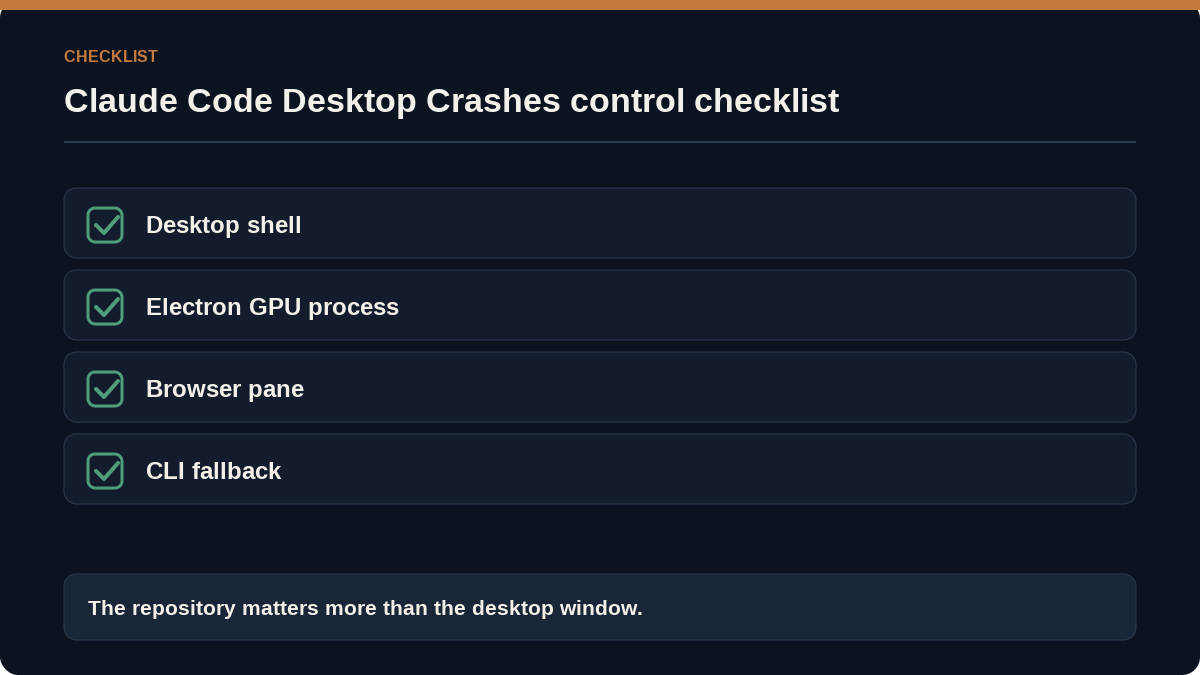
A recovery report should say what the user did, what crashed, what survived and which surface now works. Avoid the word “fixed” unless the triggering sequence no longer reproduces under the same conditions. A workaround and a root-cause repair are different outcomes.
Limit the report to a small, redacted scope. Crash details, Git status and a bounded task result are enough to start. Full environment dumps and profile contents add exposure without necessarily explaining the GPU failure.
FAQ
Does opening the browser pane always crash Claude Desktop on Windows?
No universal claim is supported. Issue #87659 reports a crash path involving the pane and an Electron GPU process. Reproduce the same action on a machine without unsaved work before drawing a broader conclusion.
Should I delete my Claude profile or project folder?
No. Preserve settings, task output and repository state. Use a separate profile for isolation tests. Deleting the only working copy makes recovery harder and does not identify the cause.
Can I keep working through the CLI?
The CLI is a separate fallback surface. Test it with a bounded read-only task in the same repository. It may not provide every desktop feature, but it can preserve a useful code path while the shell is unstable.
Is a graphics-driver update the confirmed fix?
No. The supplied report does not establish the driver as root cause and gives no fix version. Treat a driver change as one controlled variable after capturing crash evidence and reviewing the rollback path.
Connected Claude Code troubleshooting
Windows and desktop paths: WSL IDE environment-variable diagnosis, WSL2 memory-warning breakdown, Windows subagent MCP memory investigation, and VS Code WebSocket regression test.
Subagent operations: subagent hang and timeout controls, background running-count diagnosis, stop and resume semantics, parallel-agent worktree isolation, and context isolation and duplicate-work analysis.
Costs and quotas: compaction cost worksheet, prompt-caching break-even math, idle-session cache-miss analysis, long-context prefill latency test, MCP output truncation guide, usage tracking and cost API guide, task budgets versus hard stops, 429 decision tree, billing-dispute evidence packet, and refund and support policy guide.
Security and codebase work: hallucinated-package supply-chain controls, GitHub Actions secret boundaries, repository-hook security review, extension-trojan remediation, CVE-2026-55607 sandbox boundary, auto-mode classifier limitations, destructive git guardrails, generated-test oracle bias, monorepo search and token budget, and legacy-code characterization workflow.
A practical OpenAI-format alternative after recovery
One AI API Key offers a separate OpenAI-format agent route, not a fix for the desktop GPU process. On 2026-11-27, the 46 live free model IDs covered 22 families. They shared 100 requests and 5,000,000 tokens per day per account, reset at 05:30 IST or 00:00 UTC. Accounts could have up to three keys, with one request in flight per key on free models.
Use OpenCode, Cline or Cursor with https://api.oneaiapikey.com/v1, one key and a selected free ID. The quickstart covers endpoint setup. Format differences matter because an Anthropic-format client cannot simply consume an OpenAI-format route, as the comparison guide explains.
Availability boundary: the documented Claude Code route uses the Anthropic-format endpoint, but all four Claude IDs were marked unavailable on 2026-11-27. Free IDs are OpenAI-format only and do not work inside Claude Code. Recheck the current catalogue and live status before a new experiment.
New accounts received $10 credit without a card, and the pricing page describes prepaid billing with no subscription or seat fee. Review per-key controls and the privacy and retention policy before sending repository context. Upstream providers receive requests under their own terms.
A recovery comparison deserves a dedicated key with an expiry, a selected-model allowlist and request-level usage records. The gateway publishes a no-training policy and prompt logging off by default. Automatic fallback remains uncertain because the supplied documentation conflicts on cross-model answers, so test the intended route without assuming a backup model will appear.
Reuse the same read-only recovery task and acceptance check when comparing agents. A different route may provide a usable shell, but it does not repair Windows or prove feature parity. If the experiment fits your data rules, create an account.
Sources
- Official Claude Code troubleshooting guidance
- Official Claude Code worktree isolation documentation
- Official Claude Code security documentation
- Community issue #87659 on the Windows browser-pane crash
- Community issue #28423 on a VS Code WebSocket regression
- Community issue #17190 on destructive rollback data loss
- Community issue #7232 on
reset --harddata loss