Direct answer
Test the local connection path before reinstalling VS Code and Claude Code together. Community issue #28423 reports that CLI v2.1.55 made no connection to the VS Code extension WebSocket on 127.0.0.1:39280, while v2.1.53 worked. Issue #28788 reports a related Windows PowerShell regression.
Capture both client versions, inspect the listener named in your logs, then compare an integrated terminal with a plain terminal. Unknown: both reports closed without a human maintainer fix statement, and the supplied record gives no official fix release. The reported endpoint is a case detail, not a permanent port contract.
Why a running CLI is not a working integration
Claude Code runs the CLI and extension as separate processes. The extension can be installed, the CLI can answer prompts, and the local channel between them can still fail. Reinstalling both sides changes several variables at once and may destroy the version comparison that makes the report useful.
A WebSocket is a persistent, two-way connection over a local network path. In this case, “local” can mean the Windows host, WSL or an IDE bridge. A listener on one side does not guarantee reachability from the other. Environment forwarding, process ownership, extension-host state and version compatibility all sit around that path.
The cost of guessing shows up in small ways. A developer may keep reopening windows, switching models or reinstalling extensions while the actual failure remains a missing loopback connection. Teams may also standardize on an untested downgrade without recording the security and support tradeoff.
The win is a version-pinned reproduction. Hold the repository, extension and task constant, change one client build, and capture the connection result. The WSL IDE environment-variable diagnosis handles the earlier inheritance boundary. This guide handles the connection layer after launch.
What the integration needs
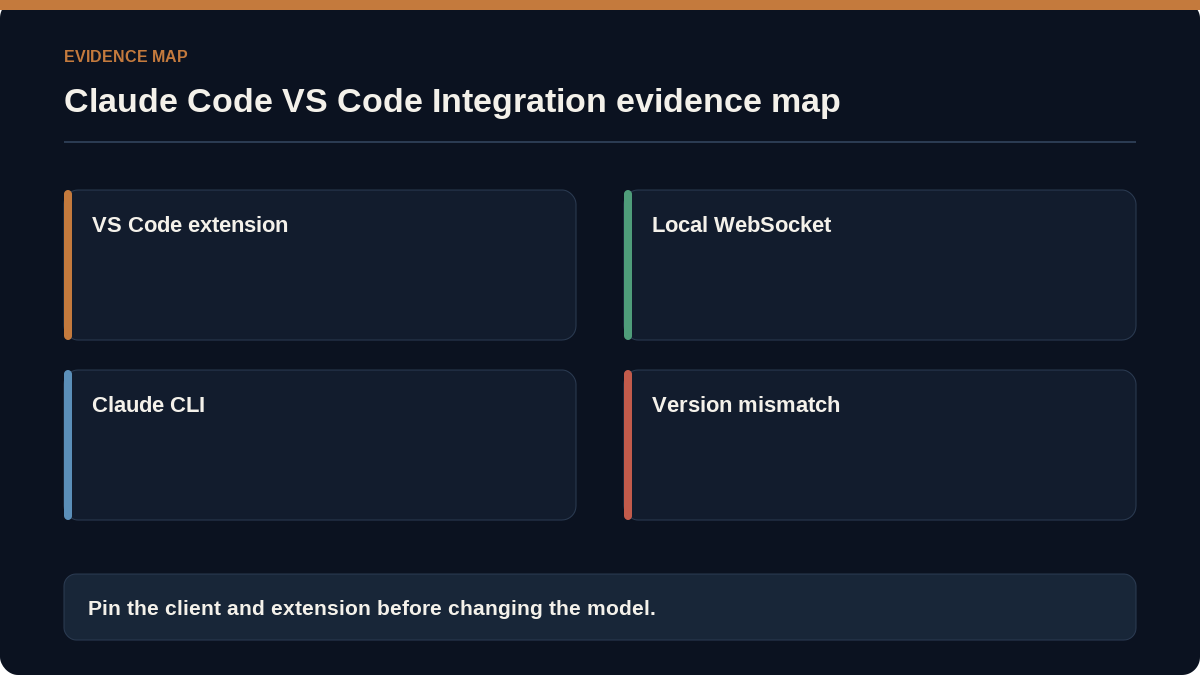
Treat the integration as a chain of components. VS Code hosts the extension. Its extension host manages the runtime and logs. A terminal runs the CLI. Local channels carry connection and integration events between the processes. WSL can add a bridge between Windows and Linux.
Each component needs an identity. Note the VS Code version, extension version, CLI version, terminal route and operating system. “Latest” is not a usable version field. A screenshot of an About dialog without the CLI version cannot establish the pair that failed.
| Component | Evidence to collect | Failure clue | What not to assume |
|---|---|---|---|
| VS Code window | Application version and window route | One window fails while another works | Every window has identical state |
| Extension host | Extension version, reload state and logs | Extension loads but channel stays closed | Installation proves activation |
| Claude CLI | Version and launch directory | CLI answers but no attachment appears | A prompt proves IDE connectivity |
| Terminal | Integrated, external, Windows or WSL | Behavior changes by launch route | All terminals share an environment |
| Local listener | Address, port, owner and namespace | No listener or wrong owner | 39280 is permanent |
| Local connection | Client error and handshake result | Connection refused, reset or timeout | A firewall is always the cause |
Official: troubleshooting guidance covers memory, hangs, WSL paths and search. It does not, in the supplied excerpt, document the reported v2.1.53-to-v2.1.55 contrast. Separate the official and community labels.
The integration also carries permissions and selection behavior. If a read-only IDE action fails, record the exact action. “Does not connect” can hide several symptoms: no attachment banner, no selection, no diff display or a local socket error. Each symptom points to a different part of the chain.
The reported regression
Issue #28423 supplies a specific comparison. Community: CLI v2.1.53 worked, while v2.1.55 made no connection to the VS Code extension WebSocket on 127.0.0.1:39280. A related Windows PowerShell regression appears in issue #28788. Both closed without a human maintainer fix statement.
The missing v2.1.54 result matters. No supplied evidence says whether that build worked, failed or was tested. Do not draw a smooth regression curve through an unknown point. The evidence supports a two-point case, not a complete affected-version range.
| Version or state | Supplied evidence | Safe interpretation | Missing evidence |
|---|---|---|---|
| v2.1.53 | Reported working in #28423 | A candidate comparison baseline | Extension and host configuration details |
| v2.1.54 | No result in the fact pack | Unknown | Connection result on the same setup |
| v2.1.55 | Reported no WebSocket connection in #28423 | Candidate regression point | Official root cause and scope |
| Windows PowerShell | Related report in #28788 | Terminal route may matter | Confirmed shared cause |
| Later builds | No fix version supplied | Unknown | Maintainer statement or fresh reproduction |
A version label alone does not prove causality. The extension may have updated, a security product may have changed, or the listener may have failed independently. A useful reproduction records the full pair and changes only the CLI build.
Do not describe the issue as a universal v2.1.55 defect. A community report establishes that one user observed a behavior. It becomes broader evidence only when independent reproductions match the versions, host route and connection failure.
A connection test
Start with the endpoint in your own logs. If they match the report, 127.0.0.1:39280 is a reasonable test target. A different address or port in your logs becomes the test target instead. Do not open firewall rules or forward ports based only on an issue title.
Record the versions first:
claude --versionRecord the extension version from VS Code’s extension view and the application version from its About dialog. Save the values together with the terminal route and timestamp.
On Windows, inspect a listener for the reported port only when your evidence points there:
Get-NetTCPConnection -State Listen -ErrorAction SilentlyContinue |
  Where-Object { $_.LocalPort -eq 39280 } |
  Select-Object LocalAddress, LocalPort, State, OwningProcess
Inside WSL, use a listener view when the CLI or extension bridge lives there:
ss -ltnpThese commands answer different questions. A Windows listener row does not prove reachability from Linux. Linux listeners likewise do not prove the Windows extension can reach them. Note which namespace produced each result.
A loopback test can confirm whether a local endpoint accepts a connection:
Test-NetConnection -ComputerName 127.0.0.1 -Port 39280 -InformationLevel DetailedUse it only after confirming the actual target. TCP success does not prove a valid WebSocket handshake. Failure does not identify whether the listener, bridge, firewall or client caused the problem. It narrows the next check.
Read the failure without naming the cause too early
Connection refused usually means the target address did not accept the connection at that moment. A timeout can point to filtering, routing or a bridge that never delivered the attempt. Connection resets can happen after a connection begins. None of those outcomes identifies a Claude Code defect by itself.
Capture the exact text, address, port and timestamp. Then check whether the expected listener exists in the same network namespace as the client. If the CLI runs inside WSL, a Windows listener and a Linux listener are different observations. For a Windows-hosted extension, record which side initiated the attempt.
A WebSocket handshake adds protocol checks above TCP. The extension may connect and then reject the handshake, authentication or expected message shape. No full protocol trace appears in the supplied community reports, so do not invent one. Use the extension log to decide whether the failure happened before or after a connection was established.
Security software can also affect local connections. Treat that as a hypothesis to test with a narrowly scoped rule or a reviewed exception, not a reason to disable protection broadly. Log any policy change beside the connection result so a later success can be attributed correctly.
Compare terminal routes
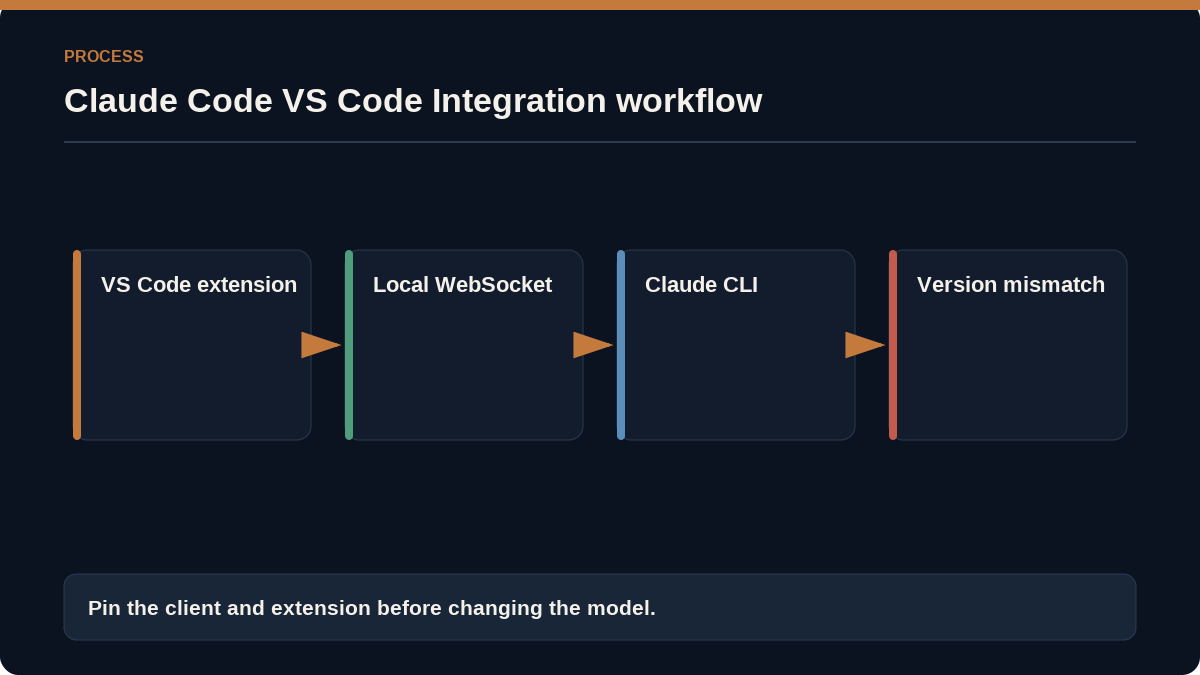
Launch the same CLI version from an integrated terminal and from a plain terminal. Hold the extension and repository constant. Compare environment presence, listener ownership and attachment behavior.
If the integrated terminal attaches and the plain terminal does not, inspect the bridge and environment rather than the model. When both fail, inspect the listener and extension host. A version contrast on the same route deserves preservation for escalation.
Do not paste a full environment dump into the issue. Check only the relevant integration values and redact anything sensitive. The WSL environment-variable guide names ENABLE_IDE_INTEGRATION and CLAUDE_CODE_SSE_PORT in a separate community report. Missing values can explain a launch-boundary problem, but they do not automatically explain a listener failure.
Diagnostic checklist
| Check | Pass condition | Failure branch | Evidence label |
|---|---|---|---|
| Version pair recorded | VS Code, extension and CLI versions are known | Stop and capture before changing anything | Diagnostic method |
| Same launch route used | Integrated and plain terminals are compared | Repeat with a constant repository | Engineering guidance |
| Relevant variables present | Integration values exist in the launch shell | Inspect WSLENV or IDE bridge |
Community-backed hypothesis |
| Listener identified | Address, port and owner are known | Inspect process and namespace | Diagnostic method |
| Client target matches | Logs point to the tested endpoint | Correct the target, do not guess a port | Diagnostic method |
| TCP path checked | Loopback result is recorded | Inspect listener, bridge and local policy | Diagnostic method |
| Handshake or extension error checked | WebSocket-specific evidence is captured | Separate TCP success from protocol failure | Diagnostic method |
| Version contrast repeated | One variable changes between runs | Do not claim a regression yet | Community reproduction method |
The extension host log is often more specific than the visible status bar. Capture the error text and timestamp, but remove tokens and internal URLs before sharing. A generic “connection failed” message is weaker evidence than the exact refused address or handshake error.
If the integration works after a window reload, record that as a recovery, not a root cause. Reloading can clear stale extension-host state. It can also change process ownership and listener timing. A second reproduction should confirm whether the result is stable.
Separate reachability from protocol success
A listener can accept a TCP connection and still fail the WebSocket handshake. Store those results in different fields. “Port reachable” answers a network-path question. “Handshake accepted” answers a protocol question. “IDE action works” answers the user-facing question.
This separation prevents a common recovery mistake. A successful loopback test can tempt a team to reopen firewall rules even though the extension is rejecting the handshake. Failed loopback tests can tempt a team to reinstall the CLI even though the listener exists in another namespace.
Capture the client target exactly as logged. If the extension tries a hostname, an IPv6 address or a WSL address while your test uses IPv4 loopback, the tests are not equivalent. Compare like with like before changing policy.
When evidence is missing, write unknown. The supplied reports do not include a complete packet capture or handshake trace, so this article does not claim one. A fresh log with the exact failure stage is more valuable than a theory that fills every gap.
Version pinning
Version pinning is a controlled experiment, not a promise that an older build is safe forever. If the team needs a temporary baseline, use a disposable VS Code profile or a separate test environment. Hold the extension version constant and document the exact CLI build.
Do not downgrade a production workstation without review. Older builds can miss security fixes, and the supplied record does not establish that v2.1.53 is the right long-term choice. It only reports that v2.1.53 worked in one case while v2.1.55 did not.
| Pin choice | Concrete win | Honest loss | Exit condition |
|---|---|---|---|
| Keep current pair | Preserves the normal update path | Failure may continue | A new pair passes the same test |
| Pin a reported working CLI | Restores a comparison baseline | May miss later fixes and changes | Maintainer guidance or verified replacement |
| Test in a disposable profile | Isolates user settings and extensions | Does not reproduce every machine condition | Evidence points to host state |
| Use CLI-only fallback | Restores repository work | IDE selection and display may be absent | Local channel is healthy again |
| Reinstall both sides | Removes many local corruption possibilities | Destroys the controlled comparison | Narrower recovery fails |
A pin needs an owner and a review date. Document why it exists, which symptom it contains and what evidence will retire it. Otherwise a temporary workaround becomes an undocumented standard.
Build a minimal reproduction packet
A useful packet starts with a clean statement of the expected and observed behavior. For example: the CLI starts and answers, but the extension does not attach and the log names a loopback endpoint. Avoid writing the suspected cause into the observation. Root cause belongs in a separate hypothesis field.
Include the exact version pair, terminal route, repository path type and whether WSL is involved. Add the relevant variable presence checks, listener owner and connection result. Redact tokens, internal hostnames and command arguments that are not needed for reproduction.
Then describe the comparison. Hold the editor and extension constant, launch the same repository through the same route, and change only the CLI build. If a second variable changed, say so. An honest imperfect comparison is more useful than a clean-looking table that hides the difference.
Finish with the recovery and the remaining gap. “Window reload restored attachment for this session” is a valid result. It does not explain why the channel closed. “v2.1.55 failed on this host while v2.1.53 worked” is also valid, but it does not establish an affected range. Those precise statements give a maintainer somewhere to start.
The Claude Code migration and context-portability guide is relevant when the team changes clients as part of recovery. Preserve the test and acceptance criteria even if the integration wrapper changes.
Recovery options
Try recoveries in order of blast radius. Reload the VS Code window first. Restart the extension host or CLI next. Compare a fresh terminal after each step. Avoid changing the model, endpoint and extension version in the same attempt.
A clean user profile can separate personal settings from the application, but it may not reproduce organization-managed settings. Describe what the profile includes. Do not delete the existing profile or its data just to test a hypothesis.
When the local channel remains unreliable, CLI-only operation is a legitimate fallback. Use the repository and normal review process as the working surface. The desktop browser-pane crash recovery follows the same principle for a different shell failure: preserve the code path when the graphical integration is the unstable part.
| Symptom | First response | Escalate when | Avoid |
|---|---|---|---|
| Extension installed but inactive | Reload window and inspect activation logs | Activation still fails | Reinstalling the CLI immediately |
| CLI runs, no listener | Inspect process and launch route | No owner or endpoint appears | Guessing a fixed port |
| Listener exists, client refuses | Compare namespace and target address | Evidence matches the reported regression | Broad firewall changes |
| TCP works, WebSocket fails | Capture handshake and extension logs | Protocol error persists | Calling it a network outage |
| One terminal route fails | Compare environment and bridge | Route-specific failure repeats | Changing the model |
Interpret the recovery pattern
If a reload fixes the issue and the next launch works without further changes, stale host state becomes a plausible lead. Repeat once before closing the incident. A single successful reload can coincide with a server starting late or a temporary connection recovering.
If only one terminal route works, preserve that route while investigating the bridge. Document the limitation for the team. If every route fails with the same version pair, the listener and client become stronger candidates than terminal inheritance. Changing endpoints between runs calls for capturing both values before comparing results.
A fallback to CLI-only work should have a clear re-entry condition. Choose a read-only IDE action that must pass before the team relies on attachment again. This keeps recovery measurable and avoids declaring success from a banner alone.
Honest loss and future updates
Community: #28423 and #28788 are unresolved reports in the supplied record. They closed without a human maintainer fix statement. Unknown: there is no official fix version, confirmed affected range, universal port contract or measured failure rate.
The evidence also does not prove that a downgrade is the best long-term response. It provides a baseline for reproduction. A future update should capture fresh client and extension versions, repeat the same local connection test and look for a maintainer statement before changing the verdict.
The practical implication is to version the integration as a pair. A team that records editor, extension, CLI and terminal route can compare reports cleanly. Teams that record only “VS Code integration broken” will keep mistaking one layer’s failure for another’s.
FAQ
Does v2.1.55 always break the VS Code integration?
No such universal claim is supported. Issue #28423 reports one v2.1.53-to-v2.1.55 contrast. Reproduce it with the same editor, extension, terminal route and local endpoint before assigning the cause.
Is port 39280 always the Claude Code WebSocket port?
The supplied record does not establish a permanent port. It is the endpoint named in issue #28423. Use the address and port in your own logs, and record which process owns the listener.
Should I downgrade Claude Code to v2.1.53?
Only as a reviewed, temporary diagnostic step if it helps your reproduction. The report does not prove that v2.1.53 is the correct long-term version or that it contains all relevant fixes. Pin with an owner and an exit condition.
Can missing WSL variables cause the same symptom?
They can cause a different boundary failure. Check variable presence before the listener test, then keep the evidence chains separate. Correct variables with a failed WebSocket point toward the connection layer rather than WSLENV alone.
A controlled recovery should leave a short decision record. Note the failed version pair, the successful pair if one exists, the exact recovery step and the feature verified afterward. That record prevents the next update from silently removing a workaround that still protects a real workflow.
Have a second developer repeat the connection test from the packet. If they need verbal hints about which terminal or port to use, the reproduction is not yet self-contained. Add the missing condition rather than expanding the firewall exception.
The verdict stays conditional until a fresh version pair reproduces the behavior or a maintainer publishes a root cause. In the meantime, the local connection test is still useful. It turns a vague integration complaint into evidence about a listener, a namespace, a client target and a version pair.
Connected Claude Code troubleshooting
Windows and desktop paths: WSL IDE environment-variable diagnosis, WSL2 memory-warning breakdown, Windows subagent MCP memory investigation, and desktop browser-pane crash recovery.
Subagent operations: subagent hang and timeout controls, background running-count diagnosis, stop and resume semantics, parallel-agent worktree isolation, and context isolation and duplicate-work analysis.
Costs and quotas: compaction cost worksheet, prompt-caching break-even math, idle-session cache-miss analysis, long-context prefill latency test, MCP output truncation guide, usage tracking and cost API guide, task budgets versus hard stops, 429 decision tree, billing-dispute evidence packet, and refund and support policy guide.
Security and codebase work: hallucinated-package supply-chain controls, GitHub Actions secret boundaries, repository-hook security review, extension-trojan remediation, CVE-2026-55607 sandbox boundary, auto-mode classifier limitations, destructive git guardrails, generated-test oracle bias, monorepo search and token budget, and legacy-code characterization workflow.
A practical OpenAI-format alternative after recovery
One AI API Key offers a separate OpenAI-format agent route, not a repair for the VS Code WebSocket. On 2026-11-27, the 46 live free model IDs covered 22 families. They shared 100 requests and 5,000,000 tokens per day per account, reset at 05:30 IST or 00:00 UTC. Accounts could have up to three keys, with one request in flight per key on free models.
Use an OpenAI-format agent such as OpenCode, Cline or Cursor with https://api.oneaiapikey.com/v1, one key and a selected free ID. The quickstart covers the endpoint. Format differences matter because an Anthropic-format client cannot simply consume an OpenAI-format route, as the comparison guide explains.
Availability boundary: the documented Claude Code route uses the Anthropic-format endpoint, but all four Claude IDs were marked unavailable on 2026-11-27. Free IDs are OpenAI-format only and do not work inside Claude Code. Check the current catalogue and live status before a fresh test.
New accounts received $10 credit without a card, and the pricing page describes prepaid billing with no subscription or seat fee. Review per-key caps, expiry and model allowlists and the privacy policy before sending source context. Upstream providers receive requests under their own terms.
Give the version-pinned comparison its own key, selected-model allowlist, expiry and request-level usage record. The gateway says prompts are not used for training and logging is off by default. Do not build the test around guaranteed automatic fallback: the supplied documentation conflicts on whether the service can answer with a different model.
Reuse the same task and acceptance check when comparing routes. Note connection setup separately from model output so a gateway experiment does not hide the original IDE failure. If the route fits your workflow, create an account.
Sources
- Official Claude Code troubleshooting guidance
- Community issue #28423 on the v2.1.55 WebSocket report
- Community issue #28788 on a Windows PowerShell regression
- Community issue #67502 on missing WSL IDE variables
- Community issue #87659 on a desktop browser-pane crash
- Official subagent lifecycle documentation