Direct answer
A background subagent that still appears in the running count may already be finished. Verify the returned result, inspect the task through /tasks, and check whether the host process has actually stopped before treating the footer as a live process monitor. Do not delete task history, relaunch the parent session, or assume tokens are still being consumed.
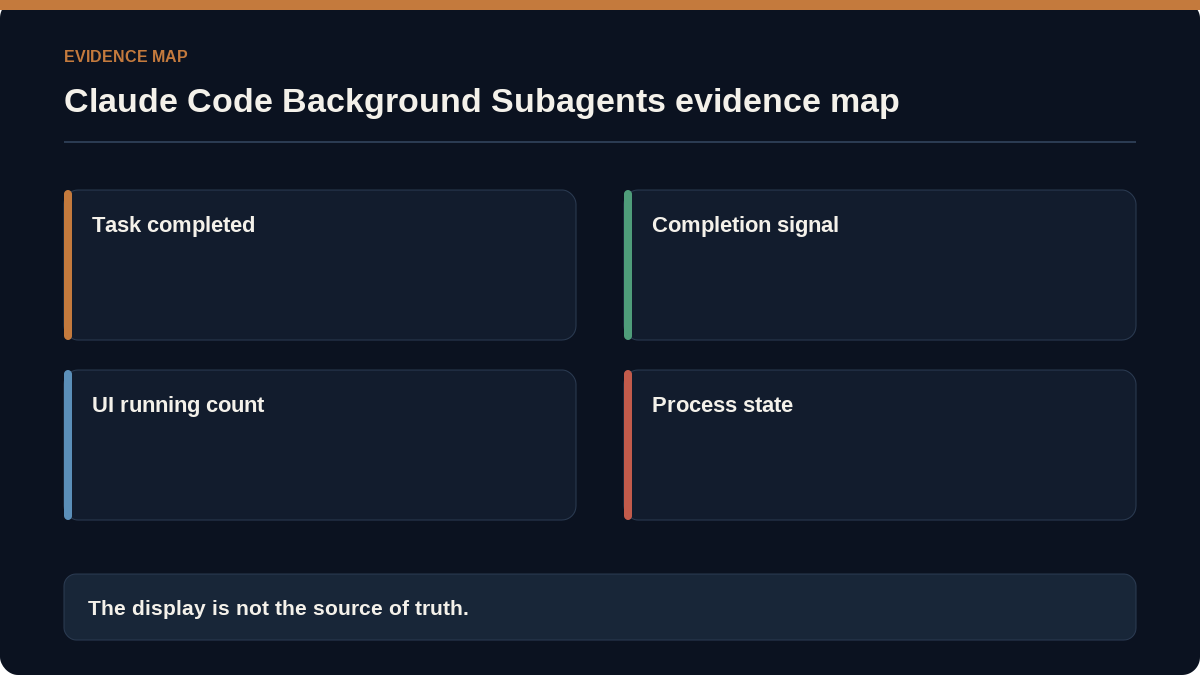
Community evidence: VS Code issue #348900 reports that background subagents can finish while the UI continues to show them running. The report also describes a stop attempt failing with “No task found.” It was open at the research cutoff, with no official fix version. The report establishes a synchronization problem in one user’s account, not a universal defect and not proof of ongoing model usage.
Official evidence: the subagent lifecycle documentation says custom subagents usually run in the background, permission prompts appear in the main session, and users can stop a subagent through /tasks. Those documented controls give you a verification path when the display and task state disagree.
The practical win is simple: you can recover the result without destroying evidence. The loss is that a stale indicator can still waste attention, trigger duplicate dispatches, or make a reviewer distrust an otherwise completed task. Treat the count as a hint, then reconcile the task record, output, and process state.
Why a stale count matters
A running badge creates an expectation. Someone watching it assumes work is progressing, capacity is occupied, and stopping the task will interrupt an active loop. If those assumptions fail, the team can make expensive decisions from a display artifact.
The immediate risk is duplicate work. A developer who believes the first agent is stuck may dispatch the same investigation again. Both runs can touch shared files, repeat repository reads, or return conflicting recommendations. The parallel-agent worktree isolation pattern reduces file collisions, but it cannot prevent a human from assigning the same task twice because a footer looked busy.
There is also a review risk. A completed report may sit unread while the apparent count keeps the team waiting. Or the opposite can happen: the count clears before anyone has checked the result, and a partial report gets accepted as complete. Neither outcome follows from the indicator alone. Completion needs evidence.
Use a small definition of done for each delegated task: a returned report, a changed-file list when edits were allowed, and a verification result. The proof-of-work packet fits this problem because it asks for artifacts rather than a status label. A task that cannot show its work is not verified, even when its badge says running.
The reported symptom
The report in VS Code issue #348900 describes a specific mismatch. Background work can finish while the host interface still counts it as running. A later stop action can fail because the host cannot find the task it is displaying.
Keep the boundary clear. This is a community report from the VS Code repository, not an Anthropic confirmation of a Claude Code defect. The frozen record does not provide a root cause, affected-version range, reproduction rate, or fix release. It also does not establish that every stale badge means the same synchronization failure occurred.
Several observations can look similar while requiring different responses. A finished task may have an unsynchronized display state. A task may genuinely be waiting on a long tool call. A permission prompt may be waiting in the main session. A host connection may have failed without updating the task view. Start by separating those possibilities instead of giving them one label.
| Observed state | What it suggests | What it does not prove |
|---|---|---|
| Footer count remains high | Display and task state may disagree | That model requests are still flowing |
| Result appears in the conversation | A completion artifact may be available | That every requested file was changed |
/tasks shows no active task |
The task manager no longer reports active work | That the output is correct |
| Stop returns “No task found” | Host and UI may disagree about task identity | That the parent session is broken |
| Permission prompt is visible | Main-session attention may be required | That the subagent has stopped automatically |
The subagent hang and timeout controls address a different failure domain: no new events and no clear completion signal. A stale count with a readable final report is not the same symptom. Your first job is to find the completion signal, not to impose a timeout on work that may already be done.
Completion signals
Look for signals that exist outside the footer. A returned subagent report is the strongest user-facing signal because it contains the answer or the requested investigation. A diff is stronger when the task involved edits. Test output is stronger when the task claimed a behavior change.
Official: custom subagents begin with isolated context and do not automatically receive the parent’s full history. Isolated context makes the task message and returned report especially important. If the final answer is not visible, the context and duplicate-work analysis explains how to reconstruct a useful handoff without pretending the agent inherited missing context.
Check the content of the report before checking the count again. Does it name the files inspected? Does it distinguish observed facts from assumptions? Does it include a failure or an open question? A short completion message can be legitimate, but it should still answer the assigned question. Vague success language is a reason to verify, not a reason to relaunch immediately.
For tool-heavy work, inspect the last recorded tool result. The MCP output truncation guide shows why a decisive failure can disappear from a large result. A task that appears complete may have stopped before the important error reached the model. Conversely, a long tool result can make an active task look idle even though it is still processing.
Timestamps help, but use them carefully. Record when the report appeared, when the count was observed, and when a stop was attempted. Do not infer token consumption from the time between those events. The frozen evidence contains no measurement connecting a stale badge with continued billed activity.
Process verification
Process verification answers a narrower question than output verification: is the host still reporting an active task, and is there an operating-system process doing work? Those are separate checks. A UI can be stale while the task manager is correct. A task manager can clear while the report still needs review.
Start in the main session. Open /tasks and inspect the task identity, state, and available output. Official: /tasks is a documented way to stop a subagent, and permission prompts appear in the main session. If a permission prompt is waiting, address that state before trying to recover the interface.
Next, inspect the host’s own task or process view. On Windows, compare the Claude Code or editor process tree with the task identifier. On another host, use the equivalent process inspector. Do not kill every process with a familiar name. Editor helpers, language servers, and unrelated terminals can share runtime names.
Once a readable report exists but the host still shows activity, preserve the report before changing the interface, because reloading or restarting can remove the task reference needed to explain the mismatch without launching the same investigation again.
| Verification step | Safe observation | Decision it supports |
|---|---|---|
| Read returned report | Final answer, changed files, open questions | Whether useful output already exists |
Open /tasks |
Current task state and stop control | Whether the task manager still knows the task |
| Check main-session prompts | Permission request waiting for a person | Whether attention, not computation, is blocked |
| Inspect host process tree | Process identity and activity | Whether an OS-level process appears active |
| Reopen task output | Result remains readable without deletion | Whether evidence can be preserved |
| Compare timestamps | Order of report, count, and stop attempt | Whether a synchronization sequence is plausible |
The Claude Code troubleshooting documentation is the official starting point for hangs, memory symptoms, and search problems. It does not make the footer an authoritative process monitor. Use it for host-level recovery after you have preserved the task output.
Avoid destructive cleanup during diagnosis. Removing a task directory before reading its result can erase the only useful artifact. The Windows subagent MCP memory investigation covers a reported stale-folder problem, but that report does not authorize deleting every task folder as a generic fix.
UI recovery
Recover the interface in the smallest safe unit. If the task output is available, copy or summarize the important result into your own task notes. If a permission prompt is waiting, resolve it deliberately. If /tasks no longer finds the task, record that observation instead of repeatedly pressing stop.
Reloading the editor window is a reasonable operational workaround when the task result is safe and the host display is stale. It is not a documented fix for issue #348900. A restart can discard unsaved editor state, interrupt another active task, or hide the evidence you needed. Save work and check for other running tasks first.
| Recovery action | Precondition | Main loss or caveat |
|---|---|---|
| Read and preserve output | Report or task artifacts are accessible | Manual notes may omit detail |
| Resolve a permission prompt | Prompt belongs to the intended task | Approval may allow a sensitive action |
| Reload the editor window | Other work is saved and no critical task is active | Host state may be harder to inspect |
| Restart the host application | Output is preserved and process state is recorded | Active sessions may be interrupted |
| Redispatch a bounded task | Original result is missing or unusable | Duplicate reads and possible file collisions |
| Delete task history | Only after output and evidence are preserved | Recovery material is permanently removed |
The subagent stop and resume semantics matter before any restart. Stopped subagents do not automatically resume when messaged, while completed subagents can be resumed with conversation history. Confusing those states can turn a display problem into an unnecessary new task.
A host restart is also different from killing the parent agent process. The parent may hold permission prompts, task references, and context needed to interpret the result. The Agent SDK loop documentation describes explicit loop stop conditions for SDK integrations, but those controls should not be treated as a hidden guarantee inside the editor footer.
Prevention
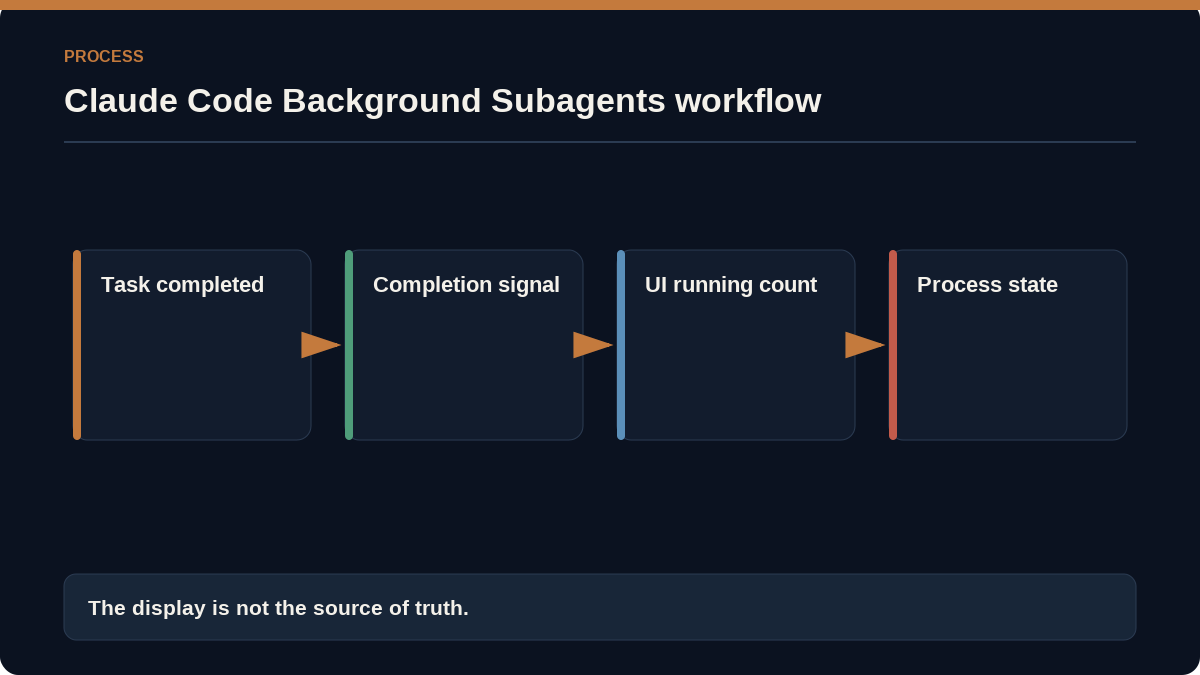
Prevention starts with task design. Give each background subagent a bounded question and an explicit return format. Ask for file paths, evidence, unresolved questions, and a clear statement of whether edits were made. A structured report makes completion visible even when the host count is wrong.
Use one task record per delegated unit. Put the goal, allowed paths, acceptance check, and current state in a short brief. The large-codebase scouting guidance applies here: narrow discovery produces reports that are easier to compare and less likely to overlap.
Limit simultaneous work to what a person can review. Official: the default concurrent subagent limit is 20, adjustable with CLAUDE_CODE_MAX_CONCURRENT_SUBAGENTS. The setting controls concurrency, not the number of tasks every change should use. A smaller reviewable batch reduces the cost of reconciling stale state.
Keep destructive work out of background tasks unless the boundaries are explicit. The destructive git guardrails explain why rollback language needs a safe policy. A background task that appears stuck should not be an excuse to discard changes before inspecting the diff.
| Prevention control | What to record | Why it helps |
|---|---|---|
| Bounded task brief | Goal, allowed files, acceptance check | Defines a visible finish line |
| Structured report | Evidence, changes, failures, next step | Separates completion from prose |
| Reviewable batch size | Active task identities | Makes reconciliation practical |
| Worktree or ownership boundary | Branch and file ownership | Prevents concurrent edit collisions |
| External task log | Start, result, verification, cleanup | Survives a stale host display |
The cost per verified change framework gives the external log a useful unit. Count the human review and duplicate investigation alongside model or subscription cost. A low token bill does not make repeated work free.
Worked example: reconcile one stale task
Consider a synthetic review task with no benchmark claim attached. A subagent is asked to inspect a checkout flow, identify validation gaps, and return file paths without editing. When the footer still shows one running task, the developer already has a final report naming three files and one unresolved question.
First, preserve the report. Second, open /tasks and record whether the task is present. Third, inspect the main session for a permission prompt. Fourth, compare the host process tree only if an active process still needs explanation. Do not start another review merely because the count says one.
Now score the result. The report answers the assigned question, names evidence, and states that no edits were made. That is enough to move to human review. The unresolved question remains open and should not be hidden by the apparent task state. If the report omitted the acceptance check, request a focused follow-up rather than repeating the entire investigation.
A second case has no final report and /tasks still shows an active task. Here the hang observability runbook is the better next step. Use bounded tools and an external clock instead of assuming the count proves activity. The two cases share a symptom but need different responses.
Derived review rule: verified output plus no active task record means the work can move to review, even if the footer is stale. Missing output plus an active task record means the task needs bounded observation. Missing output plus no task record means recovery or redispatch may be necessary. This is a decision rule, not a measured failure rate.
Practical response: a five-minute state audit
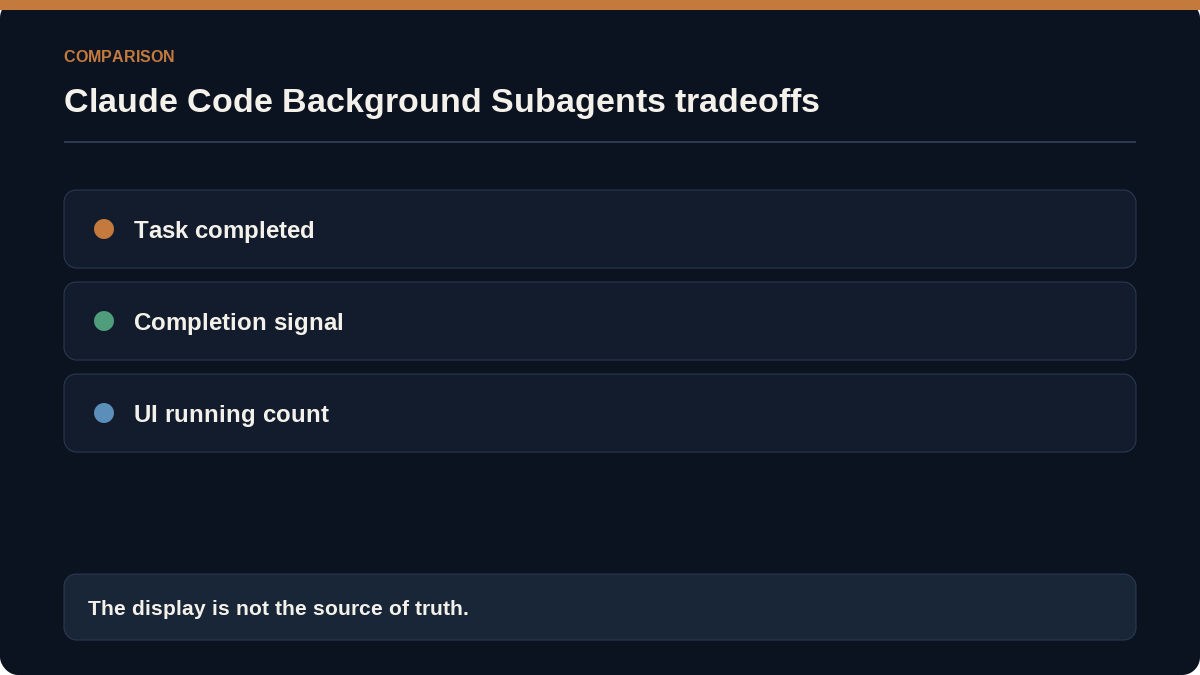
Use this sequence when the running count refuses to clear. It is deliberately ordered so that evidence survives interface recovery.
- Write down the task identity and the exact footer state. Do not rely on memory later.
- Read the returned report. Mark whether it answers the task and whether it includes evidence.
- Open
/tasks. Record active, completed, stopped, or missing as observed, not inferred. - Check the main session for a permission prompt. Resolve only requests you understand.
- If needed, inspect the host process tree by identity. Avoid broad process kills.
- Preserve task output and unsaved editor work before reloading the host.
- Reload only when the result is safe and no critical task would be interrupted.
- Redispatch a narrow task only if the original output is absent or unusable.
- Review the actual diff and tests before accepting completion.
- Log the sequence so a repeated display issue has evidence.
For automated wrappers, keep lifecycle checks outside the visual count. The task budgets versus hard stops guide explains why a soft hint cannot protect a production workflow. A wrapper should use documented loop controls and explicit result checks rather than treating a UI badge as a hard stop signal.
If failures arrive as rate-limit errors, separate them from display synchronization. The 429 error decision tree starts with the error and account state. A stale count does not explain a 429, and a 429 does not prove the footer is wrong.
The context-retention test for compaction is useful when a long parent session must hand work to a new session. Preserve the task record before compaction so a host restart does not force the team to reconstruct the assignment from chat history. If the transition itself is under review, the compaction cost worksheet separates the summary pass from resumed-work cost.
Honest loss and data gaps
The useful win is recoverable output. A stale count does not require throwing away a finished report or starting over. The honest loss is uncertainty: the display cannot tell you whether work is active, and the available report cannot tell you whether the host will synchronize later.
Unknown: the frozen sources do not establish how often this happens, which editor versions are affected, whether the count reflects a cached event, or whether any released version fixes it. They also do not prove that a displayed running task continues to consume tokens. Do not put that claim in an incident report without request-level evidence.
Future updates should revisit the VS Code issue, record the editor and Claude Code versions, and attach a redacted timeline showing task creation, result arrival, count state, and stop response. The usage tracking and cost API guide can inform historical API accounting, but it is not a real-time process monitor.
The prompt-caching economics guide matters only after you have evidence of fresh requests. Cache state can change cost, but it cannot diagnose a stale badge. Keep interface state, model requests, and billing records as separate evidence layers.
A limited OpenAI-format test route
If you want to compare task behavior in a separate harness, One AI API Key offers an OpenAI-format route rather than a Claude Code route. On 2026-11-27, its catalogue showed 76 listed models and 46 available-now free IDs across 22 families. The free IDs share 100 requests and 5,000,000 tokens per day per account, resetting at 05:30 IST / 00:00 UTC. Accounts can have up to three keys, with one request in flight per key on free models.
Those free IDs are OpenAI-format only. They are not available as free Claude Code endpoints. Claude Code uses the Anthropic-format endpoint, and all four Claude IDs were marked unavailable on 2026-11-27. Do not paste a free ID into Claude Code or describe this lane as a way to run Claude models there.
For an OpenAI-format agent such as OpenCode, Cline, or Cursor, the endpoint quickstart shows the base URL and first request. The prepaid pricing page documents the billing model and signup credit without implying another subscription. Use the LLM cost calculator for a separate estimate, and review the privacy and retention policy before sending repository material.
The loss is comparability. Another harness may serialize tasks, show completion, and manage cancellation differently. A smoke test can validate the gateway route, not reproduce the VS Code footer behavior. The coding-agent model selection guide helps frame that comparison without treating model choice as the cause of a host UI issue.
FAQ
Does a running subagent count mean tokens are still being used?
No. The count alone does not prove request activity. The community report describes a display and task-state mismatch, but the frozen evidence provides no token-consumption measurement for that condition. Check the result, /tasks, and host process state before drawing a cost conclusion.
Should I delete the task folder to clear the count?
Not before preserving and reading the output. Task history may contain the only useful report. The frozen sources do not establish folder deletion as a fix for the running-count report. Use the smallest safe UI recovery step and record what changed.
Can I stop a background subagent from the main session?
Official: permission prompts appear in the main session, and /tasks provides a stop path. If the host reports “No task found,” preserve the output and inspect task identity rather than repeatedly issuing the same command.
Is issue #348900 a confirmed Claude Code bug?
It is a community report in the VS Code repository. It was open at the cutoff with no official fix version. That is enough to justify a verification workflow, not enough to claim a universal defect or a particular root cause.
When should I redispatch the task?
Redispatch when the output is missing or unusable and recovery cannot restore it. Give the new task a narrower scope, reference preserved evidence, and use a separate worktree or ownership boundary if edits are allowed. Do not repeat the whole investigation just to clear a badge.
More Claude Code troubleshooting
- Claude Code WSL IDE environment-variable diagnosis
- Claude Code WSL2 memory-warning breakdown
- Claude Code VS Code WebSocket regression test
- Claude Code desktop browser-pane crash recovery
- Claude Code idle-session cache-miss analysis
- Claude Code long-context prefill latency test
- Claude Code billing-dispute evidence packet
- Claude Code refund and support policy guide
- Claude Code hallucinated-package supply-chain controls
- Claude Code GitHub Actions secret boundaries
- Claude Code repository-hook security review
- Claude Code extension-trojan remediation steps
- Claude Code CVE-2026-55607 sandbox boundary
- Claude Code auto-mode classifier limitations
- Claude Code generated-test oracle bias
- Claude Code legacy-code characterization workflow
Sources
- Claude Code subagents documentation, official lifecycle, background execution, permission prompts, and
/taskscontrols. - VS Code issue #348900, community report of completed background work remaining in the running count, open at the research cutoff.
- Claude Code troubleshooting documentation, official host-level recovery guidance.
- Claude Agent SDK agent loop documentation, official loop controls and stop conditions for SDK integrations.
- Claude stop reasons documentation, official response states that should not be confused with UI task counts.
- Claude Code hooks documentation, official execution points for teams that add external lifecycle checks.