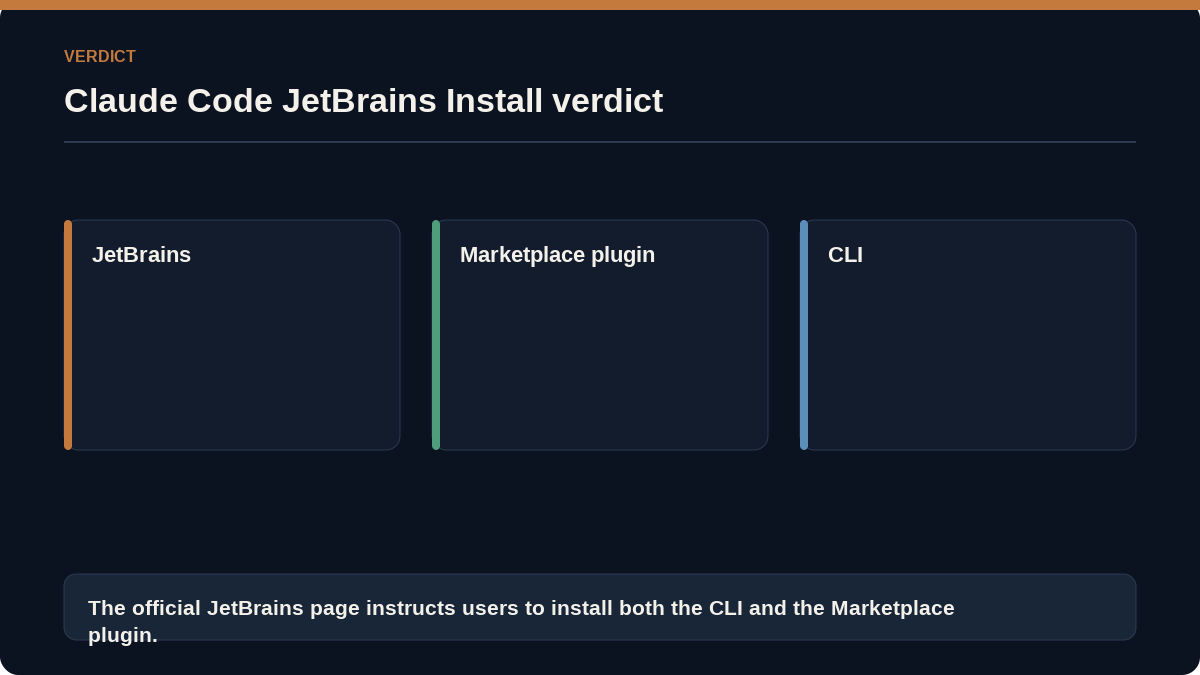
Claude Code’s JetBrains integration requires two separate components: the CLI and the Marketplace plugin. Official guidance lists IntelliJ, PyCharm, Android Studio, WebStorm, PhpStorm and GoLand. Install the CLI through the documented setup route and install the plugin through JetBrains Marketplace, then complete the sign-in flow the client presents. This article does not verify the exact authentication surface, so follow what the installed client shows rather than assuming a specific browser step. Paid subscriptions do not require an API key for this integration.
Automatic plugin updates can be enabled in JetBrains settings, but plugin updates and CLI updates remain separate ownership questions. The practical verdict is to verify both components independently, record each update owner and avoid promising support for products absent from the official list. Installing only the plugin does not complete the documented pair.
Why a paired installation is easy to half-finish
The CLI and plugin solve different parts of the integration. The CLI provides the command-line component, while the Marketplace plugin connects the supported IDE. A successful plugin installation therefore does not prove that the CLI is available, and a working terminal command does not prove that the IDE plugin is present.
This split creates a predictable support trap. A developer sees the plugin in the IDE and assumes setup is complete, then wonders why a terminal cannot launch Claude Code. Another developer installs the CLI first and treats the missing IDE integration as a CLI failure. Both diagnoses skip the paired requirement.
Update ownership adds a second trap. Enabling plugin auto-updates is documented, but it does not establish how the CLI is updated. Treating the pair as one automatically maintained artifact creates a false expectation.
A clean runbook names both components before installation and both owners before maintenance. This keeps a missing component visible instead of hiding it behind a generic statement that Claude Code is installed.
Evidence map: components, products, updates and sign-in
Official evidence supports the paired requirement in F073, the supported product list in F074, plugin auto-update configuration in F075 and the paid-subscription API-key exception in F076. These facts were checked on the JetBrains and authentication documentation on 2026-11-28.
No community issue or benchmark is needed for the baseline. The fact pack supplies no plugin version requirement, no fixed CLI update cadence and no measured setup success rate. Those omissions limit maintenance promises, not the documented installation pair.
Check the supported IDE list
Official guidance lists IntelliJ, PyCharm, Android Studio, WebStorm, PhpStorm and GoLand. Match the IDE product name exactly before installation. Do not infer support for another JetBrains product simply because it can install plugins from the same Marketplace.
| Supported IDE named by F074 | Installation check | Boundary |
|---|---|---|
| IntelliJ | Confirm the product and install both components | No version floor supplied here |
| PyCharm | Confirm the product and install both components | No version floor supplied here |
| Android Studio | Confirm the product and install both components | No version floor supplied here |
| WebStorm | Confirm the product and install both components | No version floor supplied here |
| PhpStorm | Confirm the product and install both components | No version floor supplied here |
| GoLand | Confirm the product and install both components | No version floor supplied here |
Record the IDE product in the setup note. A version can be useful for reproduction, but this packet does not authorize a minimum version claim. If a product is absent from the list, describe support as unconfirmed rather than guessing from branding or Marketplace availability.
The VS Code extension and standalone CLI guide covers a different editor’s component model. Its bundled-CLI statement should not be transferred to JetBrains without evidence. Keep each integration’s documented architecture separate.
Install the Claude Code CLI
Begin with the CLI component. Follow the official advanced setup route appropriate for the operating system and record which installation route was chosen. Do not mix uninstall or repair commands from native, npm and package-manager routes.
After installation, verify terminal launch through the route’s normal check. The native install PATH and binary ownership guide helps when the shell cannot resolve a native executable. The npm Node requirement, global prefix and PATH guide covers the npm route when that is the chosen owner.
| CLI decision | Safe action | Evidence |
|---|---|---|
| Choose operating system route | Follow current official setup | Route recorded |
| Confirm executable availability | Use the route’s normal terminal check | Launch result recorded |
| Diagnose a missing command | Inspect that route’s PATH or ownership guidance | No guessed executable path |
| Plan updates | Identify the CLI’s update owner | No automatic cadence assumed |
Do not present the CLI installation as proof that the JetBrains plugin is installed. The two checks remain separate even when they are completed on the same machine.
Open the JetBrains Marketplace
With the CLI component handled, open JetBrains Marketplace from the supported IDE and locate the Claude Code plugin. Marketplace installation is the documented plugin route in F073. Check the target IDE before confirming the installation.
The fact pack does not provide a plugin version floor or a manual installation-directory procedure. Use the Marketplace flow rather than inventing either. If an organization manages plugins centrally, record that constraint instead of assuming every developer can install locally.
After installation, confirm that the plugin is present in the intended IDE. Appearance in the Marketplace is not the same as a completed installation, so record the post-install state rather than stopping at the search result.
Install the Claude Code plugin
Install the Marketplace plugin into the supported IDE, then verify that the integration surface is available. A useful check names the IDE, the plugin presence and the CLI status in separate fields.
| Component | Installation route | Verification question |
|---|---|---|
| Claude Code CLI | Official setup route for the operating system | Can the intended terminal launch it? |
| Claude Code plugin | JetBrains Marketplace | Is the plugin installed in the supported IDE? |
| Integration | Both components together | Does the intended IDE surface recognize the setup? |
Keep verification material harmless. The goal is to confirm component presence and sign-in, not to run a sensitive task while the integration state is uncertain. Avoid screenshots that expose account details or credential values.
When the plugin is present but the CLI is missing, return to the CLI step. When the CLI works but the plugin is absent, return to the Marketplace step. A component-level diagnosis avoids an unnecessary reinstall of both.
Complete the sign-in flow
A signed-in account is part of a working integration, but this article does not verify which authentication surface the JetBrains plugin uses or when it appears. Do not treat a specific browser handoff as a documented requirement for this integration. Paid subscriptions do not require an API key for the JetBrains integration. Other authentication methods have different requirements, so the subscription exception should not be generalized to every setup.
Follow the sign-in flow the installed client actually presents, then return to the IDE and confirm the intended account. If the client offers more than one method, choose the one your organization already uses rather than assuming the browser path. Do not paste authentication URLs, tokens or credential files into an onboarding note.
Paid subscription sign-in: browser authentication; no API key required by F076.That line is a checklist statement, not a command. It keeps the subscription rule visible without implying that every credential method is keyless.
| Authentication case | Documented rule | Boundary |
|---|---|---|
| Paid subscription | No API key required for this integration | Specific to the subscription flow |
| First launch | Browser authentication | Follow the client’s handoff |
| Other methods | Requirements can differ | Check the relevant official route |
| Credential source unclear | Inspect documented precedence | Do not print credential values |
The credential precedence guide explains which source can be active. The browser login and logout guide covers first-launch mechanics and the documented copy-URL fallback without treating uninstall as a login reset.
Enable plugin auto-updates where intended
F075 documents enabling plugin auto-updates in JetBrains settings. Use that setting when automatic plugin maintenance matches the team’s policy. Record the choice so another developer knows whether plugin updates are expected to arrive automatically.
Maintenance of the plugin and CLI remains a pair of separate ownership questions. Enabling plugin auto-updates does not prove that the CLI has the same update behavior. Keep the two maintenance records distinct.
| Update owner | Documented action | Do not infer |
|---|---|---|
| JetBrains plugin | Enable plugin auto-updates in settings where intended | Automatic CLI updates |
| Claude Code CLI | Follow the chosen installation route’s update guidance | Plugin maintenance from the CLI command |
| IDE platform | Follow the organization’s IDE maintenance process | A plugin version requirement not supplied here |
| Team runbook | Record both owners and the check date | A fixed update cadence for this packet |
The update channels and minimum version guide covers documented update controls without promising release timing. It should not be used to invent a JetBrains plugin version floor.
Verify the IDE integration
Verification should confirm the pair, the account and the intended IDE surface. Start with the CLI check, then the plugin check, then the sign-in flow the client presents. A pass at one stage does not replace the others.
Use a simple record:
| Verification item | Pass condition | Evidence boundary |
|---|---|---|
| Supported IDE | Product is named in F074 | No support claim for unlisted products |
| CLI | Intended terminal launch works | Result belongs to the chosen install route |
| Plugin | Installed and present in the IDE | Marketplace presence alone is insufficient |
| Authentication | Intended account completes browser sign-in | No credential values recorded |
| Updates | Plugin policy recorded separately from CLI ownership | No fixed cadence invented |
The JetBrains external terminal and /ide guide covers connection setup from an external terminal. That is a follow-up for host placement and /ide, not a substitute for installing both components.
Keep IDE and terminal launch contexts separate
Terminal success and IDE success can be observed from different parent processes. A shell launched from a desktop, an IDE launched from an application menu and a remote development session do not arrive with one automatically shared environment. Treat inheritance as a verification question rather than assuming that a value present in one window is visible everywhere.
IDE configuration can also be correct while the running process still reflects an earlier launch. When a change appears to have no effect, record whether the relevant application was restarted. The settings env and process replacement guide explains documented environment timing without establishing a universal JetBrains inheritance defect.
Environment review should stay narrow. Identify the variable or setting involved, the process expected to read it and the launch path that process used. Avoid dumping an entire environment into a ticket because unrelated values can expose secrets and obscure the actual mismatch. The API key security guide for AI applications provides the separate secret-handling boundary.
Relaunch evidence belongs beside the component record. If the CLI is restarted but the IDE is not, write that distinction. If the IDE is restarted from a different launcher, name that launcher. A generic “restarted everything” note is weaker because it hides which process actually received the changed context.
Remote development adds another boundary without changing the paired installation rule. The CLI must be verified in the environment where it runs, while the plugin must be verified in the intended IDE. The JetBrains external terminal guide covers host placement and /ide; it does not provide a universal network recipe.
Recording these boundaries prevents a local observation from becoming a platform-wide claim. A setup note can say that the CLI passed in a named terminal and the plugin passed in a named IDE. That is more useful than saying the integration works everywhere, and it gives the next developer a precise place to reproduce the check.
Worked example: diagnose a half-finished pair
Suppose a developer can see the Claude Code plugin in PyCharm but cannot launch the CLI from a terminal. The supported IDE check passes because PyCharm is named in F074. The plugin check appears complete, but the CLI check fails.
| Observation | Component conclusion | Next action |
|---|---|---|
| PyCharm is the active IDE | Supported product branch applies | Continue the paired checklist |
| Plugin is installed | Plugin component is present | Do not reinstall it without new evidence |
| Terminal cannot launch Claude Code | CLI component is not verified | Inspect the chosen CLI route |
| Browser sign-in not yet completed | Authentication remains open | Complete first-launch handoff after setup |
The correct diagnosis is a missing CLI verification, not a universal JetBrains defect. Follow the relevant native install guide or npm install guide according to the chosen route. Do not combine their commands.
A second example has the reverse shape: the CLI launches, but the plugin is absent from WebStorm. WebStorm is supported, so return to the Marketplace installation step. A working terminal command does not complete the IDE pair.
Record the paired installation
A durable setup note should let another developer see both components and both update owners. Include the IDE product, CLI route, plugin presence, authentication result and plugin auto-update choice.
| Record field | Useful content |
|---|---|
| IDE | Exact supported product name |
| CLI | Installation route and terminal verification result |
| Plugin | Marketplace installation and IDE presence |
| Authentication | Browser sign-in completed for the intended account |
| Plugin updates | Auto-update setting choice |
| CLI updates | Separate owner or policy reference |
| Evidence date | Date of the check |
The global config versus settings.json guide helps classify Claude Code keys if a later problem concerns configuration rather than installation. The settings validation guide inspects loaded and rejected entries, but it is not a plugin installer.
Concrete win, honest loss and practical implication
The win is a complete, auditable pair. A developer on a listed IDE can install the CLI, add the Marketplace plugin, authenticate in the browser and record plugin update policy without pretending that one component covers the other.
The loss is split maintenance and bounded support evidence. Automatic plugin updates do not establish CLI update behavior, and the fact pack supplies no plugin version requirement or support promise for unlisted JetBrains products. A team must maintain two component records rather than one generic installation status.
The practical implication is to make the pair a release checklist. Verify the CLI and plugin independently, keep browser sign-in separate from API-key assumptions and record each update owner. For environments where the IDE process does not inherit terminal variables, the WSL IDE environment guide provides related launch-context coverage without defining JetBrains support.
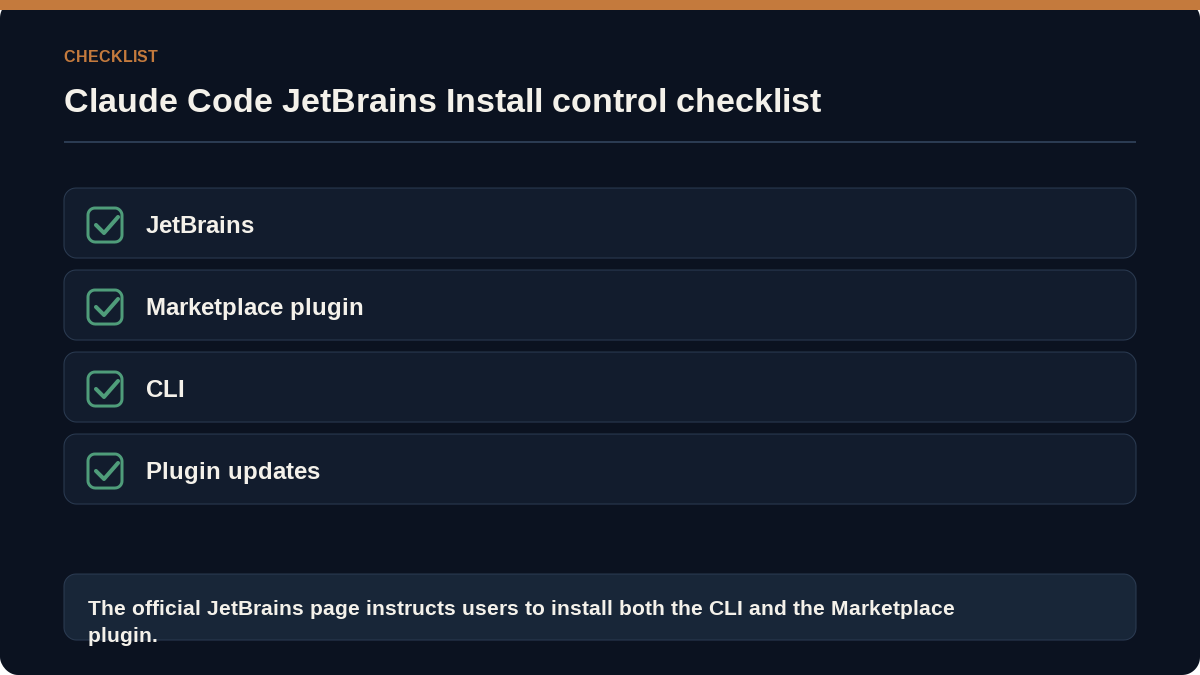
JetBrains installation checklist
Before closing setup, confirm each item:
- The IDE product is on the official supported list.
- The CLI was installed through the chosen official route.
- Terminal launch was verified for the CLI.
- The Claude Code plugin was installed through JetBrains Marketplace.
- Plugin presence was verified in the intended IDE.
- The account sign-in flow presented by the client was completed.
- Paid subscription sign-in was not incorrectly tied to an API key.
- Plugin auto-update policy was recorded.
- CLI update ownership was recorded separately.
- No plugin version requirement or unlisted-product support was invented.
What the public data does not show
The supplied evidence does not establish plugin version requirements, a fixed update cadence, support for products absent from F074 or a measured installation success rate. It also does not provide a universal remote-host networking recipe for external-terminal integration.
This section will be updated when official documentation publishes a broader product matrix or clearer update ownership. Until then, use the paired requirement, the named IDE list and separate component checks. Requirements should be rechecked before publication because IDE and plugin details can change.
Related batch runbooks
- VS Code extension and standalone CLI installation covers another editor’s separate surfaces.
- VS Code preferences, auto-connect and relaunch maps settings ownership and startup timing.
- Terminal keybindings and Shift+Enter covers input behavior in supported terminal paths.
- tmux passthrough and notification bells handles multiplexer configuration.
- Light, dark and custom terminal themes keeps appearance separate from installation.
- JetBrains external terminal and /ide connection covers host placement and connection setup.
- Native install PATH and binary ownership helps with native CLI resolution.
- npm Node requirement, global prefix and PATH covers the npm CLI route.
- Update channels and minimum version controls covers documented update policy.
- Global config versus settings.json classifies IDE-related configuration keys.
- Browser login and logout state covers first-launch authentication mechanics.
- Credential precedence across API keys, helpers and OAuth identifies the active credential source.
- Settings validation with status and doctor inspects loaded and rejected settings.
One AI option for OpenAI-format agents
One AI’s active route is for OpenAI-format agents using https://api.oneaiapikey.com/v1, one key and the 46 live free IDs. It is not an Anthropic-format model source for Claude Code, and the One AI Claude IDs were unavailable on 2026-11-27. For a separate OpenAI-format project, review the free model catalogue, follow the OpenAI-format quickstart or estimate usage with the cost calculator. The OpenAI versus Anthropic API format guide and the free IDs for Claude Code users explainer explain why the free IDs do not belong in a Claude Code credential setup.
FAQ
Is the JetBrains plugin enough by itself?
No. Official guidance requires both the CLI and the Marketplace plugin. Verify each component independently.
Which JetBrains IDEs are listed?
F074 lists IntelliJ, PyCharm, Android Studio, WebStorm, PhpStorm and GoLand. Do not infer support for products absent from that list.
Does paid subscription sign-in require an API key?
No. F076 says paid subscriptions do not require an API key for the JetBrains integration. Other authentication methods have different requirements.
Do plugin auto-updates also update the CLI?
That is not established. Plugin updates and CLI updates are separate ownership questions, so record each one independently.
Is there a plugin version requirement in this guide?
No plugin version floor is supplied by the fact pack. Check current official documentation rather than inventing one.
More Claude Code troubleshooting
- Claude Code Homebrew Install: Manage Cask Updates Manually
- Claude Code WinGet Install: Locate the Binary and Maintain PATH
- Claude Code Linux Packages: Compare apt, dnf and apk Updates
- Claude Code Uninstall: Remove Binaries and Preserve Configuration
- Claude Code Credential Storage: macOS, Linux and Windows Paths
- Claude Code CLAUDE_CONFIG_DIR: Absolute Paths for Auth Storage
- Claude Code SSO Login: Restrict Organization and Login Method
- Claude Code apiKeyHelper: Dynamic Keys and Refresh Timing
- Claude Code Settings Precedence: Five Scopes in Exact Order
- Claude Code Settings Merge: Project Local Versus User Values
- Claude Code Dev Container Feature: Install and Node Fallback
- Claude Code Dev Container Auth: Persist Config With a Volume
- Claude Code Docker Config Mount: Permissions and Write Access
- Claude Code VS Code Dev Containers: Align CLAUDE_CONFIG_DIR
- Claude Code Container User: Align HOME, Config and Workspace