Direct answer
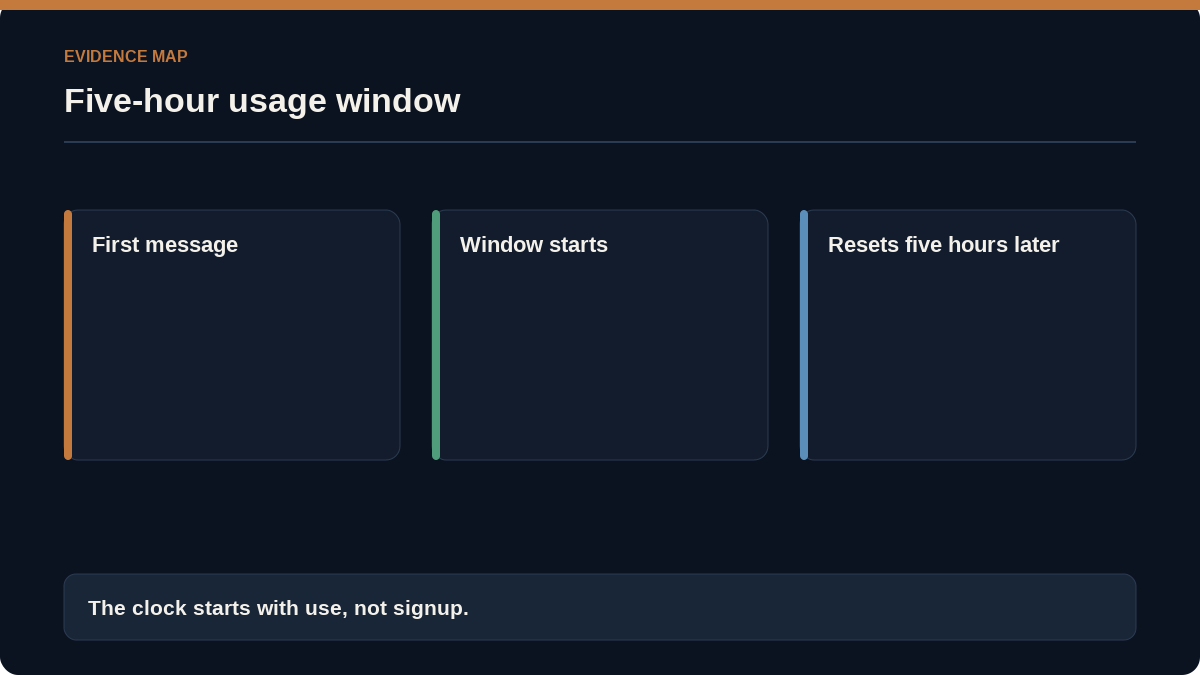
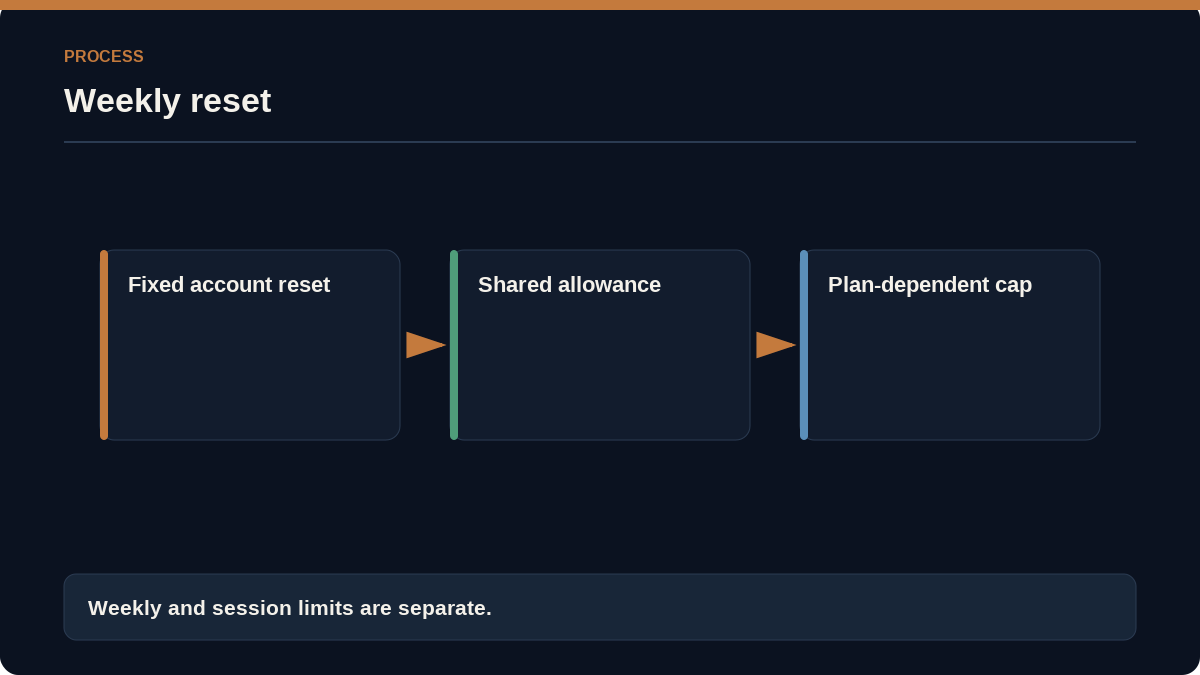
Claude Code’s standard five-hour window starts when you send your first message, then resets five hours later. It is not a continuously rolling quota. A separate weekly limit resets at a fixed time assigned to your account. Usage across claude.ai, Claude Code and Claude Desktop counts toward the same usage limit.
Verified Ultra accounts are the exception: they do not have the standard five-hour cap, but a weekly limit still applies. That makes Ultra different, not unlimited. The practical rule is to plan heavy work around both reset clocks and avoid assuming that switching Claude products creates a fresh allowance.
Why the reset mechanics matter
A quota interruption rarely arrives at a convenient moment. You may be midway through a refactor, waiting on a test run, or trying to finish a review before a meeting. If you misunderstand the clock, you can start a long task too late or assume that a short pause will restore access when it will not.
The five-hour window is fixed after it begins. Official: Anthropic says the standard window starts with the user’s first message and resets five hours later. It does not roll forward five hours after every message. A message near the end of a window does not buy a new five-hour block.
The weekly limit is a second control, not another name for the same thing. Official: it resets at a fixed time assigned to the account. The public fact pack does not give one universal reset hour for every account. Check the account’s displayed reset information rather than copying a time from a forum post.
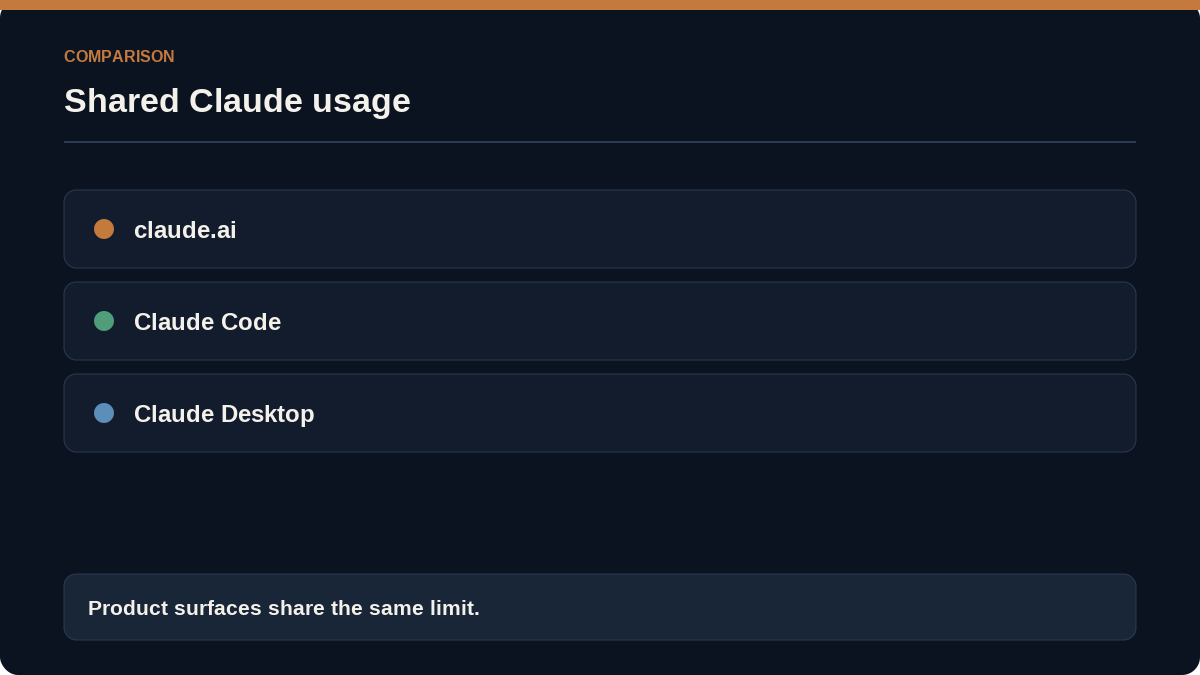
There is also a shared-usage effect. Official: activity in claude.ai, Claude Code and Claude Desktop counts toward the same limit. A morning chat session can therefore reduce the capacity left for an afternoon coding session. The products are separate surfaces, but the allowance is shared.
Limit mechanics at a glance
| Control | Start or reset rule | Scope | Common mistake |
|---|---|---|---|
| Standard five-hour window | Starts with the first message, resets five hours later | Standard accounts | Treating it as a rolling window |
| Weekly limit | Resets at a fixed time assigned to the account | Account usage | Assuming one universal reset hour |
| Shared product usage | Counts across claude.ai, Code and Desktop | Same usage limit | Treating each product as a separate bucket |
| Verified Ultra exception | No standard five-hour cap | Verified Ultra only | Calling Ultra unlimited |
Independent reporting has covered the frustration around quota exhaustion. The Register’s March 2026 report on Claude Code limits and TechCrunch’s July 2025 report on weekly limits establish that the issue received press attention. They do not establish your personal quota, the exact cap for every plan, or a universal failure rate.
The five-hour window, step by step
Think of the standard window as a timer with a start event. The start event is your first message. Once that happens, the timer runs for five hours. When it expires, the standard window resets.
A simple example makes the mechanism clear. Suppose the first message arrives at 09:10. Derived: 09:10 plus five hours is 14:10. A message sent at 13:55 does not move the reset to 18:55. The window still ends at 14:10.
That example uses clock arithmetic only. It does not claim how much work fits inside the window. The frozen evidence does not provide a fixed token allowance for Pro or Max, and this article will not invent one.
What the window is not
The standard window is not continuously rolling. It does not refresh five hours after your latest message. It also does not begin at midnight, at signup, or when you open a new terminal. Those alternatives make intuitive sense, but they conflict with the documented start event.
This distinction changes how you schedule work. If you send a first message at 11:00, a large task started at 15:30 may have less room than expected. If you wait until 16:05 to begin a fresh block, you may get a new five-hour window after the 16:00 reset, subject to the weekly limit.
Do not treat the five-hour reset as a guarantee of full weekly capacity. You can have a fresh session window while the weekly allowance remains constrained. That is why the two clocks need separate planning.
A safe way to test your own window
Use a low-stakes task and record three timestamps: the first message, the moment access stops, and the displayed reset time. Keep the task small enough that you are not trying to finish production work against an uncertain boundary.
This is a Community-style personal observation, not a population benchmark. It tells you how your account behaved on that date. It does not prove that every account has the same cap or that a later policy change will behave identically.
The Claude Code proof-of-work packet is useful here. Save the task description, the agent’s output and the verification result. A quota test becomes more useful when you can separate access interruption from an incomplete or incorrect answer.
The weekly reset is a separate clock
The weekly limit resets at a fixed time assigned to the account. Official: that timing is account-specific in the sense that you should use the reset information shown for your account, not a generic internet schedule.
A weekly cap can bind even when the five-hour window has reset. Imagine that the standard window opens again after lunch, but the weekly allowance is nearly used. You may be able to send a message and still stop soon afterward. The presence of a fresh five-hour timer does not erase the weekly constraint.
The Claude Code free-tier entry price explains which plans include Claude Code. Plan inclusion, however, is not a promise of identical limits. Pro, Max and Ultra all include the product, and the verified Ultra exception changes the five-hour rule. The Claude Ultra five-hour exception covers that distinction in detail.
What to record before a heavy week
Write down the weekly reset shown in your account. Then place your largest tasks before that boundary when possible. If the reset falls during your working day, avoid beginning a long, non-interactive loop just before it unless you have a safe stopping point.
A practical weekly plan might look like this:
- Use the early part of the week for broad exploration and refactors that can pause cleanly.
- Keep small fixes and review work for later in the week.
- Reserve the period immediately before the weekly reset for tasks that can be checkpointed.
- Avoid scheduling a deadline that depends on one uninterrupted quota block.
This is workflow advice, not a claim about official quota amounts. The point is to reduce the cost of an interruption regardless of the exact cap.
Shared usage across Claude products
Claude Code does not sit inside an isolated quota bucket. Official: usage across claude.ai, Claude Code and Claude Desktop counts toward the same usage limit.
That shared allowance is easy to miss when you use the products for different purposes. You might research an error in Claude chat, inspect a diff in Claude Code, and later dictate a note in Claude Desktop. Each surface can feel like a separate workflow, but the usage meter sees one account-level allowance.
The practical response is not to avoid Claude chat. It is to budget consciously. If you have a heavy coding day, move non-essential chat work to another time or accept that it reduces coding capacity. If you need the chat work for the coding task, keep it focused and avoid duplicate requests.
A second response is to preserve evidence. When a limit arrives, save the task state, changed files and test output. The Claude Code context-portable migration guide explains how to carry prompts, hooks and context files into another workflow. A quota stop should not force you to reconstruct the entire task from memory.
Shared usage also makes personal experiments noisy. If you change models, prompts and Claude products at the same time, you cannot tell which change affected the result. For a useful comparison, change one variable at a time and keep the task set constant.
The verified Ultra exception
Verified Ultra accounts do not have the standard five-hour cap. Official: the exception is specific to verified Ultra accounts, and a weekly limit still applies.
This is where many summaries go wrong. One version says every paid plan has a five-hour cap. Another says Ultra is unlimited. Both statements overreach. The accurate version has two parts: verified Ultra lacks the standard five-hour cap, and Ultra remains subject to a weekly limit.
Ultra costs $200 per month. That price is documented on the Claude pricing page. The exception may matter for long daily sessions, but it is not a reason to ignore the weekly reset or to assume that every account is verified.
The Ultra API credits versus Claude Code usage guide explains another Ultra detail: the plan includes monthly API credits, but those credits do not pay for interactive Claude Code usage. Keeping the subscription, API credit balance and Claude Code usage balance separate prevents a common budgeting error.
Who should consider the exception
A developer who regularly works in long sessions and hits the standard five-hour boundary has a concrete reason to evaluate Ultra. A developer who mostly needs short, intermittent sessions may not feel the same benefit.
Before upgrading, record how often the five-hour cap interrupts accepted work. Also record whether the weekly cap is the more frequent blocker. If weekly resets dominate, removing the five-hour cap may not solve the main problem.
The Claude Code cost per verified change model helps make that comparison. A higher plan should be judged by accepted, verified output after review and rework, not by the number of hours the agent remains available.
Plan comparison without inventing quotas
| Plan | Claude Code access | Standard five-hour cap | Weekly limit | Price |
|---|---|---|---|---|
| Free | Not included | Not applicable | Not applicable | $0 |
| Pro | Included | Applies | Applies | $20 monthly or $200 annually |
| Max | Included | Applies | Applies | $100 monthly |
| Verified Ultra | Included | Does not apply | Still applies | $200 monthly |
The table records access and reset rules, not a numeric token allowance. The frozen evidence does not supply one universal quota for each plan. A blank quota comparison would be less useful than an honest boundary.

How to plan work around both resets
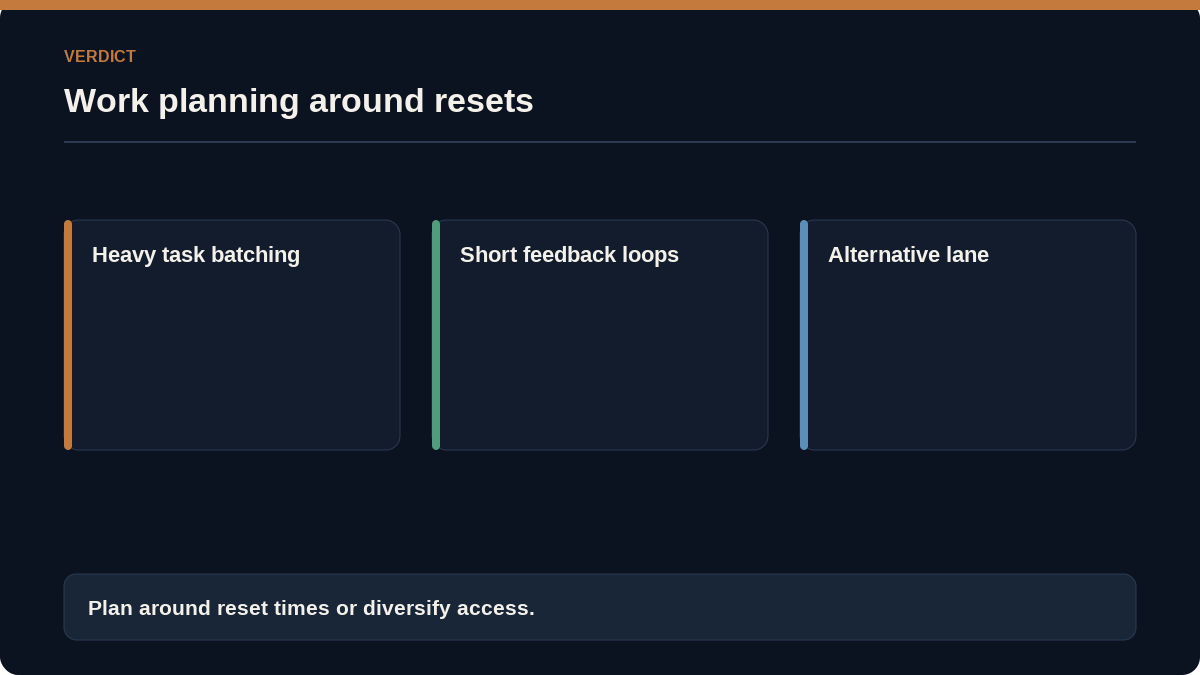
Good quota planning starts with task shape. Some work can pause at a clean boundary. Other work should not be started unless you have enough time to finish and verify it.
A refactor with tests can often stop after one file. A migration across many services is harder to pause safely. A broad investigation can produce useful notes even if the session ends early. A deployment or data correction needs a different level of certainty.
Use the following matrix as a starting point, then adjust it to your repository.
| Work type | Start early in a window? | Checkpoint requirement | Practical note |
|---|---|---|---|
| Focused bug fix | Yes | Save failing test and changed files | Easy to verify before a reset |
| Broad code search | No | Save candidate files and hypotheses | Useful output can survive an interruption |
| Multi-service refactor | Yes | Commit or stash at safe boundaries | Avoid starting near a reset |
| Test-suite repair | Yes | Record failing test names | Keep the oracle visible |
| Deployment or data change | Only with a complete plan | Require rollback steps | Do not rush verification |
| Documentation pass | No | Save draft location | Lower interruption cost |
The Claude Code false-success verification guide explains why a convincing summary is not enough. Quota pressure makes that risk sharper. If the agent says the work is done just before a reset, ask for changed files, test output and external-state checks before accepting the claim.
Short feedback loops reduce wasted quota
A long, vague prompt can produce a large amount of output before you discover that the agent misunderstood the task. Smaller feedback loops make that mismatch visible earlier. State the expected result, ask for a focused change, run the relevant test, and then continue.
This does not mean every request should be tiny. Some tasks need broad context. It means the context should serve the next decision. The Claude Code context versus memory guide explains why a large context window is not the same as reliable recall. More repeated context can increase cost without improving the result.
For API-billed work, the Fable 5.2 agent-loop pricing math shows how repeated context changes a bill. For subscription work, the same loop shape can consume a limited window faster. The billing unit differs, but the engineering lesson is shared: bound the loop before it starts.
A reset-aware task checklist
A quota plan becomes useful when it changes what you do at the start of a session. Before the first message, check the time remaining in the current five-hour window and the weekly reset shown for the account. If either boundary is close, choose work that can pause cleanly.
Write a one-sentence goal beside the task. If the goal cannot fit in a sentence, split the work. A broad goal such as “improve the API layer” can expand until the window disappears. A narrower goal such as “add validation to the create-user handler and run its tests” gives the agent and the reviewer a finish line.
Keep a checkpoint file outside the generated conversation. Record the branch, changed files, failing tests and the next action. The Claude Code context-portable migration guide explains how to preserve prompts, hooks and context files. A checkpoint is valuable even when you never change agents, because it makes an interruption recoverable.
Set a verification step before the agent starts. Name the test, command or manual check that will prove the result. The Claude Code false-success verification guide explains how a passing demo can miss authentication, persistence or external state. Quota pressure makes that shortcut more tempting, not more acceptable.
When the window is fresh, use it for the task with the highest interruption cost. When the window is nearly over, use it for review, small fixes or documentation. The guidance is a scheduling rule, not an official quota formula. Its value is that it matches task shape to the remaining time.
Recover from an interrupted session
An interruption does not have to erase the task. Start by saving the repository state. Commit completed work, stash partial changes, or write down the files that were being edited. Then record the last verified result. A test that passed before the interruption is more useful than a memory that the agent seemed confident.
Next, separate the work into three buckets: accepted, incomplete and unknown. Accepted changes have evidence. Incomplete changes have a clear next action. Unknown changes need inspection before you trust them. The Claude Code proof-of-work packet gives you a format for that review.
When access returns, begin with a short status request rather than a broad “continue.” Name the accepted changes, the failing check and the next decision. The request reduces the chance that the agent repeats completed work or builds on an unverified assumption.
If the interruption reveals that one provider is doing too much work in your delivery path, treat it as an architecture signal. The Claude Code single points of failure guide maps quota, region, account and model failures separately. A backup should address the failure you actually saw, not a generic idea of resilience.
If you need to test a multi-model route
If quota interruptions are a recurring cost, test a second route before you need it. One AI API Key’s active lane is built for OpenAI-format agents, not Claude Code. The 46 live free model IDs run through https://api.oneaiapikey.com/v1 with one key. The quickstart shows the setup, and the current model catalogue shows availability. Use an OpenAI-format agent such as OpenCode or Cline. The free lane allows 100 requests and 5,000,000 tokens per day per account, shared across the 46 free IDs. It resets at 05:30 IST, which is 00:00 UTC. Accounts can have up to three API keys, with one request in flight per key on free models. Those are explicit limits, not an unlimited replacement for a subscription.
Do not put the free IDs into Claude Code. Free IDs are OpenAI-format only. The documented Claude Code route runs at https://api.oneaiapikey.com using the Anthropic Messages format, but all four Claude IDs were unavailable on 2026-11-27: claude-sonnet-5-5, claude-sonnet-5, claude-opus-5-5 and claude-haiku-4-5. The route is documented, not live.
A fair test uses the same repository, task set and acceptance checks. Record the agent, model ID, reset boundaries, review time and accepted changes. The multi-model OpenAI-agent setup provides an architecture, and the 46 free AI model IDs guide explains the format boundary.
Keep a rollback path. The Claude Code exit-plan checklist is useful even if you never leave Claude Code, because it forces you to know what a backup must preserve. Check the live gateway status before a time-sensitive run, and use the per-key controls to cap evaluation traffic.
The honest loss is that model behavior and interfaces differ. A different agent may handle tools, prompts or repository context differently. The Claude Code lock-in and exit costs covers that switching work. A backup route reduces concentration risk, but it does not guarantee identical output.
Format compatibility deserves its own check. The Claude Code custom API base URL guide explains the Anthropic endpoint shape, while the OpenAI versus Anthropic API format guide explains why a client cannot be moved by changing a model name alone. Keep those two routes separate in your test plan.
A weekly review that improves the next week
Once a week, compare the plan with what happened. Record the tasks you expected to finish, the tasks you accepted, and the points where a reset interrupted work. Also note the Claude chat and Desktop usage that shared the allowance. The review should explain the week, not grade your worth as a developer.
Look for patterns. If broad investigations regularly produce useful notes before a stop, schedule them when an interruption is cheap. If multi-service refactors repeatedly cross a reset, split them into smaller commits with verification at each boundary. If review becomes the bottleneck, reduce the amount of generated change before adding more agent capacity.
The Claude Code cost per verified change worksheet is useful here because it keeps accepted work in the denominator. A week with fewer generated lines but more accepted changes is a better week. A week with constant activity and repeated rework is not.
Use the review to update your task checklist. If a checkpoint saved the work, keep that practice. If a vague goal caused a long detour, rewrite the goal. If a quota boundary repeatedly collided with a deadline, move the deadline or change the route. Small adjustments compound faster than a dramatic plan that depends on perfect quota timing.
The review also gives you a clean record for plan decisions. If the standard five-hour window is the recurring obstacle, the verified Ultra exception deserves a look. If the weekly cap is the recurring obstacle, the exception may not solve the problem. If neither reset matters but review time is high, a different model or agent may be a better test than a higher plan.
What the evidence does not show
The public fact pack does not provide one numeric quota for every plan, a universal weekly reset time, or a measured distribution of quota interruptions. It also does not prove that every user who reports a limit encountered the same cause.
Community reports can show that an experience occurred. A Hacker News discussion collects frustration about opaque limits, and a GitHub issue describes a weekly-limit report. Those threads are useful signals, not population data. They cannot support a claim that a specific percentage of users are affected or that a particular workload always consumes a fixed amount of quota.
The article will need an update if Anthropic publishes new plan-specific limits, changes reset mechanics, or expands the Ultra exception. Until then, the stable facts are the start event, the five-hour duration, the account-specific weekly reset, shared usage across products, and the verified Ultra exception.
FAQ
Does the Claude Code five-hour window roll after every message?
No. The standard window starts with the first message and resets five hours later. A later message does not move that reset.
At what time does the Claude Code weekly limit reset?
It resets at a fixed time assigned to the account. Use the reset information shown for your account rather than assuming one universal time.
Does Claude chat usage affect Claude Code limits?
Yes. Usage across claude.ai, Claude Code and Claude Desktop counts toward the same usage limit.
Is Claude Ultra unlimited?
No. Verified Ultra accounts do not have the standard five-hour cap, but a weekly limit still applies.
Can the 46 free gateway IDs be used in Claude Code?
No. Those IDs use the OpenAI format and require an OpenAI-format agent. The documented Claude Code route uses the Anthropic format, and its four Claude IDs were unavailable on 2026-11-27.
Sources
- How Claude usage and length limits work
- Usage limit best practices and the verified Ultra exception
- Manage usage credits for paid Claude plans
- Claude pricing and plan inclusion
- The Register on Claude Code quota exhaustion
- TechCrunch on the introduction of weekly limits
- Hacker News discussion of opaque Claude limits
- GitHub community report on weekly limits